[MOD] Cirrus Extended v2

  Thread Rating:
  • 13 Votes - 5 Average
  • 1
  • 2
  • 3
  • 4
  • 5
Post Reply
SamHill Offline
Senior Member
Posts: 102
Joined: Dec 2010
Reputation: 2
Location: Lacey, WA.
Post: #1651
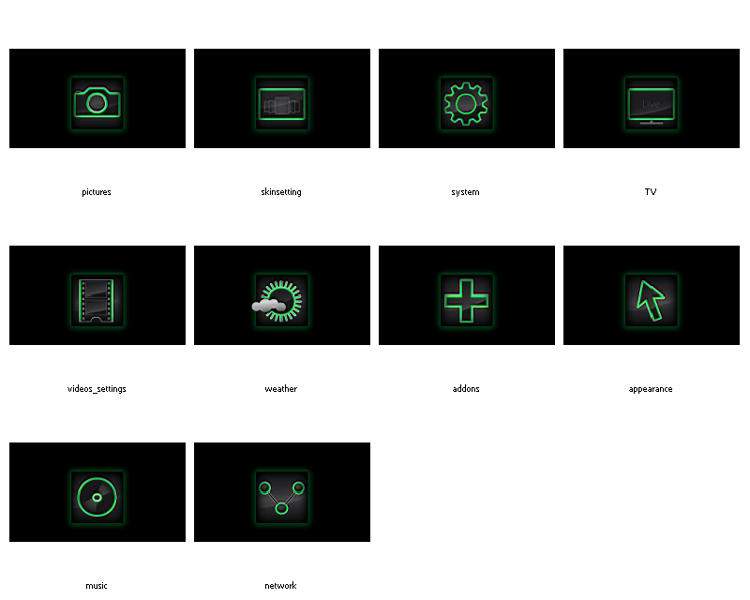
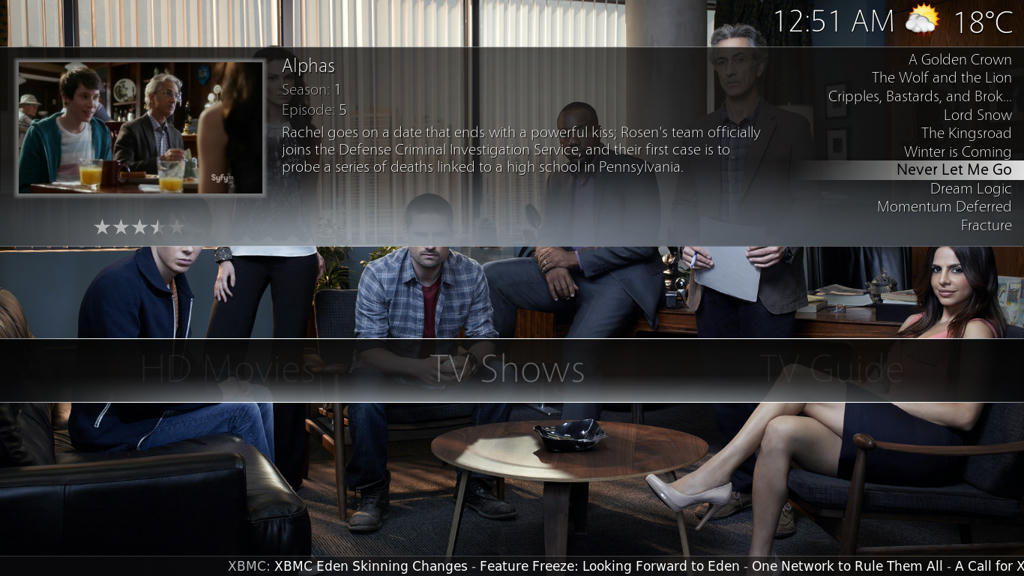
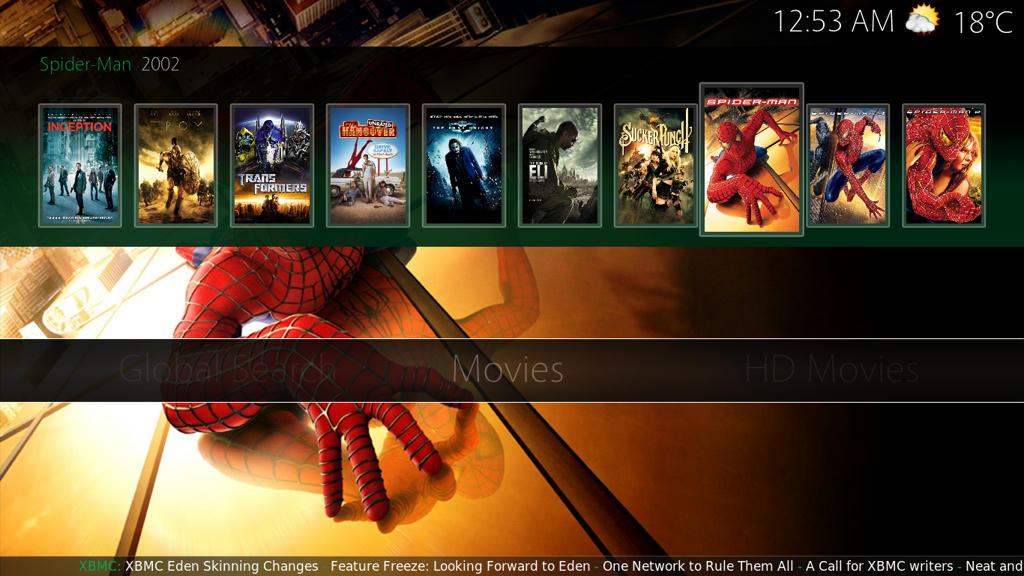
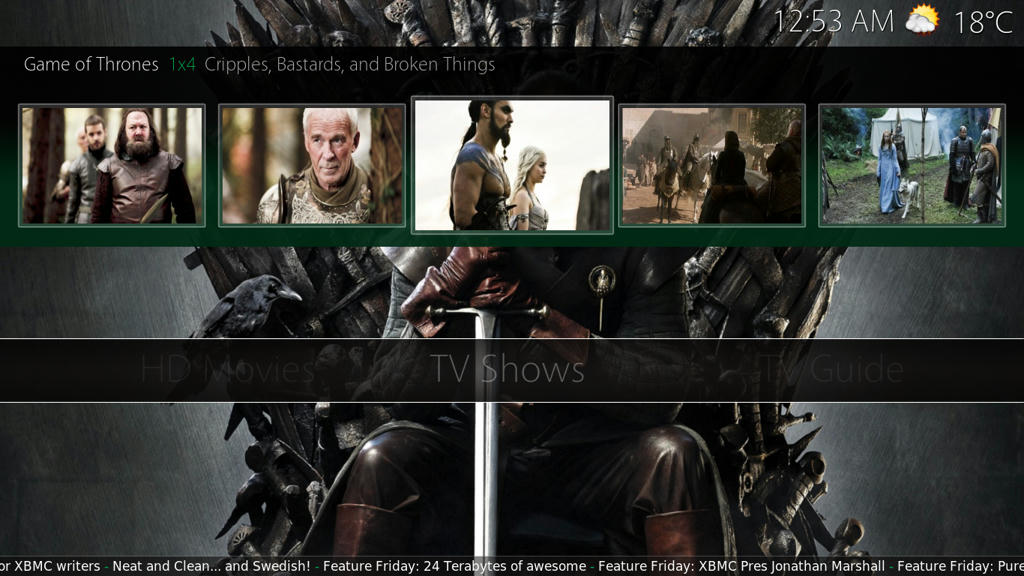
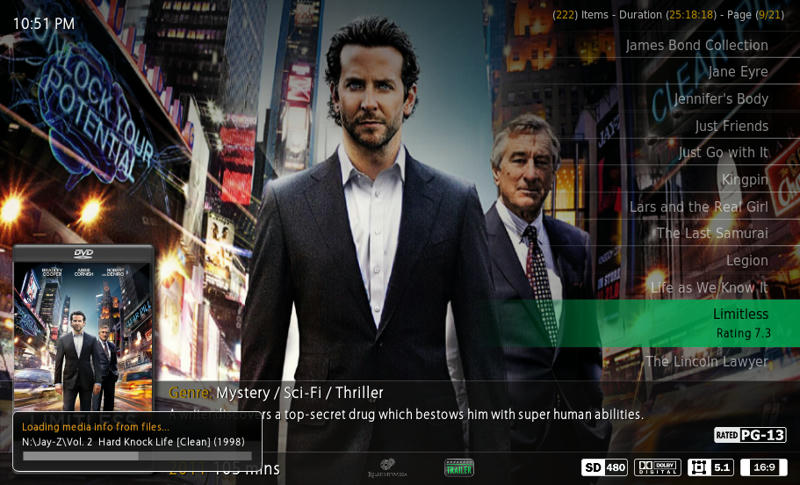
These are just some modifications of Julien's (aka N.O.W.A.L.L) design that I did to match the green Theme I had created. These would be placed in your backgrounds folder to replace the orange themed images.

[Image: be6d61fd84f12a05ff2684938ef81db7b1be7e90...cd955g.jpg]

Download them at the link below.
http://www.mediafire.com/?87nfhn9cxhsbc78

Attached is the updated Green theme with the White bar back on the Horizontal menu.
Green Theme - Place in media folder

Attached is the source file for the Settings backgrounds
http://www.mediafire.com/?e9enxra960d1no9

[Image: widget]
(This post was last modified: 2011-10-15 17:45 by SamHill.)
find quote
N.O.W.A.L.L Offline
Fan
Posts: 382
Joined: Feb 2011
Reputation: 20
Location: Lausanne Switzerland
Post: #1652
I didn't try the green theme/backgrounds but according to screenshots it looks cool!

I was thinking myself for the last couple of weeks of updating the backgrounds I made for the settings, keeping the square orange symbols, but making more simple background, maybe playing a bit with alpha layer.

Indeed, the first things I made for CE2 were the power buttons then the settings backgrounds. But at the end my backgrounds aren't so much corporate with the theme, I mean this brushed steel texture with curved laser beam look strange now.

Maybe this week-end I will pull my PSD out of dust and work on this for orange/silver themes

Anyway good job Sam!

[Image: logo_apple_ok.png] Mini 2.66 Intel Core 2 Duo / Silver Apple Remote / Philips 32PFL9606
My complete GFX contributions to CirrusExtended 2
My complete set of backgrounds and complete set of moviegenre fanarts
Check them out!
… and btw my name's Julien
find quote
butchabay Offline
Skilled Skinner
Posts: 3,423
Joined: Mar 2010
Reputation: 62
Location: Switzerland
Post: #1653
To make fit the green theme with the rest of the skin i'll add a green color to choose in appearance settings, so all the orange labels would become green.
Sam, for doing this i need to know which green you're using.
find quote
cd492 Offline
Senior Member
Posts: 136
Joined: Feb 2010
Reputation: 0
Post: #1654
I don't know if this was mentioned before, but when I watch a TV Show and push the Info Button the clearart overlaps the Plot.

[Image: y5m2gp.jpg]
find quote
butchabay Offline
Skilled Skinner
Posts: 3,423
Joined: Mar 2010
Reputation: 62
Location: Switzerland
Post: #1655
cd492 Wrote:I don't know if this was mentioned before, but when I watch a TV Show and push the Info Button the clearart overlaps the Plot.

[Image: y5m2gp.jpg]

Will be fixed thanx.
find quote
butchabay Offline
Skilled Skinner
Posts: 3,423
Joined: Mar 2010
Reputation: 62
Location: Switzerland
Post: #1656
Download Link to the uncompressed media folder in the first post !
find quote
SamHill Offline
Senior Member
Posts: 102
Joined: Dec 2010
Reputation: 2
Location: Lacey, WA.
Post: #1657
butchabay Wrote:To make fit the green theme with the rest of the skin i'll add a green color to choose in appearance settings, so all the orange labels would become green.
Sam, for doing this i need to know which green you're using.

I have been using a few shades of green. I would go with the main green as I did the shadows in a slightly darker green.

The main green is listed below
RGB Values
R - 0 / G - 166 / B - 81

CMYK
C - 83% / M - 6% / Y - 96% / K - 1%

The shadow behind the setting backgrounds are listed below.

RGB Values
R - 0 / G - 166 / B - 81

CMYK Values
C - 100% / M - 0% / Y - 100% / K - 0%

[Image: widget]
(This post was last modified: 2011-10-15 17:35 by SamHill.)
find quote
SamHill Offline
Senior Member
Posts: 102
Joined: Dec 2010
Reputation: 2
Location: Lacey, WA.
Post: #1658
N.O.W.A.L.L Wrote:I didn't try the green theme/backgrounds but according to screenshots it looks cool!

I was thinking myself for the last couple of weeks of updating the backgrounds I made for the settings, keeping the square orange symbols, but making more simple background, maybe playing a bit with alpha layer.

Indeed, the first things I made for CE2 were the power buttons then the settings backgrounds. But at the end my backgrounds aren't so much corporate with the theme, I mean this brushed steel texture with curved laser beam look strange now.

Maybe this week-end I will pull my PSD out of dust and work on this for orange/silver themes

Anyway good job Sam!


Thanks.
I have added my source file if you cannot find yours in the post here.
http://forum.xbmc.org/showpost.php?p=912...count=1651

[Image: widget]
find quote
butchabay Offline
Skilled Skinner
Posts: 3,423
Joined: Mar 2010
Reputation: 62
Location: Switzerland
Post: #1659
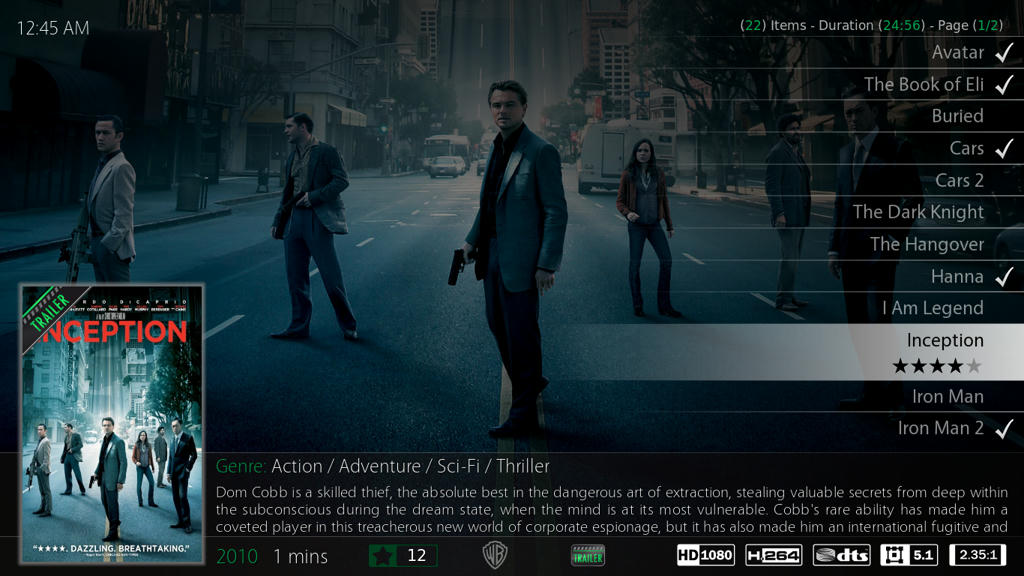
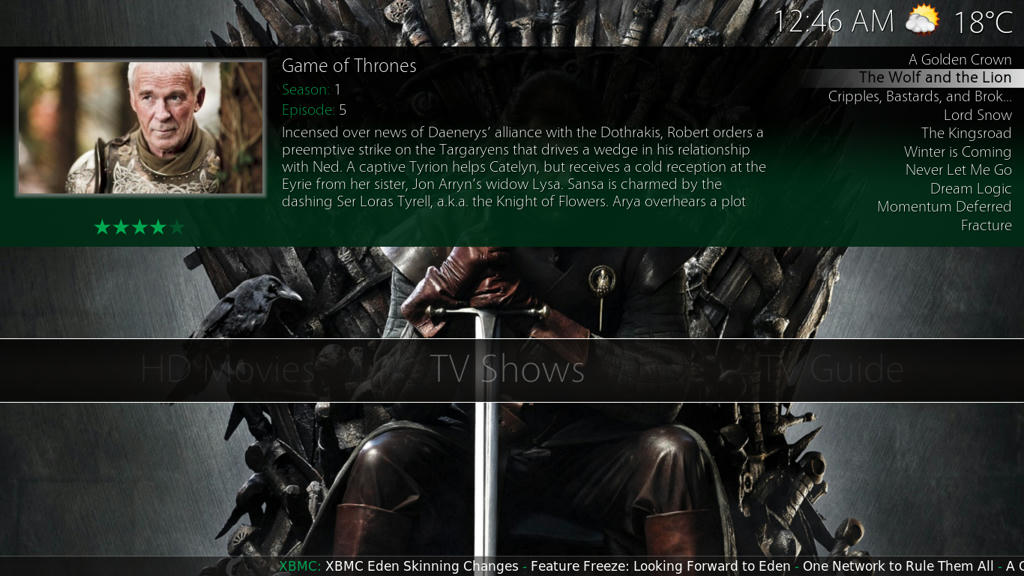
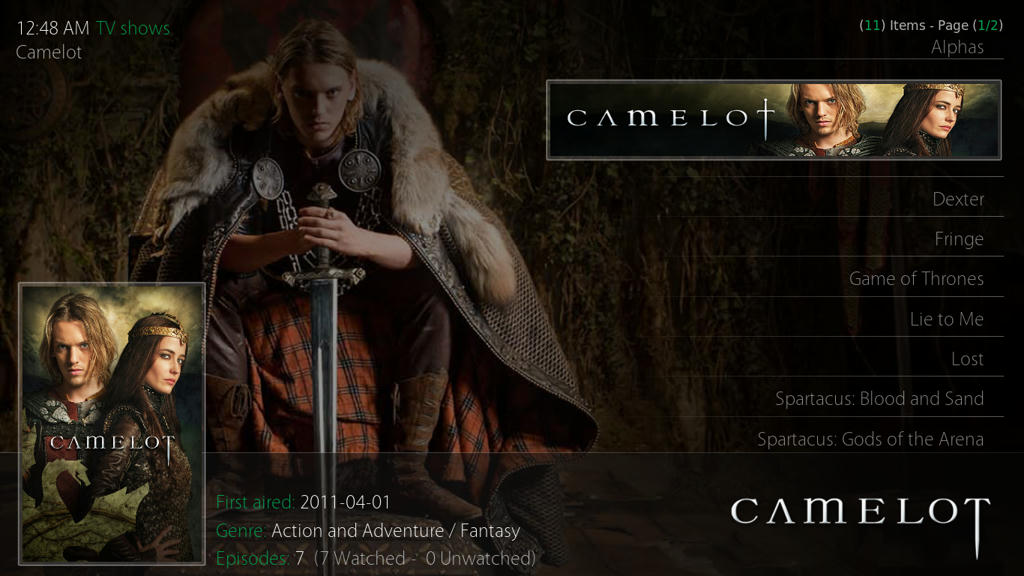
Added font colors silver (grey) for silver theme and green for green theme selectable in appearance settings.

Some screenshots:

[Image: 037d28f076a9dfb866697e783d8b8bf0090cf0d7...0a346g.jpg]

[Image: d8e596bc8fbceba9092c4e66fb6d02fb1719248b...b1f56g.jpg]

[Image: 3fad2d1f64b0ee652f199694f32585a2fc4e0365...86656g.jpg]

[Image: 4ce3cc41680876c0c5d359eb155d6b09d55ac893...0cf96g.jpg]

[Image: 15748261dea433a2ddd0af36744b40cec122cd47...aa0c6g.jpg]

[Image: 3264fe469c2cae5a02eb6943ccfac45efd60acf2...3ad46g.jpg]
find quote
ialand Offline
Senior Member
Posts: 231
Joined: May 2011
Reputation: 0
Post: #1660
ok I'm probably blind, but where is this setting? How are the files named? location?
find quote
Post Reply