2011-06-02, 16:37


2011-06-02, 18:15
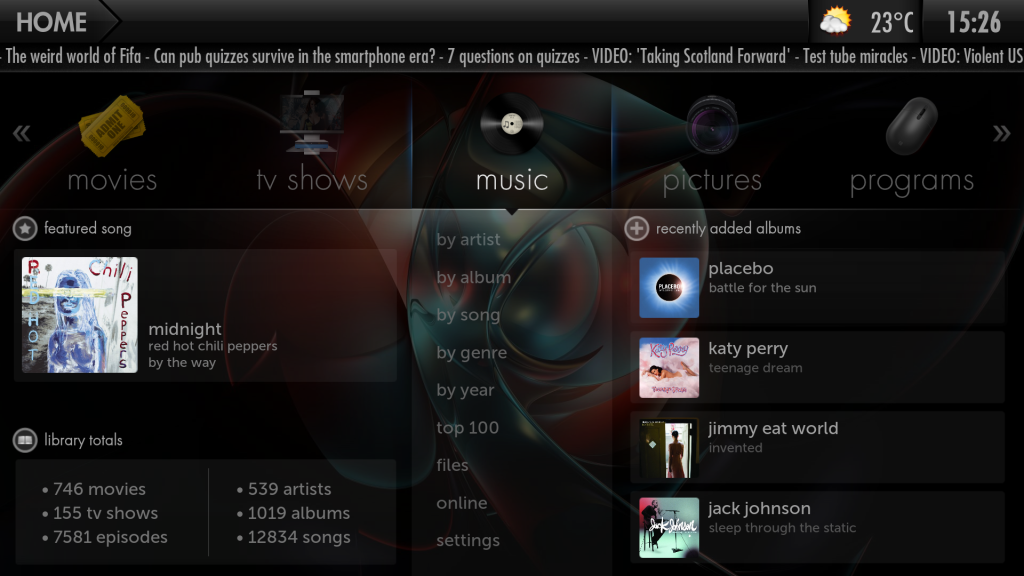
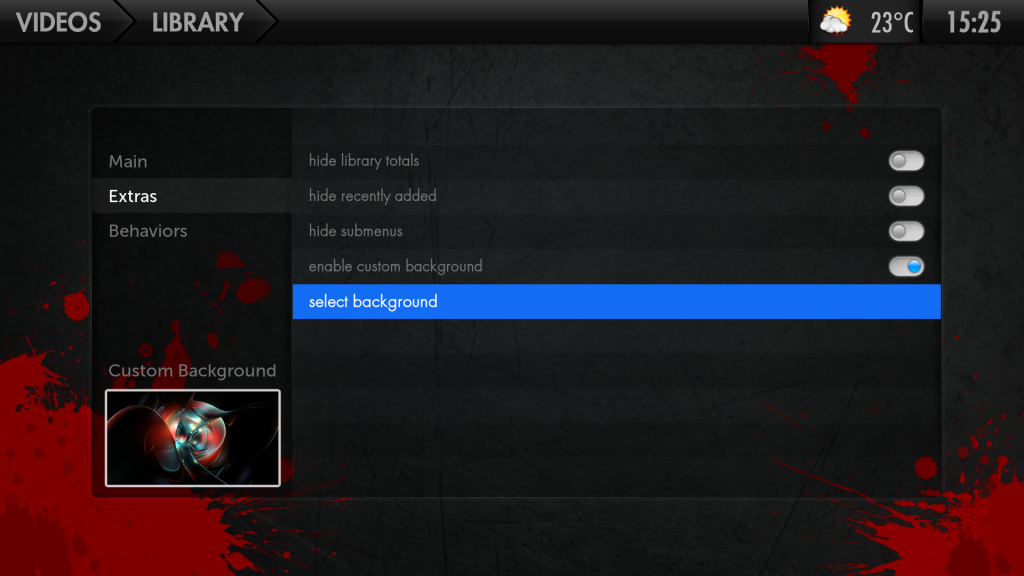
Does this just set 1 as default for all or can you set them for tv shows movies and so on?
Plus i think it would look better if the background only covered the bottom of the screen, ie starting just below the top menu. but i will have a look at this
Plus i think it would look better if the background only covered the bottom of the screen, ie starting just below the top menu. but i will have a look at this

2011-06-02, 18:20
It's just one for all of them. I could expand it for one for each but that wasn't my initial objective, just wanted a reasonably subtle personalisation.
EDIT: I may do it later depending on if I can be bothered if people actually want it.
EDIT 2: I wanted it full screen but obviously feel free to modify it to your tastes, you should just need to alter the size and position of the custom background image and enable the original background to display behind it (providing you actually want to see it rather than black).
EDIT: I may do it later depending on if I can be bothered if people actually want it.
EDIT 2: I wanted it full screen but obviously feel free to modify it to your tastes, you should just need to alter the size and position of the custom background image and enable the original background to display behind it (providing you actually want to see it rather than black).
2011-06-02, 18:25
tungmeister Wrote:It's just one for all of them. I could expand it for one for each but that wasn't my initial objective, just wanted a reasonably subtle personalisation.That was what i had in mind, it may be beyond my skill level, as i usually just merge the mods i like into crookas's mod pack.
EDIT: I may do it later depending on if I can be bothered if people actually want it.
Though it does get complicated when 3 or more mods use the same file.
But i will see if i can understand the code thanks

And megaupload is having problems
2011-06-02, 18:31
I've added a mediafire mirror aswell, Don't know what's up with megaupload recently.

2011-06-02, 18:35
i agree with Paul
It should be below the nav bar .... ot if it is possible less transparency
It should be below the nav bar .... ot if it is possible less transparency
2011-06-02, 18:45
The problem with transparency is it appears different on different screens, it appears perfect on my TV but too visible on my laptop, would you have it with the original backgroud behind the nav bar or just black?
original
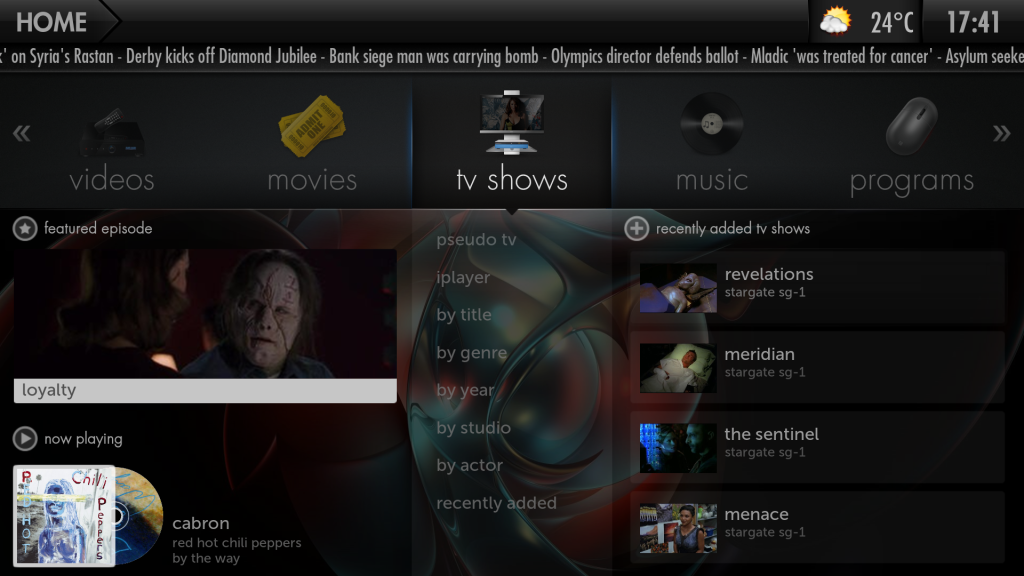
black
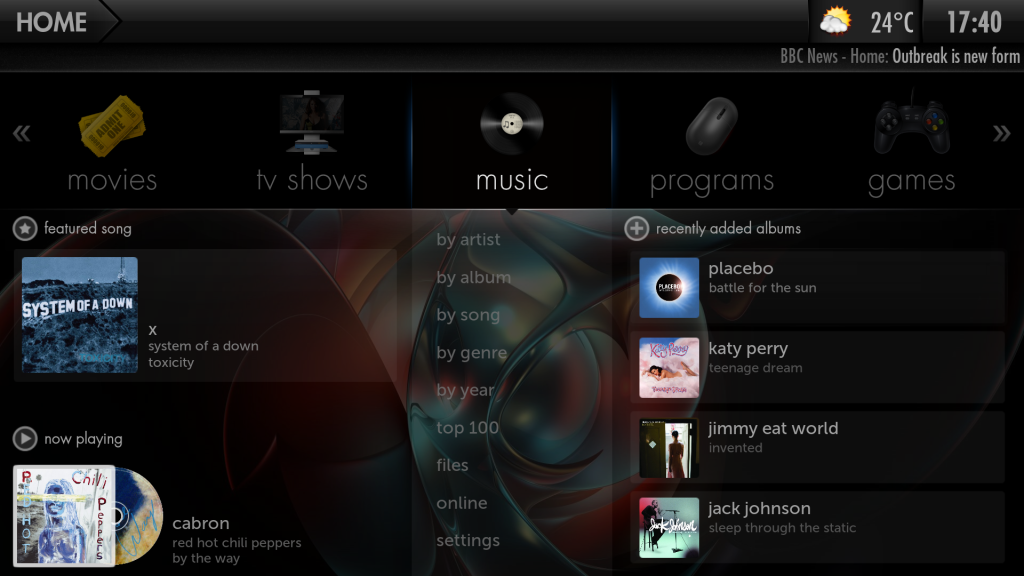
original
black
2011-06-02, 19:14
paul Wrote:Got it thanks from mediafire.
And the first one looks best.
here it is below the nav bar
 clicky
2011-06-02, 19:45
tungmeister Wrote:here it is below the nav barHa ha you beat me too it, not sure how it happened but library totals were not showing.
But i managed to add what was needed to Home.xml its now working well with my existing mods

Once i have fineshed changing a few more textures i will upload the full mod
2011-06-02, 19:54
tungmeister Wrote:here it is below the nav barWill have to try it later as now media fire is having problems, but it might be my router/modem/ virgin ISP is total crap
2011-06-02, 20:01
I've no problems with my 50mb from virgin  , what other mods are you incorporating?
, what other mods are you incorporating?
2011-06-02, 20:14
Finally got it after resetting my router and modem. though i am only on the 10mbit package.
I am using crookas mod pack 2 as a base + added shit loads of new textures.
Also adding your cd art mod and this one, Plus the larger featured film mod plus shutdown on home screen. and theres been alot of shared files.
I have used winmerge to merge the mods, it's taken weeks and weeks for me to get how i want it, i just wish i understood xml more, then i could contribute more.
but sadly am too old to learn .
.
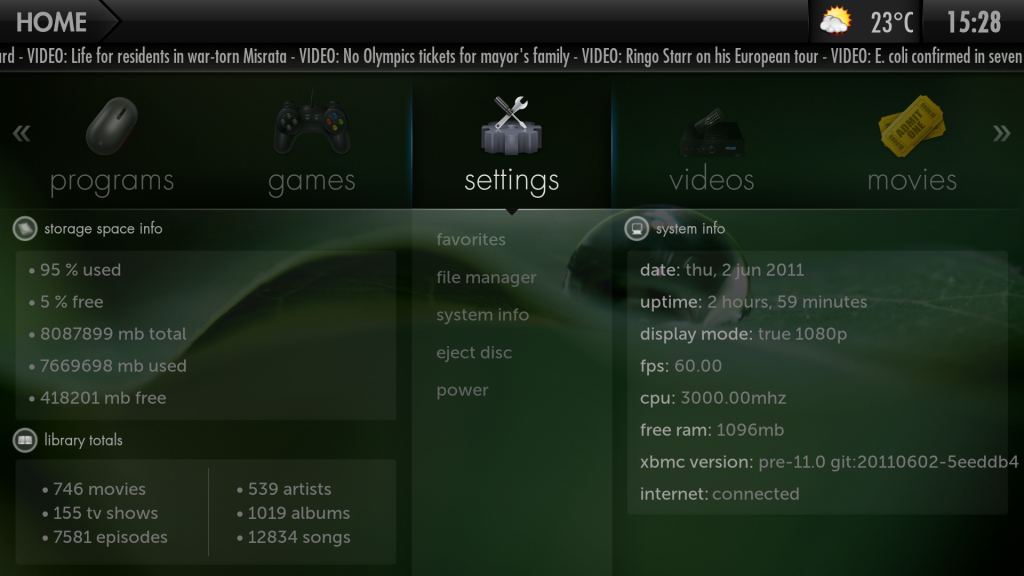
Thanks tungmeister looks much better the way you did it. though the library total don't work, but i can fix that when i re merge the mods.
Cheers
I am using crookas mod pack 2 as a base + added shit loads of new textures.
Also adding your cd art mod and this one, Plus the larger featured film mod plus shutdown on home screen. and theres been alot of shared files.
I have used winmerge to merge the mods, it's taken weeks and weeks for me to get how i want it, i just wish i understood xml more, then i could contribute more.
but sadly am too old to learn
.Thanks tungmeister looks much better the way you did it. though the library total don't work, but i can fix that when i re merge the mods.
Cheers
2011-06-02, 20:31
you're never too old to learn, It's pretty simple to pick up really, though to be fair I do have a computer science degree so I probably don't represent the average view.
2011-06-02, 20:45
tungmeister Wrote:you're never too old to learn, It's pretty simple to pick up really, though to be fair I do have a computer science degree so I probably don't represent the average view.Very true but some people are never going to be able to do what you and arcanthur and all the other clever skinners do. I will stick to what i do and hope others can acheive what i can only dream of being able to do.

