UPDATE INFO: New skin update for Frodo is in the works, will support pvr - no release date yet - screenshots
--------
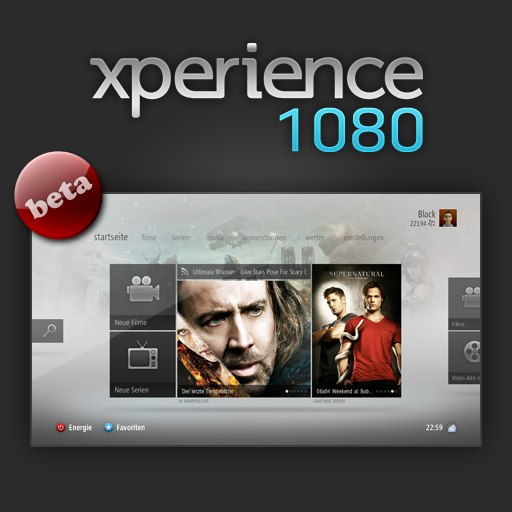
So, finally here's the new version of my skin for the latest nightly builds.
How to install:
You can post bugs and suggestions here. Skin is also available on github (check link below). If you want to mod the skin, I can also provide .psd files, just ask if you need something.
Note:
Download banners with Artwork Downloader and enable "prefer posters" in the thetvdb scraper settings. Enable locally stored banners in the skin settings (I will drop this setting in future skin version and enabled will be default).
Translations:
If someone wants to do a translation for another language besides english & german, here's the english language file.
Github:
https://github.com/Black09/Xperience1080
Gallery
Video
--------
So, finally here's the new version of my skin for the latest nightly builds.
How to install:
- Download XBMC 11.0 “Eden”
- Download repository.blacks.zip
- In case you've used the old version and have skin.xperience1080 in addons, delete it first and remove everything related to xperience1080 from guisettings.xml in the userdata folder
- In XBMC browse to Add-ons > Install from ZIP file > Navigate to where you saved xbmc.repo.blacks.zip and Install
- Go to Add-ons > Get Add-ons > Black's Repository > Program Add-Ons (you may need to update the repo once if it's empty)
- IMPORTANT: Install viewmodes & playerevents script
- Go back, then into Skin, install Xperience1080 and run it after install
- Then restart XBMC because there are some scripts which get started on startup
- If you want to use the metro home screen, go to settings -> skin -> home -> enable metro home screen
You can post bugs and suggestions here. Skin is also available on github (check link below). If you want to mod the skin, I can also provide .psd files, just ask if you need something.
Note:
Download banners with Artwork Downloader and enable "prefer posters" in the thetvdb scraper settings. Enable locally stored banners in the skin settings (I will drop this setting in future skin version and enabled will be default).
Translations:
If someone wants to do a translation for another language besides english & german, here's the english language file.
Github:
https://github.com/Black09/Xperience1080
Gallery
Video