Posts: 57
Joined: Nov 2011
Reputation:
0
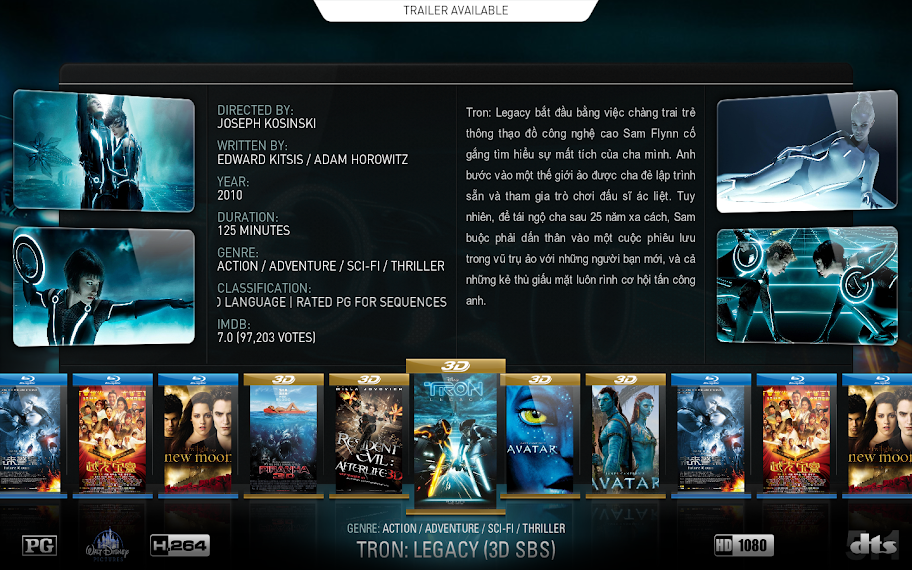
anyone know how to change cover to bluray case ?
Posts: 1,638
Joined: Nov 2009
Reputation:
149
You need to put 'bluray' tag in file name and re-scraper:
Avatar bluray.iso
------------------------------------------------------
Want to know more about the skin? Liked my work and want contribute?
Visit my website
XBMC Brazilian Community Forum
By making a donation, please do not post in the forum, send me an email or PM, thank you.
Posts: 27
Joined: Jul 2011
Reputation:
0
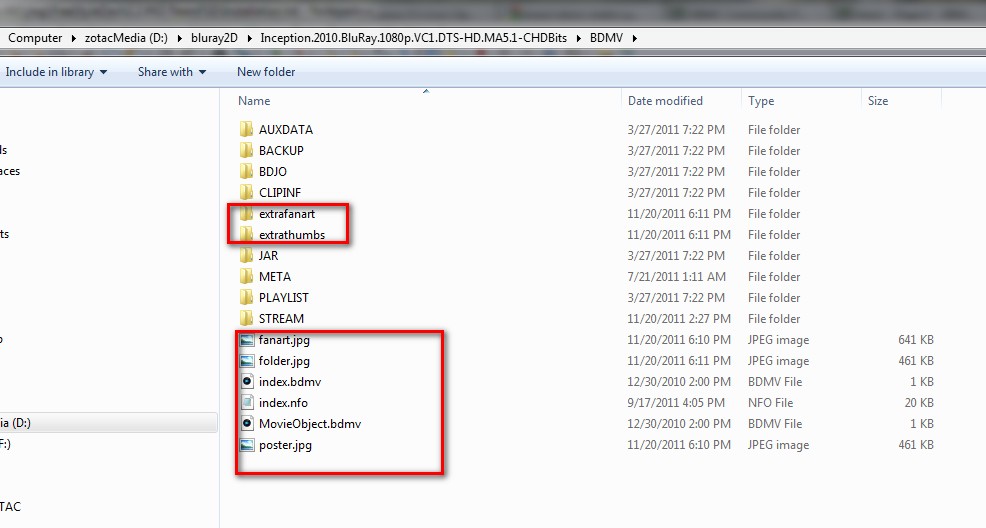
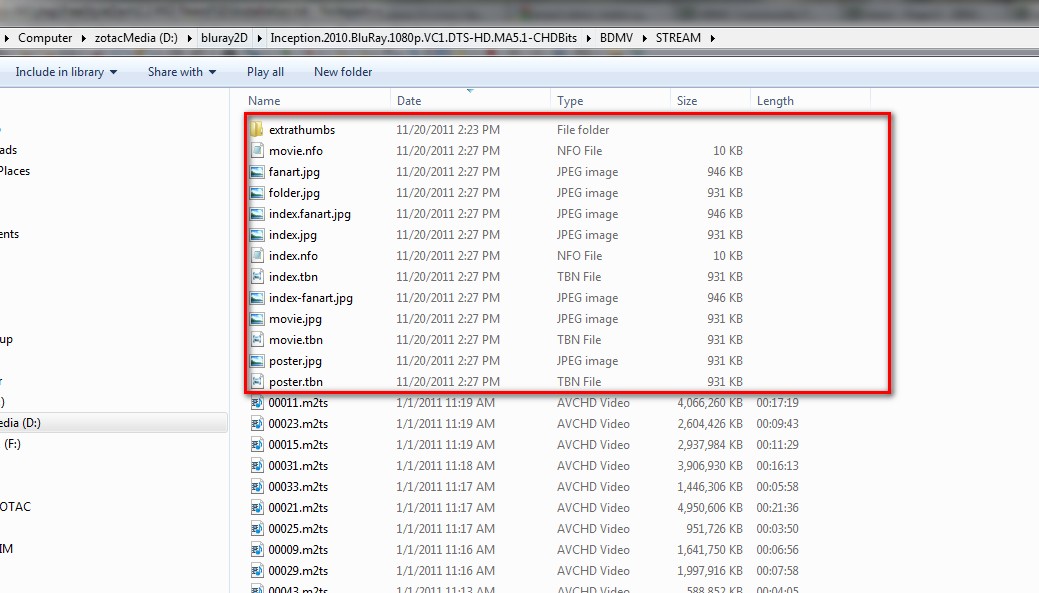
Is there any way to get bluray cases for bluray file structures? I have the folder renamed as .bluray.iso and in the scraper settings the circle for use folder name for lookups is ticked, but still no bluray case. Any ideas?
Posts: 155
Joined: Sep 2009
Reputation:
2
fnwc
Senior Member
Posts: 155
I have the same problem as Fuerte, all the covers show up as the "neutral" cover in MQ3 Dharma.
Strangely enough, all the covers work correctly in MQ2, though, so I don't think the naming of the files is the issue.
Posts: 149
Joined: May 2009
Reputation:
2
use a "dot"
rename your file to avatar.bluray.iso
make sure that you do NOT have "use folder names for lookup" checked... You don't need the bluray tag in the folder name... I prefer use it like this:
z:\movies\avatar (2009)\avatar (2009).bluray.iso
Posts: 265
Joined: Sep 2008
Reputation:
2
Is ist possible to just show specific bluray covers?
What i'd like is to have standard Bluray/DVD shown without any additional cover but only display the 3D for such movies.
Is this possible?
Posts: 149
Joined: May 2009
Reputation:
2
haven't got a clue what you mean...
Can you add a screenshot of what you want?
If I understand correct you want a blank cover?
if so, just create a blank cover, rename it to folder.jpg or poster.jpg and copy it in the folder of choice. importing your library will then use this cover as your "artwork"... would like kinda shitty now woulnd't it?
Posts: 5
Joined: Feb 2012
Reputation:
0
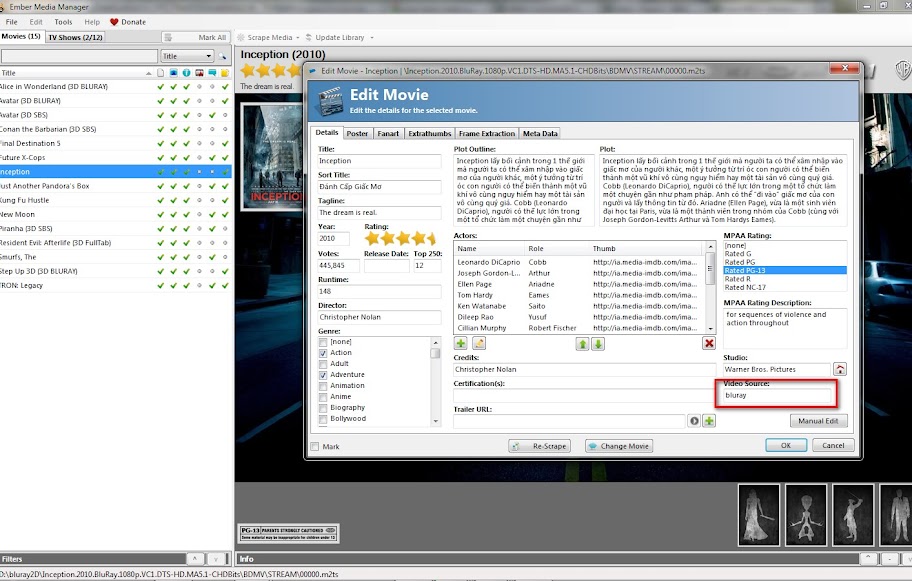
Same issue here as with Fuerte: I got single files in single folders, no Bluray-Cover possible. The Ember flag "Video Source" worked perfect in last version of MC3, now it seems to be turned off?
Any chance to get it back?
Posts: 5
Joined: Feb 2012
Reputation:
0
Hi Wanilton,
thanks, you're right (I tested it before and it works), but I wanted to know, if it's possible to solve the bluray-appearance with the flag "Video Source", as it was in the previous version of the skin. Because I would have to rename 138 bluray-folders and the items within. I could do that, but I wonder if renaming of all my folders is perhaps the complicated alternative, if there's some flag wich could be turned "on" again ... (you see, I'm a dumb one in programming/skinning, so perhaps it's way more difficult to change to the previous solution - then I will walk the renaming path *g*).
Thanks! This skin is absolute great work, I'd like to tribute in some way (could offer some graphical work) if there's any need? Keep on rocking!
cu!
Snorrt