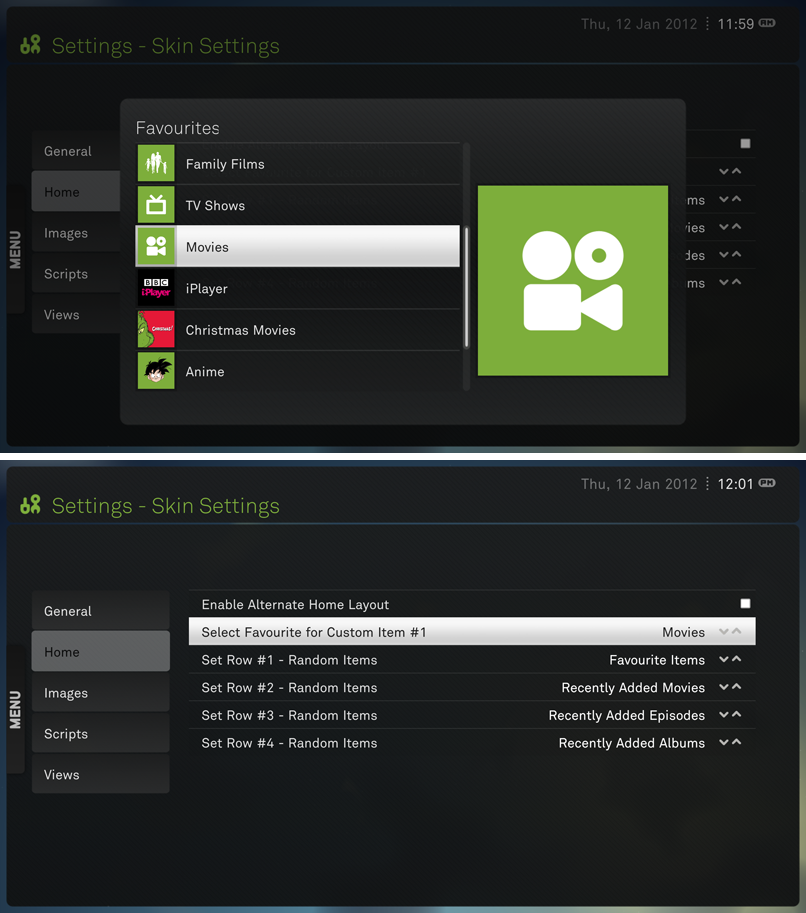
![[Image: xeeboxyoutube.png]](http://img834.imageshack.us/img834/553/xeeboxyoutube.png)
Madlib
Junior Member Posts: 13 Joined: Jan 2011 Reputation: 0 |
2012-03-28 23:07
Post: #11
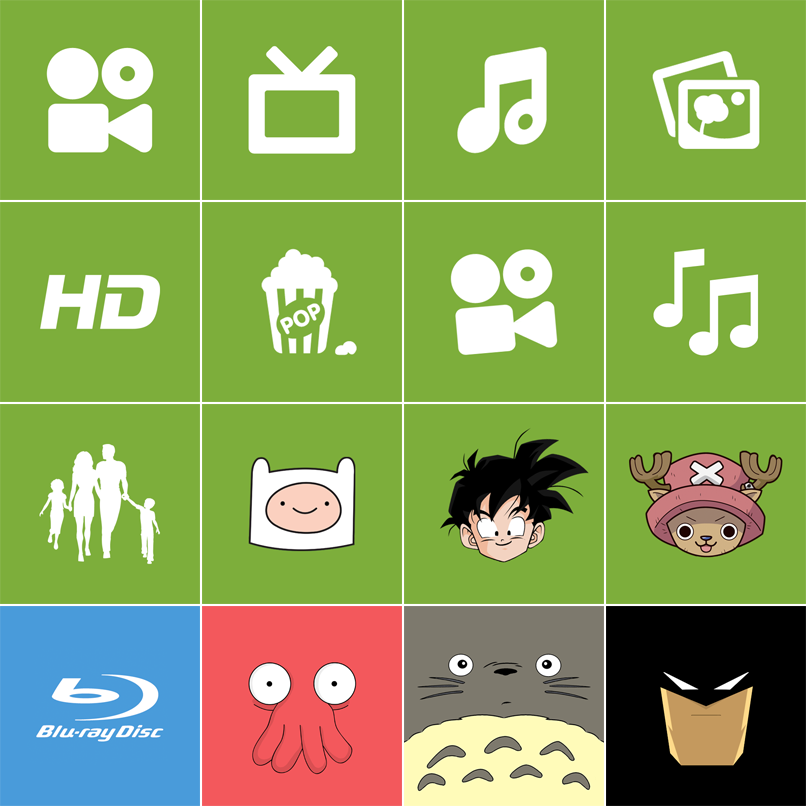
Quickly made two more =)
![]()
|
| find quote |
piodio
Member Posts: 65 Joined: Sep 2004 Reputation: 1 |
2012-04-01 13:45
Post: #12
Thank you for your works.
BTW can I request some thumbnails here? I am not familiar with Photoshop. ![]() One is for '3D Movies' collection and the other is for 'IMDB TOP 250'. Here are googled images that I am using at this time. ![]()
* Sorry for my English. |
| find quote |
Madlib
Junior Member Posts: 13 Joined: Jan 2011 Reputation: 0 |
2012-04-06 10:13
Post: #13
![]() ![]() Hope this will do
(This post was last modified: 2012-04-06 10:14 by Madlib.)
|
| find quote |
piodio
Member Posts: 65 Joined: Sep 2004 Reputation: 1 |
2012-04-06 17:09
Post: #14
(2012-04-06 10:13)Madlib Wrote: Hope this will do Thank you so much for your work, Madlib. It looks perfect for collection.
* Sorry for my English.
(This post was last modified: 2012-04-06 17:10 by piodio.)
|
| find quote |
Hunter2-1
Member Posts: 67 Joined: Jul 2011 Reputation: 2 |
2012-10-21 06:28
Post: #15
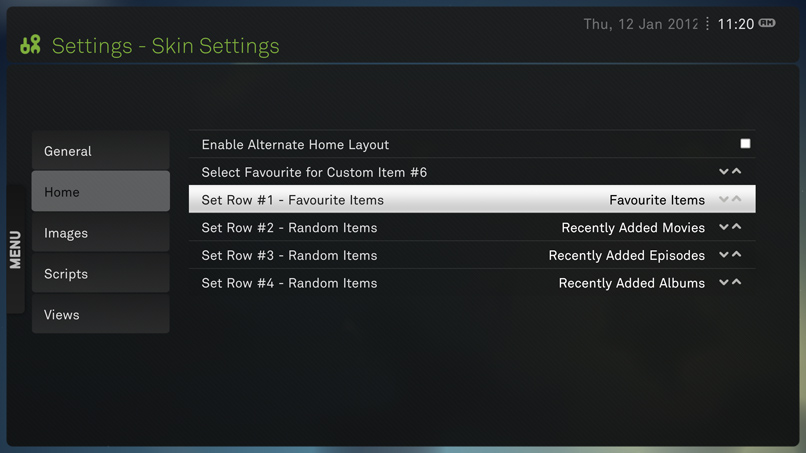
How can I add 1 row for favorites and 1 separate row for video add ons?
Edit: Sorry, wrong section.
(This post was last modified: 2012-10-21 06:29 by Hunter2-1.)
|
| find quote |
ZitZ
Junior Member Posts: 12 Joined: Dec 2010 Reputation: 0 |
2012-10-30 02:30
Post: #16
I'm sorry if this is somewhat n00bish, but is the only way for this to work through manually editing the .xm.?
I set my favourites icon through the GUI, and it does not appear when I select the custom item in the XeeBo skin settings, and if I manually select an icon there through the GUI, it will not appear either. Can someone confirm how they got this working under Linux, if at all? |
| find quote |
rossglass
Member Posts: 61 Joined: Oct 2011 Reputation: 2 |
2013-01-23 10:41
Post: #17
Hi
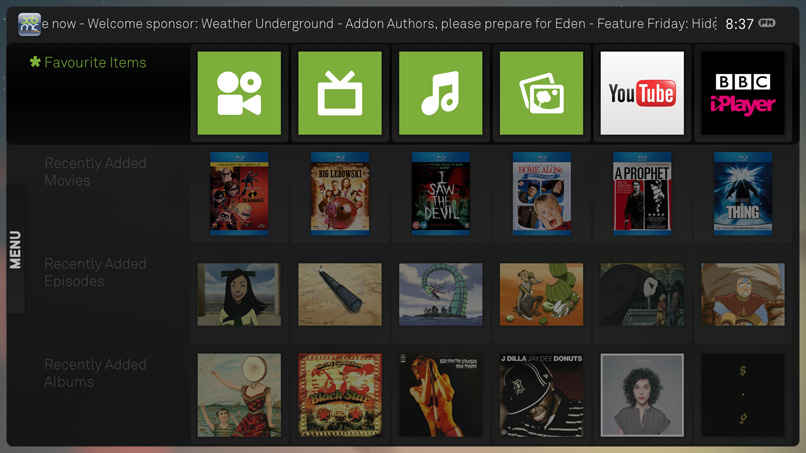
Love the skin, great work. I'm running on Frodo atm and have enabled custom home menu in settings. I have created 3 playlists (movies, animation and tv shows). I have added these playlists as favourites as the back button on my remote will take me back to the main menu in one click. I want to place these 3 favourites in custom 1, custom 6 and custom 11. I have edited my favourites.xml as shown in the first post but the icon remains a generic grey button. If I select favourites on the left hand side however, the icons appear against the playlists. Can anyone advise? Cheers |
| find quote |
jhoward15
Junior Member Posts: 2 Joined: Jan 2013 Reputation: 0 |
2013-01-30 05:04
Post: #18
I'm seeing the same thing as rossglass after following all the instructions. If I select favourites on the left hand side, the icons appear against the home screen. But they don't show up on the home screen - only the grey hearts. I'm using the icons that were uploaded in this thread.
Ideas? |
| find quote |
rossglass
Member Posts: 61 Joined: Oct 2011 Reputation: 2 |
2013-01-30 12:06
Post: #19
(2013-01-30 05:04)jhoward15 Wrote: I'm seeing the same thing as rossglass after following all the instructions. If I select favourites on the left hand side, the icons appear against the home screen. But they don't show up on the home screen - only the grey hearts. I'm using the icons that were uploaded in this thread. I managed to resolve this. I changed the structure of my playlists, so that they were set by folder, so in My Videos, I created separate folders for Movies, TV Shows and Animation and recreated the playlists. Rather than adding the playlist as a Favourite, I went into to Videos>Files and added the 3 folders as favourites. Then in Favourites I was able to add the icons in with no problems. |
| find quote |
jhoward15
Junior Member Posts: 2 Joined: Jan 2013 Reputation: 0 |
2013-01-30 16:09
Post: #20
The trick for me getting it resolved was setting the folder icon at the point of setting the favorite. I was trying to set the icon after setting it as a favorite as well as trying trying to set it on the custom menu item itself, but it wasn't showing up. I guess the icon doesn't automatically get refreshed once the favorite is set. I basically just recreated the favorite with the icon then recreated the custom menu item and it worked fine.
|
| find quote |