Posts: 152
Joined: Nov 2011
Reputation:
0
xbmcg
Senior Member
Posts: 152
2012-04-18, 22:34
(This post was last modified: 2012-04-18, 22:41 by xbmcg.)
Yes, I have it too. The only issue is, that the exit / esc key is in the middle of the bottom buttons - and this is one of the more important xbmc keys.
I prefer the harmony, you can add custom keys and have clear text display / illumination. it is easier to handle and more intuitive according to the key locations of menu, exit, guide and info buttons (Harmony 890). I mean, it is not only the pc, you have to control the tv set, the amp, the sat-receiver, then the shades, the light and all other stuff..
You end up joggling a lot of remotes in the end.
Posts: 156
Joined: Jan 2012
Reputation:
1
Diggs
Senior Member
Posts: 156
Odd, I rarely ever use the exit/esc button. It is labeled clear on the remote I linked. I guess it all depends on how you use it. I tend to use the back button constantly, which is in a very easy to use location. I have a harmony remote and haven't really bothered setting it up. I use 2 remotes on my setup, but I don't have a big sound system or other components. The harmony 1 that I have is nice, but for my setup is overkill. I might dig into it again at some point, but when I watch my TV it is 99% xbmc. I will say, I wish I could get the remote I linked to simply power the TV on and off.
Posts: 364
Joined: Jun 2011
Reputation:
0
I got one of those since it was the cheapest was I coudl get an IR receiver for myu Harmony. It works well, though.
But i prefer my ProMini RF/Harmony combo Though for the price, you can;t really go wrong with the Ortek.
Posts: 8,569
Joined: Nov 2010
Reputation:
202
eskro
Posting Freak
Posts: 8,569
sam_1421, i made an HTPC guide just for that
Posts: 1,605
Joined: Jul 2007
Reputation:
51
Oh, and do NOT buy the Diamond GRC100 MCE Remote (I think it's sold under a few different brandnames too). While it's a fine MCE remote for Windows Media Center, it doesn't use the eHome driver and so it doesn't work wiht the MCERemote addon or any of those other eHome tools. Guh, that was a failed purchase of my first remote. :X
Posts: 1,605
Joined: Jul 2007
Reputation:
51
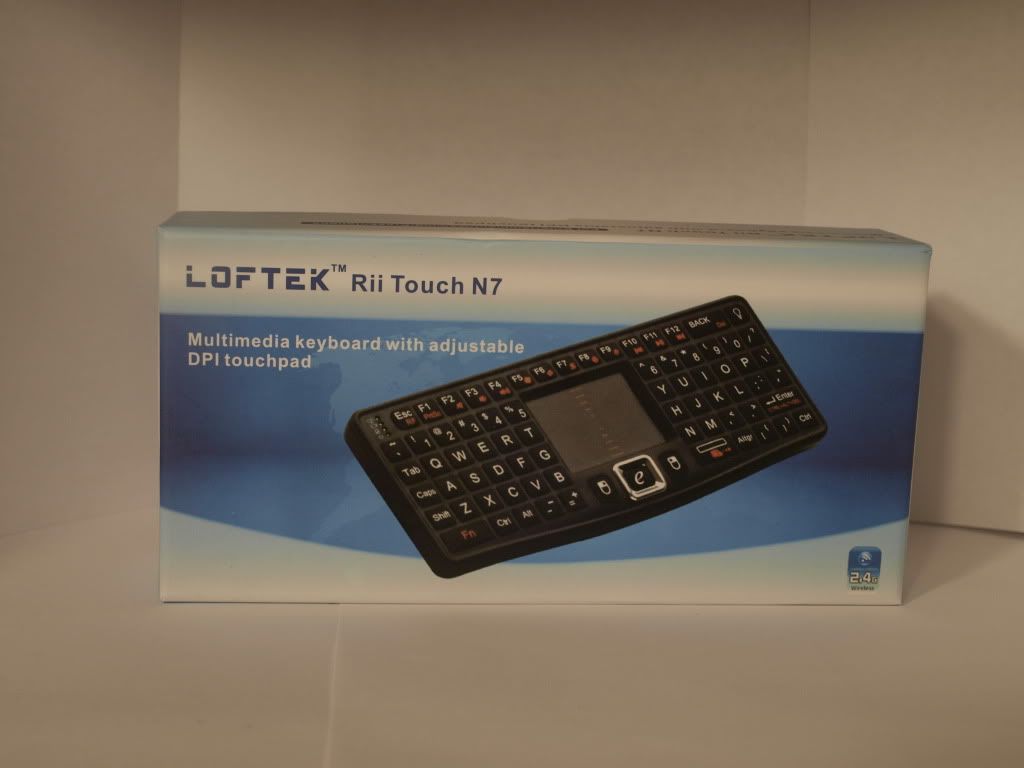
I had the VisionTek CandyBoard, which is a clone/rebadge/something of the classic Rii Mini, the one with the right hand side touch pad. It would often give me trouble connecting to the reciever and now it refuses to connect to the reciever entirely. :X So I have a $50 dud. :/
Posts: 364
Joined: Jun 2011
Reputation:
0
For balance, I have both the Bluetooth and RF Rii keyboards, and both work flawlessly. love 'em. Though I prefer the RF as it lets me into my BIOS and works through walls better than the BT version.
The only thing I dislike about them is no modifier keys on the right, and no scroll functions, which appear to be remedied on the one you ordered.




 Thanks!