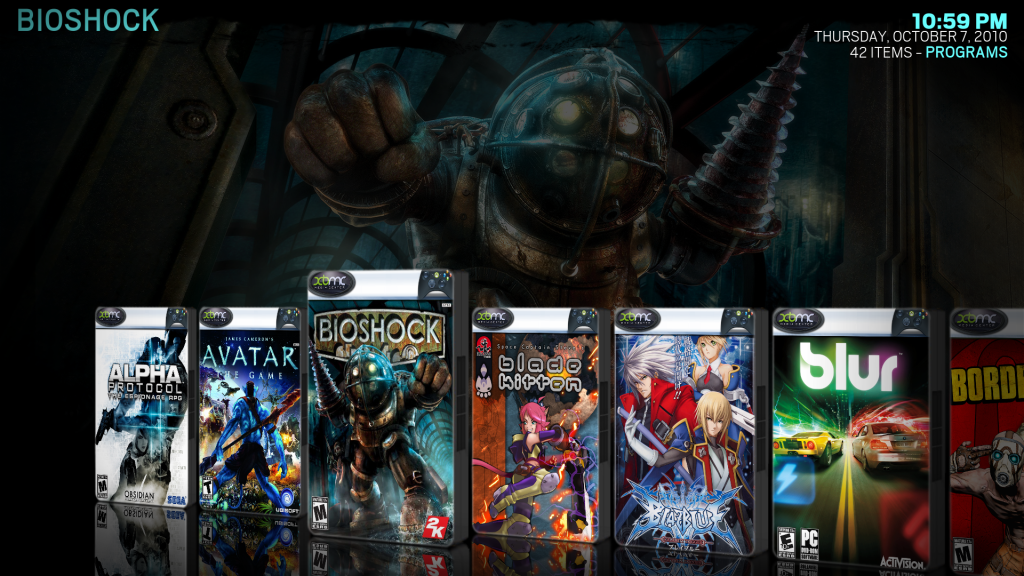
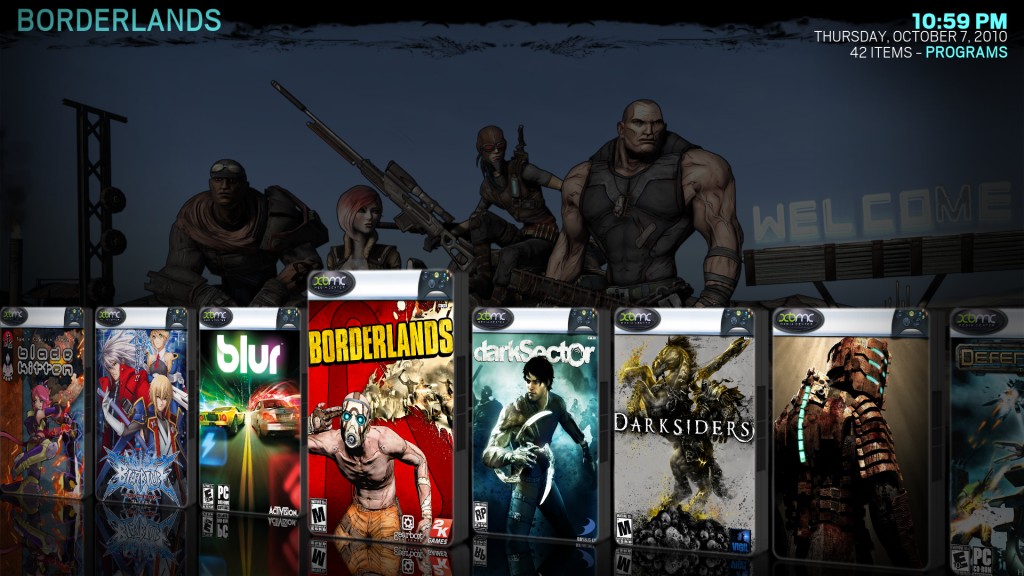
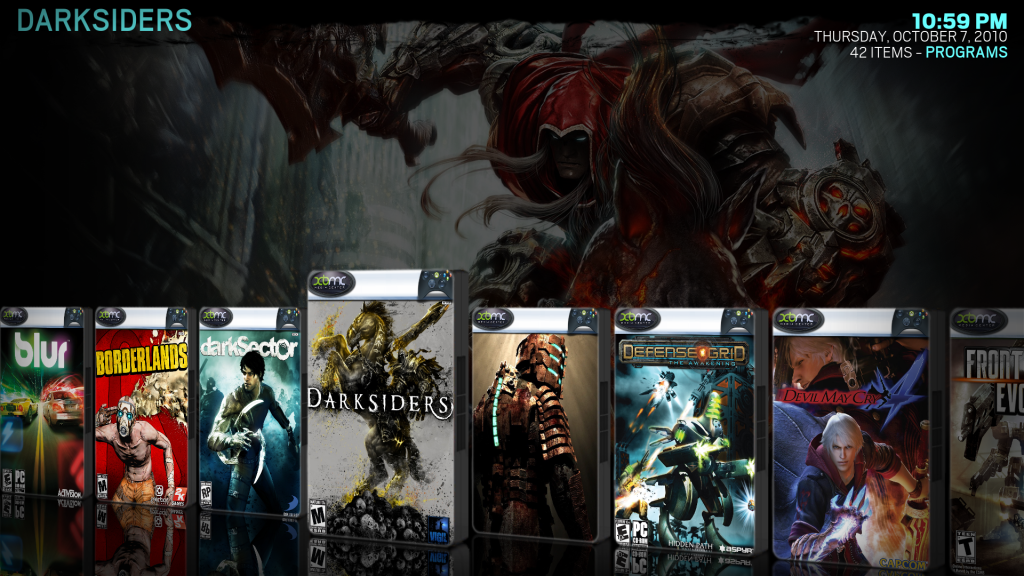
[RELEASE] Launcher - application launcher plugin for Linux, Mac, Windows, and Xbox

  Thread Rating:
  • 7 Votes - 4.86 Average
  • 1
  • 2
  • 3
  • 4
  • 5
Post Reply
zosky Offline
Donor
Posts: 302
Joined: Dec 2008
Reputation: 1
Location: toronto. canada
Post: #811
clock2113 Wrote:Thanks for your help zosky... way too complicated for me! I just deleted the keymap now that I know where it's at from your post - I only use the controllers for video games, not XBMC - and now it works perfect Big Grin

thats one way to do it. glad i could help (somewhat)
keep one thing in mind... they will come back each time you upgrade xbmc.

i found one of these for 7$ on eBay. now im waiting for it to arrive, then ill do the same

8 xbmc frodo's (rc3) ... atom/ion(xbmcBuntu) | amd3000/nVidia9800(mint12) | iphone4(5.1.1) | hpTouchPad(cyanogen9) ... and more
+ central mySQL db + 11TB mdadm raid6 (+transmission-daemon & flexGet)
+ maraschino + IRtoy.v2
[Image: widget]
find quote
marjanovich Offline
Member
Posts: 97
Joined: Mar 2010
Reputation: 1
Location: Sacramento, Ca
Post: #812
Mission Accomplished!

[Image: screenshot006-1.png]
[Image: screenshot005-1.png]
[Image: screenshot004-1.png]

Fanart for Standalone Launchers/Roms both functional in Night!

Thank you to all who helped!!!
find quote
Zerqent Offline
Junior Member
Posts: 14
Joined: Jun 2010
Reputation: 0
Post: #813
alexpigment Wrote:That's fine. I really just wanted to make sure there was something officially logged about it. I plan on making a start-to-finish tutorial on getting everything setup with regards to ROMs, and that was the one area where it was going to be really janky to explain (i.e. now choose this option which freezes your box, then restart XBMC, etc).

I fixed this, however the fix is so weird that I really want some feedback if this actually works for others.

To test:
Comment out line 573: pDialog.close()
in /addons/plugin.program.launcher/resources/lib/launcher_plugin.py

and please leave feedback in:
http://code.google.com/p/xbmc-launcher/i...tail?id=31

EDIT: Should be line 573 not 571 as previously stated.
(This post was last modified: 2010-10-08 23:43 by Zerqent.)
find quote
thesuffering Offline
Senior Member
Posts: 250
Joined: Aug 2008
Reputation: 0
Post: #814
this may be beyond the scope of this script or thread, but if you could help me with this id be forever thankful.

what would be necessary to link directly to the script that launches a specific program?

basically what i am trying to do is launch hulu desktop from the main menu. I have edited the xml in the skin to add an option that says "launch hulu" to the main screen, which i can then have send me to the program>add-ons section from which i can select launcher and then hulu. id like to skip the additional steps and have it launch huludesktop when i click the main menu option. i think this is technically possible if i knew the script/arguments to have it run but unfortunately this is where i get lost. any help would be appreciated?
find quote
thesuffering Offline
Senior Member
Posts: 250
Joined: Aug 2008
Reputation: 0
Post: #815
also, what arguement is needed to bring the launched program into focus? i can launch hulu desktop from launcher, and it will display on top of xbmc, however any keyboard/remote presses are caught by xbmc and not hulu desktop and i have verified xbmc is still in focus on the windows taskbar.
find quote
marjanovich Offline
Member
Posts: 97
Joined: Mar 2010
Reputation: 1
Location: Sacramento, Ca
Post: #816
thesuffering Wrote:this may be beyond the scope of this script or thread, but if you could help me with this id be forever thankful.

what would be necessary to link directly to the script that launches a specific program?

basically what i am trying to do is launch hulu desktop from the main menu. I have edited the xml in the skin to add an option that says "launch hulu" to the main screen, which i can then have send me to the program>add-ons section from which i can select launcher and then hulu. id like to skip the additional steps and have it launch huludesktop when i click the main menu option. i think this is technically possible if i knew the script/arguments to have it run but unfortunately this is where i get lost. any help would be appreciated?

make it a favorite, then open up the favorites.xml file and find the entry for your hulu desktop and use the information (ActivateWindow(10001,plugin://plugin.program.launcher/xxxxx) found there to link strait to it from a menu...
find quote
thesuffering Offline
Senior Member
Posts: 250
Joined: Aug 2008
Reputation: 0
Post: #817
marjanovich Wrote:make it a favorite, then open up the favorites.xml file and find the entry for your hulu desktop and use the information (ActivateWindow(10001,plugin://plugin.program.launcher/xxxxx) found there to link strait to it from a menu...

this sounds like a great idea. problem im having now is finding the favorites.xml file to find that info. there is a DialogFavourites.xml in the 720p folder of the skin, but it doesnt contain any info about what is contained within my favourites.

is that file not part of the skin, but rather part of xbmc?
find quote
thesuffering Offline
Senior Member
Posts: 250
Joined: Aug 2008
Reputation: 0
Post: #818
forget my previous post, its in the userdata folder.
find quote
thesuffering Offline
Senior Member
Posts: 250
Joined: Aug 2008
Reputation: 0
Post: #819
thesuffering Wrote:also, what arguement is needed to bring the launched program into focus? i can launch hulu desktop from launcher, and it will display on top of xbmc, however any keyboard/remote presses are caught by xbmc and not hulu desktop and i have verified xbmc is still in focus on the windows taskbar.

to expand upon this, it seems like whats happening is launcher tries minimizing xbmc, then maximizes it, then launches my program, so xbmc still stays in focus
find quote
XmemphistoX Offline
Junior Member
Posts: 40
Joined: Aug 2010
Reputation: 0
Post: #820
alexpigment Wrote:I'd like to make a feature request for launcher to have the ability to temporarily disable controller keymaps while the outside program (game emulator in my case) is launched. I ran into this problem and while zosky tried to help me out on this, I guess it may just be too complicated for me. Zosky even said it was a huge pain to workaround on his end. I feel that without this feature built in, launcher might never be friendly to those who use controllers as xbmc remotes. Perhaps I am a little bit hung up on the way the old Xbox worked.

You could use a program such as Pinnacle Game Profiler.
find quote
Post Reply