2009-06-05, 07:04
This really looks great and seems to be working on my xbox like a charm, kudos! I hope your wife is feeling much better, I am sure there are a lot of us sending her good vibes!
I was wondering how I would change where the movie and tv buttons link to if not using the library mode. I have a tv in the bedroom that I prefer to just utilize the big wide icons feature to make it very easy to see from across the room and without glasses on. Currently when I have library off and i select television or movies i am taken to the same group of options (my videos i guess) which has movies, tv, trailer park boys, incoming, DVD, network, & scripts buttons which i know i set in the sources, but I am not sure how to then split these up between the movies and television buttons on the home screen? While i typed this i started to wonder if it could be as replacing the <video> tree in sources with television and movies trees?
Seeing as I am a big fan of wide icons I fixed the commonviewtypes to remove the text and gap between wide icons in the big view for pmiii and the same file seems to work perfectly with this mod. Here is the link http://www.megaupload.com/?d=HP7U7DGG. I think it looks much better this way and suggest making this the defualt for big wide icons...
And since I spent so much time making wide icons to use I had disliked it enough when pmiii removed the wide icon for the parent folder in the top left of the screen that I played with myvideo.xml till I put it back and though it seemed to work perfectly in pmiii it seems to be a just a little bit off when used with this skin.... Here is the link for that as well http://www.megaupload.com/?d=EPZTUPNE
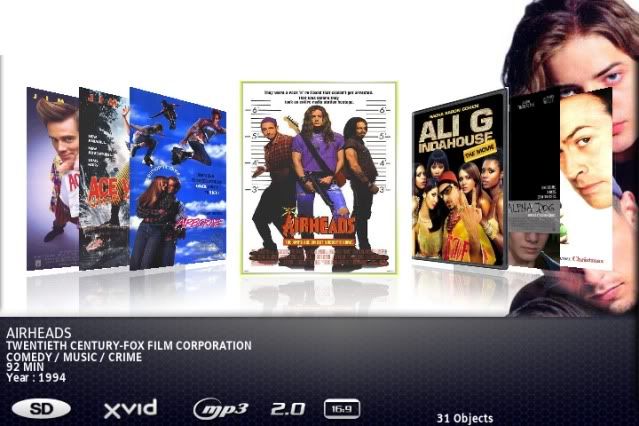
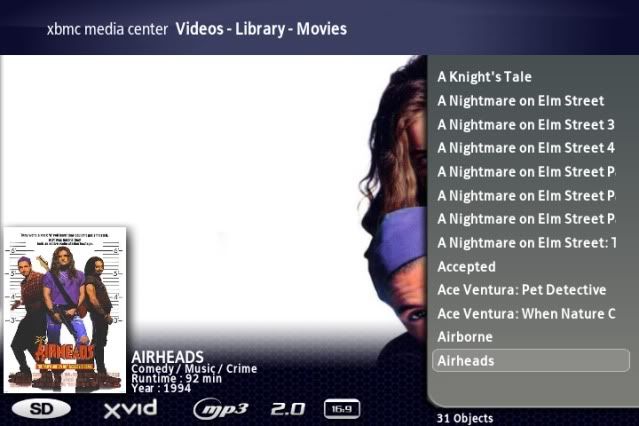
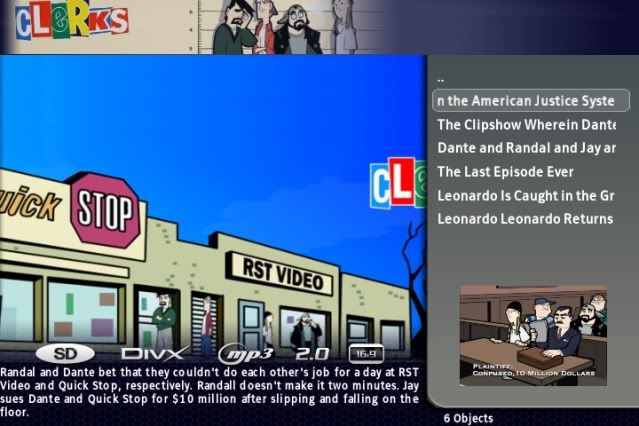
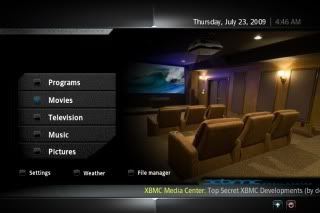
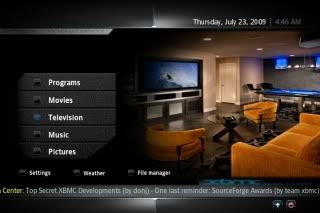
Here is what it looks like with those two files added to the pal folder.

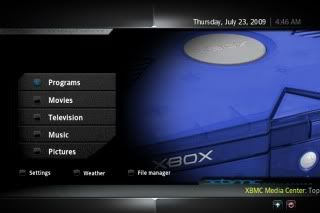
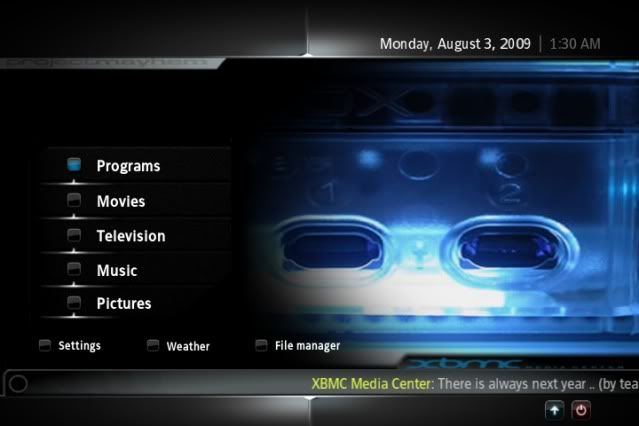
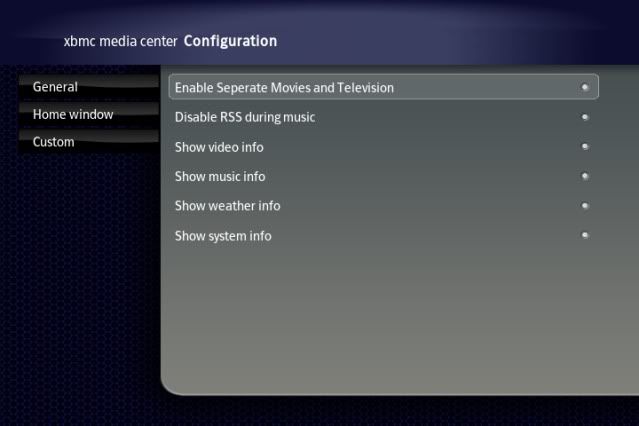
Also I do not seem to have the option listed in the image below that I can find? Am I missing something?
Well my library is almost fully loaded so now I am off to see how wonderful this all works with my complete library loaded (close to 2tb) onto the living room xbox... I will report back how it all goes!
B.Wile.E.
soundtribe.org
I was wondering how I would change where the movie and tv buttons link to if not using the library mode. I have a tv in the bedroom that I prefer to just utilize the big wide icons feature to make it very easy to see from across the room and without glasses on. Currently when I have library off and i select television or movies i am taken to the same group of options (my videos i guess) which has movies, tv, trailer park boys, incoming, DVD, network, & scripts buttons which i know i set in the sources, but I am not sure how to then split these up between the movies and television buttons on the home screen? While i typed this i started to wonder if it could be as replacing the <video> tree in sources with television and movies trees?
Seeing as I am a big fan of wide icons I fixed the commonviewtypes to remove the text and gap between wide icons in the big view for pmiii and the same file seems to work perfectly with this mod. Here is the link http://www.megaupload.com/?d=HP7U7DGG. I think it looks much better this way and suggest making this the defualt for big wide icons...
And since I spent so much time making wide icons to use I had disliked it enough when pmiii removed the wide icon for the parent folder in the top left of the screen that I played with myvideo.xml till I put it back and though it seemed to work perfectly in pmiii it seems to be a just a little bit off when used with this skin.... Here is the link for that as well http://www.megaupload.com/?d=EPZTUPNE
Here is what it looks like with those two files added to the pal folder.
Also I do not seem to have the option listed in the image below that I can find? Am I missing something?
Well my library is almost fully loaded so now I am off to see how wonderful this all works with my complete library loaded (close to 2tb) onto the living room xbox... I will report back how it all goes!
B.Wile.E.
soundtribe.org