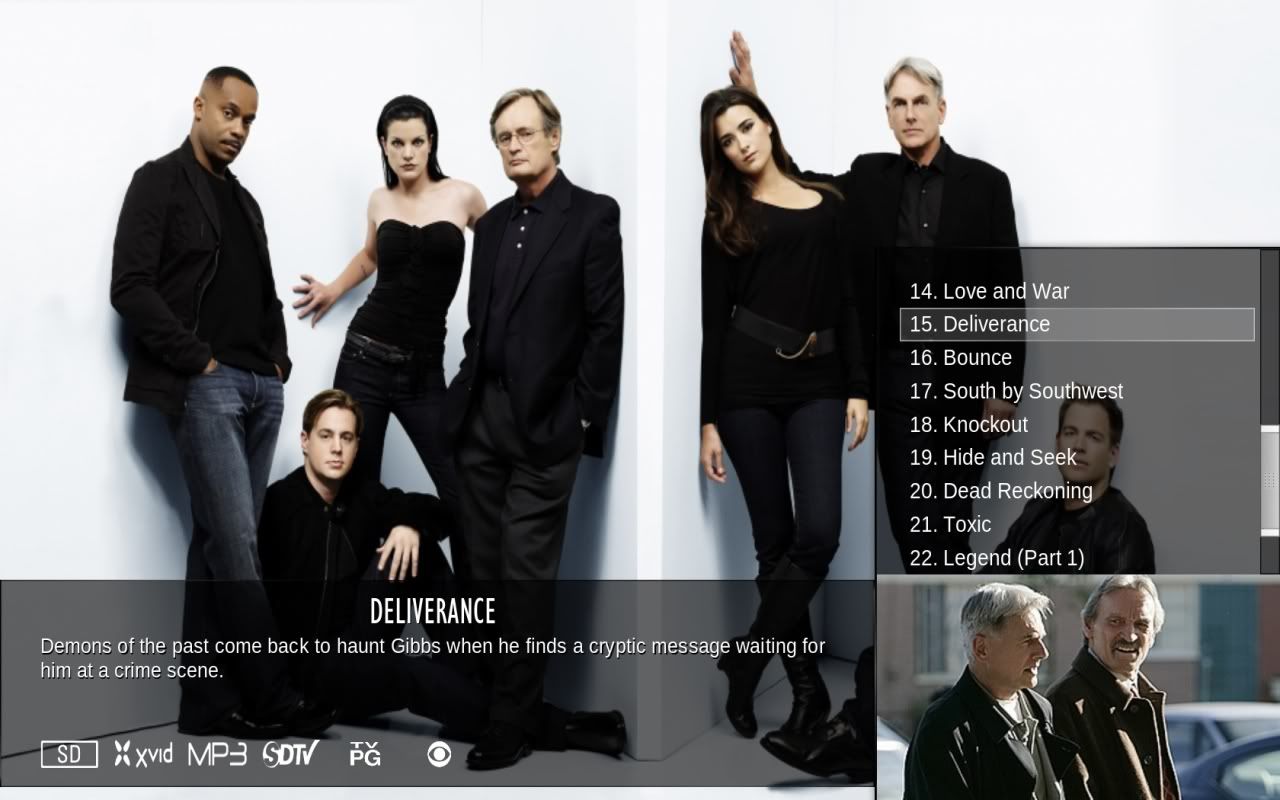
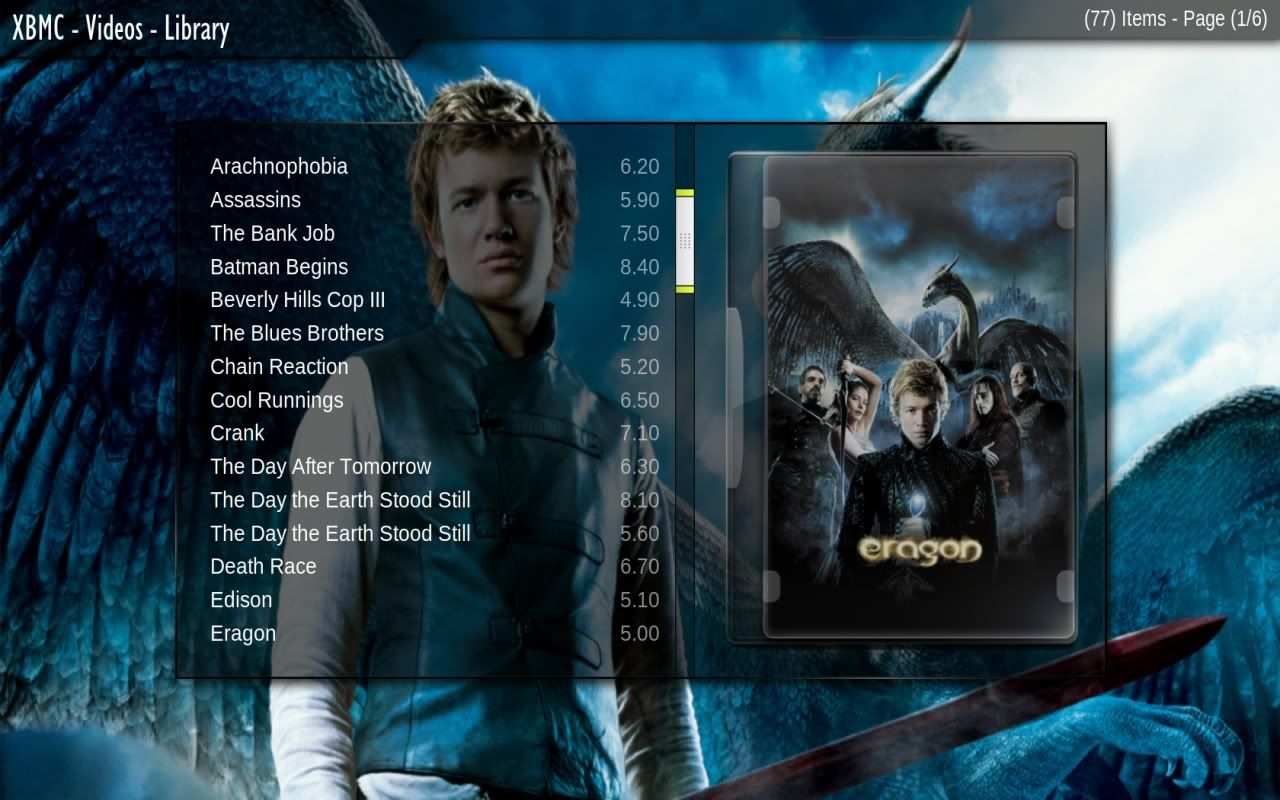
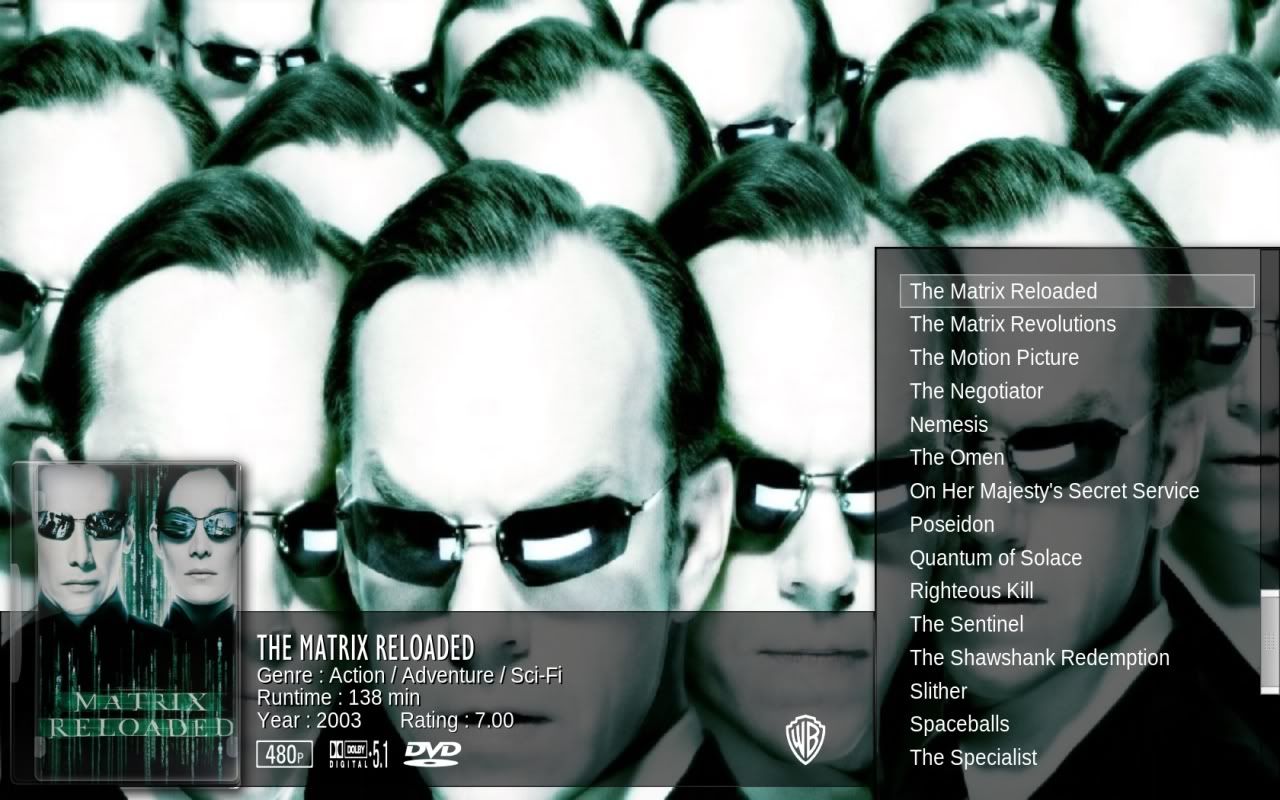
![[Image: screenshot002.jpg]](http://i672.photobucket.com/albums/vv88/paul-craven/screenshot002.jpg)
![[Image: screenshot001.jpg]](http://i672.photobucket.com/albums/vv88/paul-craven/screenshot001.jpg)
paul
Posting Freak Joined: Oct 2008 Reputation: 4 Location: Planet Earth |
2009-06-06 08:19
Post: #41
I thought i would post you a few shots of what i have done thus far, i have fixed the bottom info panel to match exactly the right list panel and have changed succesfully the dvd and cd covers i have not yet tested this on xbox as i want to get it looking how i want it on my pc before i port it to xbox should be no trouble though.
![]() ![]()
XBMC Frodo 12 - Windows 7 - Asrock Ion 330HT - Aeon Nox |
| find |
ekim232
Posting Freak Posts: 1,204 Joined: Nov 2008 Reputation: 5 Location: Chicago, IL |
2009-06-06 09:19
Post: #42
Got to love the feed back you are getting Ronie. Nothing like the intial week of posting a MOD. I personally think you did a great job. My one last suggestion would be to increase the size of your media flags.
Overall great job and keep up the great work. Plus by the looks of it true video & audio flagging is not far away! HTPC SETUP |
| find |
mkv1080p
Junior Member Posts: 49 Joined: Nov 2008 Reputation: 0 |
2009-06-06 11:24
Post: #43
Thank You!
|
| find |
whipper
Junior Member Posts: 45 Joined: Dec 2008 Reputation: 0 |
2009-06-06 12:40
Post: #44
paul Wrote:Have you tried looking in the skin settings as you can set up your backgrounds in there, also how did you get that view type the one with the 300 and bugs life fanart? The screens are from The Operation Mod and its what i think would look really good in Transparency! Ronie says he'll have a look. I've been into backgrounds tab as usual no difference, the thing is I don't even get the default images ?
|
| find |
paul
Posting Freak Joined: Oct 2008 Reputation: 4 Location: Planet Earth |
2009-06-06 12:48
Post: #45
whipper Wrote:The screens are from The Operation Mod and its what i think would look really good in Transparency! Ronie says he'll have a look.I had a similar problem at first in the skin settings try turning off the weather by conditions thing thats what i did , it may not be the same problem but it's worth a try. And thanks for clarifying those screenshots as i were starting to think i had missed something. XBMC Frodo 12 - Windows 7 - Asrock Ion 330HT - Aeon Nox |
| find |
ronie
Team-XBMC Member Joined: Jan 2009 Reputation: 108 |
2009-06-06 13:36
Post: #46
whipper Wrote:The screens are from The Operation Mod and its what i think would look really good in Transparency! Ronie says he'll have a look. I just tried 9.04.1 (on Windows 7) and it's indeed missing the default background images. The reason for this is that the new background loading code which was recently added to XBMC is not yet included in the official stable builds. The only option is the use one of the unoffical development builds (try either the kricker or ikons builds). Or wait 'till XBMC releases 9.10, but that won't happen for at least another 5 months. Always read the XBMC online-manual, FAQ and search the forum before posting. Do not PM or e-mail XBMC-Team members directly asking for support. Read/follow the forum rules. For troubleshooting and bug reporting please make sure you read this first.
(This post was last modified: 2009-06-06 14:11 by ronie.)
|
| find |
ronie
Team-XBMC Member Joined: Jan 2009 Reputation: 108 |
2009-06-06 14:10
Post: #47
ekim232 Wrote:Got to love the feed back you are getting Ronie. Nothing like the intial week of posting a MOD. it certainly keeps you busy, but that's ok i guess. i'd like to squeeze as much bugs as possible before i move on with adding extra features. adding your 'slide view' will possibly one of them, since there was some interest in it. i wonder when the first request to make your skin transparent will pop up in The Operation thread. ;-) ekim232 Wrote:I personally think you did a great job. My one last suggestion would be to increase the size of your media flags. been there, done that, but it didn't work well. they looked a bit out of proportion compared to the text above the icons. currenly only the studio icon is a bit bigger than the other as it was too hard to recognize the studio logo at smaller sizes. but hey, i'll give it another shot, maybe i can get it right this time. ekim232 Wrote:Overall great job and keep up the great work. Plus by the looks of it true video & audio flagging is not far away! yep, i noticed the long lost CapnBry has returned. :-) Always read the XBMC online-manual, FAQ and search the forum before posting. Do not PM or e-mail XBMC-Team members directly asking for support. Read/follow the forum rules. For troubleshooting and bug reporting please make sure you read this first. |
| find |
ronie
Team-XBMC Member Joined: Jan 2009 Reputation: 108 |
2009-06-06 15:49
Post: #48
paul Wrote:I thought i would post you a few shots of what i have done thus far, i have fixed the bottom info panel to match exactly the right list panel and have changed succesfully the dvd and cd covers i have not yet tested this on xbox as i want to get it looking how i want it on my pc before i port it to xbox should be no trouble though. great work paul, i didn't expect you to come up with something so quickly! the dvd case you're using is looks pretty good (and i did consider using it when i started working this mod) , but since a few other skins are already using that one, i picked another one for my mod. the background for the info panel certainly makes the text more readable, but somehow i think it looks better if it's not the same color (transparency level) as the list background. i'll try a few things and see if i can come up with something inbetween. thanx for the update! Always read the XBMC online-manual, FAQ and search the forum before posting. Do not PM or e-mail XBMC-Team members directly asking for support. Read/follow the forum rules. For troubleshooting and bug reporting please make sure you read this first. |
| find |
CrashX
Posting Freak Posts: 1,216 Joined: Jan 2009 Reputation: 2 |
2009-06-06 19:46
Post: #49
If it is not too much trouble can you add support for CapnBry v4 patch found here .. http://forum.xbmc.org/showthread.php?tid=30419&page=33
|
| find |
Big_Ben
Member+ Posts: 40 Joined: May 2009 Reputation: 0 |
2009-06-06 20:15
Post: #50
@ronnie,
Maybe I am stupid, but I can't find any options to change the theme (eg horizontal menu's). Can anyone point me in the right direction ? Otherwise I love the theme, keep up the good work. |
| find |