

This new "cdArt" concept displays an animation of the currently playing CD (Compact Disc) image spinning, with music artist fanart slideshow support in the music visualization screen when visualizations is set to off.
Few YouTube videos examples that show this spin animation effect in action:
 NEW! Fixed code for everyone that could not make this work before, and also added:
* Help is needed to those who want to use the mod to share and make the cdArt images, please also consider modding other skins for this.
* The cdArt CD images need to be in .png format without background and at least 500x500 pixel resolution with a clean round boarder.
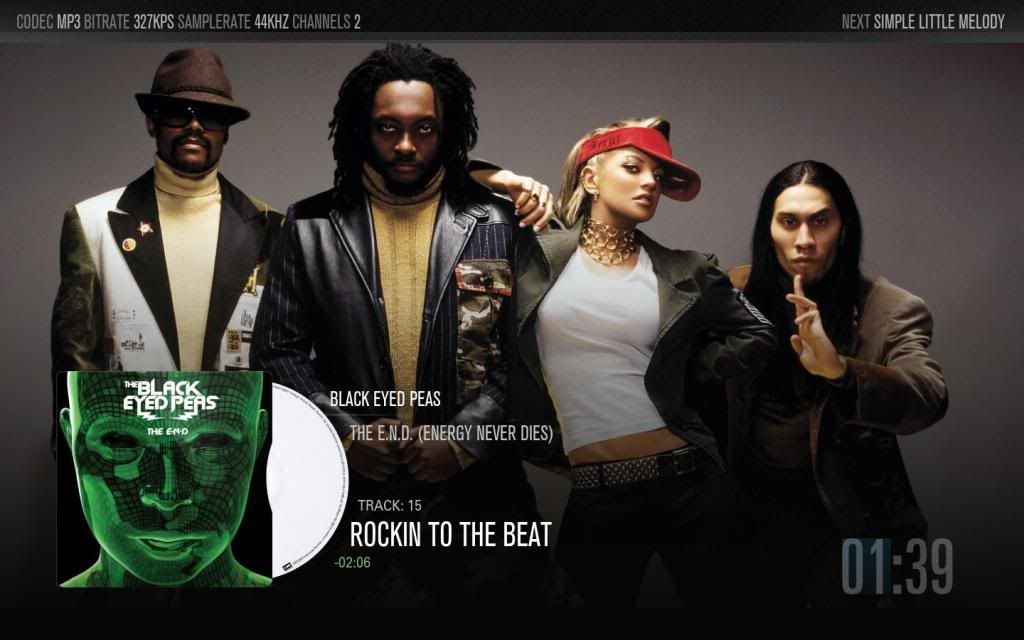
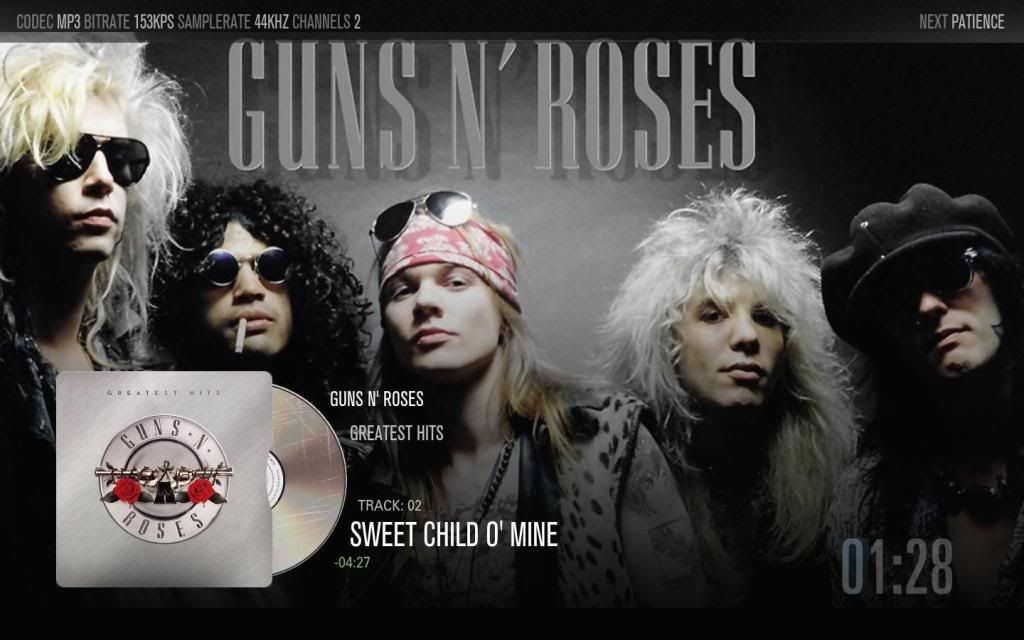
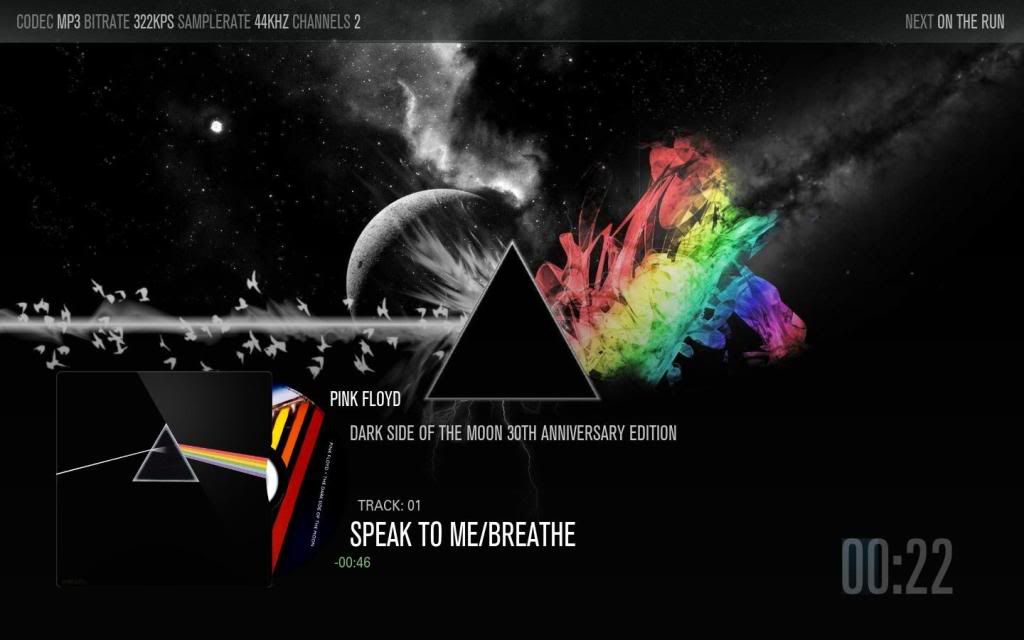
cdArt avaliable
You can download and post cdArts HERE
Downloads
**Remember to backup your Font.xml and MusicVisualisation.xml before replacing, just in case**
Everything you need to mod Aeon: HERE (just replace/merge, see the readme files inside the folders for instructions)
README! Everything is include in the download to this MOD to work, the following code below is only in case you do not want to replace your Font.xml and just want to add the part needed which is in red:
Few YouTube videos examples that show this spin animation effect in action:
- http://www.youtube.com/watch?v=T7QSRQc-pbA
- http://www.youtube.com/watch?v=wFyuRsIsbAE
- http://www.youtube.com/watch?v=Rf7zy14OM6Y
- Spinning cdArt code
- Fallback image if there is no cdArt for the playing album, (you need XBMC SVN biold r21336 or later)
- Everything in one pack download (just replace/merge)
- Progress bar behind timer (just the size of the 4 digits, if you want it other place or size just play with the progressbar control in musicVisualization.xml)
* Help is needed to those who want to use the mod to share and make the cdArt images, please also consider modding other skins for this.
* The cdArt CD images need to be in .png format without background and at least 500x500 pixel resolution with a clean round boarder.
cdArt avaliable
You can download and post cdArts HERE
Downloads
**Remember to backup your Font.xml and MusicVisualisation.xml before replacing, just in case**
Everything you need to mod Aeon: HERE (just replace/merge, see the readme files inside the folders for instructions)
README! Everything is include in the download to this MOD to work, the following code below is only in case you do not want to replace your Font.xml and just want to add the part needed which is in red:
Code:
<!-- OSD -->


    <font>

      <name>Font_OSDSeek</name>

      <filename>aeon_settings.ttf</filename>

      <size>18</size>

    </font>


    <font>

      <name>Font_OSDOptions</name>

      <filename>aeon_title.ttf</filename>

      <size>16</size>

    </font>


    <font>

        <name>Font_OSDCodecInfo</name>

        <filename>aeon_settings.ttf</filename>

        <size>22</size>

    </font>


    <font>

        <name>Font_OSDMusicArtist</name>

        <filename>aeon_settings.ttf</filename>

        <size>24</size>

    </font>


    <font>

        <name>Font_OSDMusicTitle</name>

        <filename>aeon_settings.ttf</filename>

        <size>38</size>

    </font>


[color=Red]<!-- Extra Font for music MOD -->

<font>

      <name>Font_bigtime</name>

      <filename>aeon_main.ttf</filename>

      <size>85</size>

  </font>    [/color]


<!-- VirtualOSD -->


 with the audio cd art spin? lol



