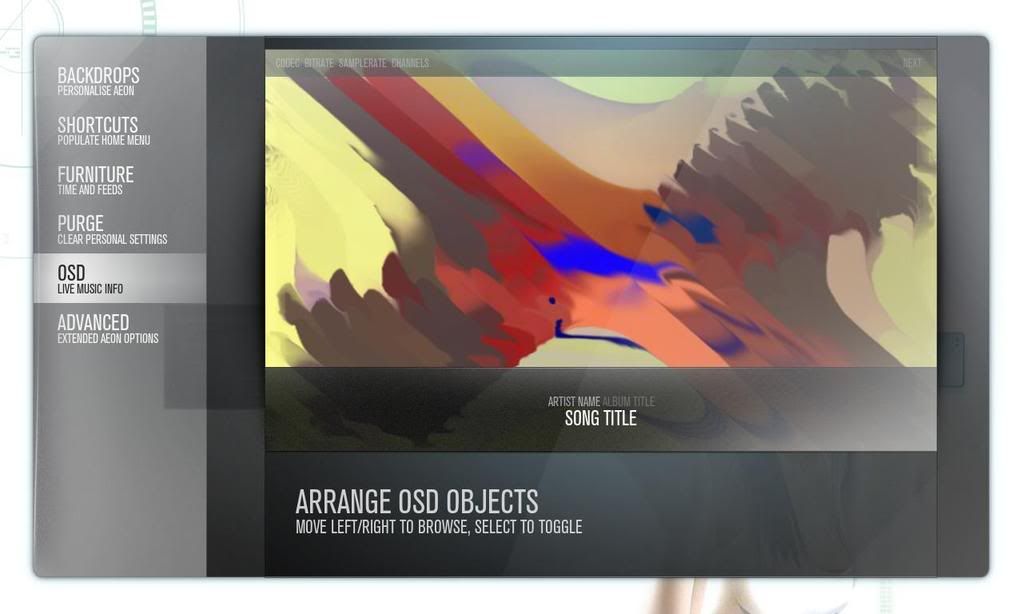
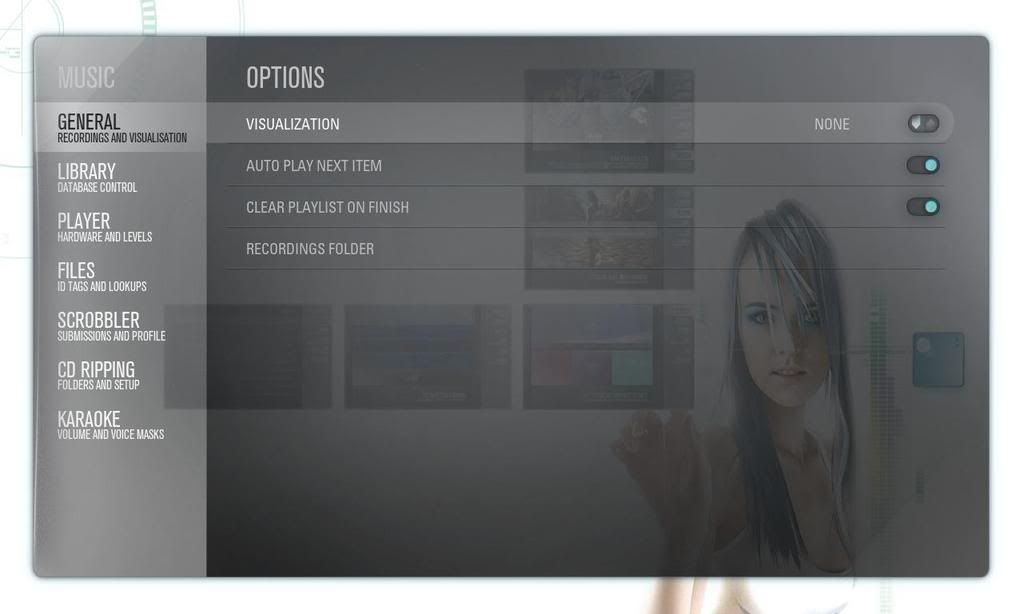
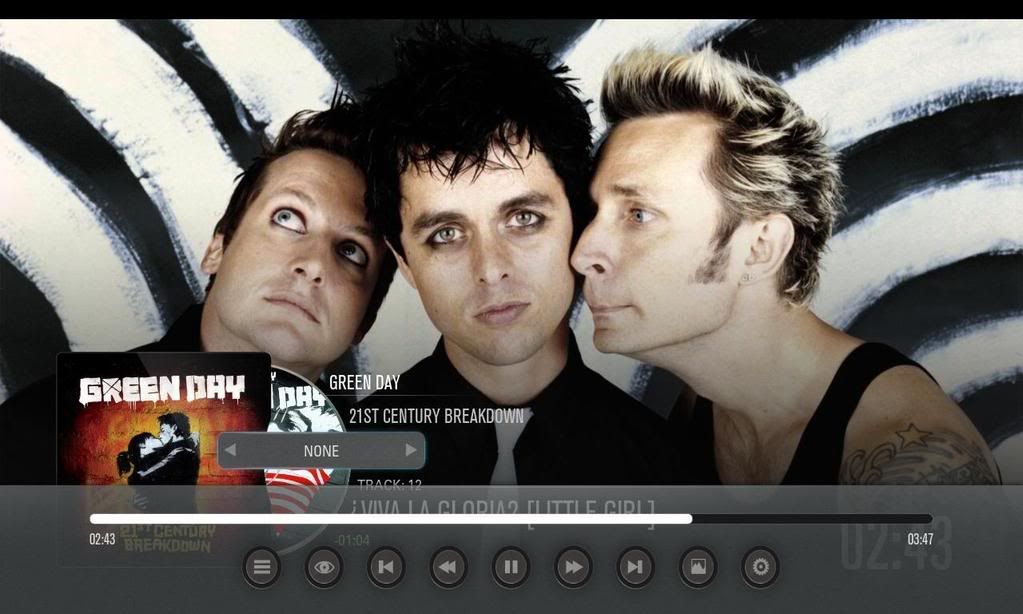
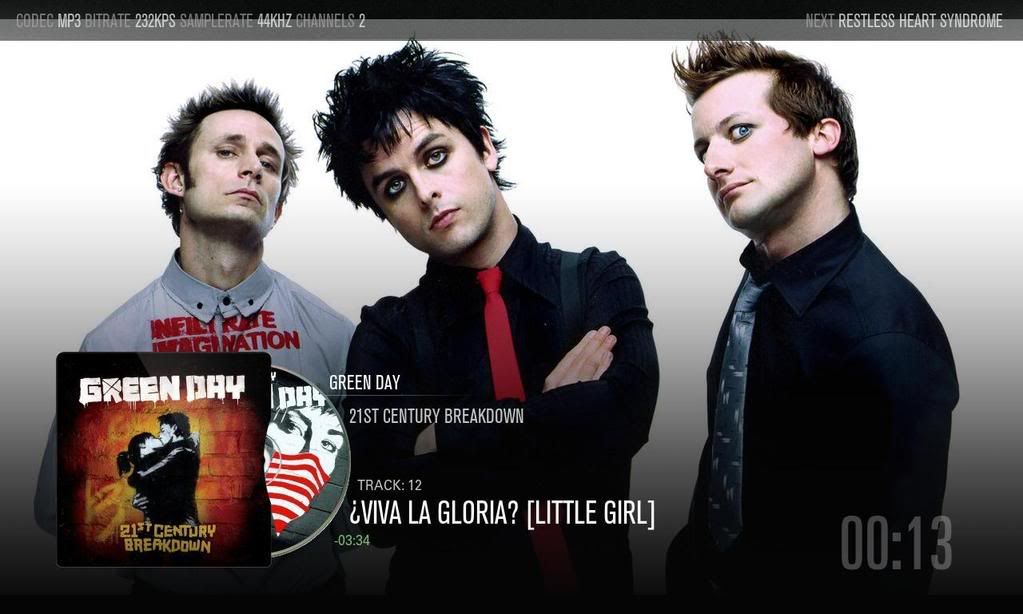
"cdArt" concept - current cdImage with artist fanart support in music visualizations
z][ggy
Senior Member Posts: 208 Joined: May 2009 Reputation: 0 |
2009-06-22 11:11
Post: #41
Reaven fantastic work mate
(This post was last modified: 2009-06-22 22:44 by Gamester17.)
|
| find quote |
reaven
Skilled Skinner Joined: May 2009 Reputation: 20 |
2009-06-22 11:48
Post: #42
thanks !
|
| find quote |
Ninjamawwe
Member Posts: 90 Joined: Mar 2007 Reputation: 0 Location: Gothenburg, Sweden |
2009-06-22 13:51
Post: #43
Could you please post the spinner code? I would like to try it out.
|
| find quote |
ronie
Team-XBMC Member Joined: Jan 2009 Reputation: 108 |
2009-06-22 14:49
Post: #44
reaven Wrote:never mind, I already made my own but although it looks cool I think its too much going on there but again looks cool as hell as with everything, some will like it, some won't. reaven Wrote:I add stop spin when on pause and get hidden animation when music end . cool, i didn't go that far, but certainly like the idea. it would be extra nice if i could get the cd slide back in the cover at the end of the song. anyway, keep up the good work! Always read the XBMC online-manual, FAQ and search the forum before posting. Do not PM or e-mail XBMC-Team members directly asking for support. Read/follow the forum rules. For troubleshooting and bug reporting please make sure you read this first. |
| find quote |
Montellese
Team-XBMC Developer Joined: Jan 2009 Reputation: 20 Location: Switzerland |
2009-06-22 19:30
Post: #45
reaven Wrote:aand Montellese your problem is you can get to the Visualisation screen ? if its enable under settings your suppose to get there pressing menu or back from the Home screen in my case on a Mac I can accessed pressing back or menu because is the same button. I finally managed to get to see the Visualization (it is with a Z not an S) screen but only by enabling to show it as a "Screensaver" (instead of a image slideshow or something) and this is how it looks: ![]() Nevermind about the visualization in the background. XBMC wouldn't show the whole screen as a screensaver if I set the Visualization style to None. Why do I still get that progress bar at the bottom overlapping all the information? I guess the bad positioning of the rest of the information (mainly the song name) is because I use a 16:10 screen resolution right? Btw thanks for the links to the Wiki but they are of no use to me because I don't use an XBox remote so the buttons described there aren't the same as on my remote. I will keep looking for the visualization screen. Always read the XBMC online-manual, FAQ and search the forum before posting. Do not e-mail XBMC-Team members directly asking for support. Read/follow the forum rules. For troubleshooting and bug reporting please make sure you read this first. ![]() |
| find quote |
reaven
Skilled Skinner Joined: May 2009 Reputation: 20 |
2009-06-22 20:44
Post: #46
Quote:it would be extra nice if i could get the cd slide back in the cover at the end of the song.just add <!Player.Playing> to the condition in the close animation Quote:as with everything, some will like it, some won't.What I didn't get is that sometimes the cd wont run smoothly do you add some kind of easing to the rotate code to make it run smooth or is just my LAN speed ? can you post at least the <animation type="rotate" .......> part Quote:it is with a Z not an SIn auriga the .xml is with an S Quote:is because I use a 16:10 screen resolution right? maybe, yeah mine is 1280x720 16:9 Quote:Why do I still get that progress bar at the bottom overlapping all the information? I explain that in a few post back in the Visual References you have to turn off the bottom bar, under settings->customization->OSD click on the bottom bar to toggle on or off. what you use to run XBMC which OS ? those screenshots are yours ? so I suppos eyou finally get to the visualization screen. you are missing adding the font to the font.xml and the background_shade so the text can be readable on white background all of that is on the first post. |
| find quote |
Montellese
Team-XBMC Developer Joined: Jan 2009 Reputation: 20 Location: Switzerland |
2009-06-22 21:06
Post: #47
reaven Wrote:In auriga the .xml is with an SYeah and in "Home Visualiser" it's an S as well but it's wrong. reaven Wrote:I explain that in a few post back in the Visual References you have to turn off the bottom bar, under settings->customization->OSD click on the bottom bar to toggle on or off.Ah ok I didn't really understand at first what you wrote back then but now I get it. reaven Wrote:what you use to run XBMC which OS ?I use WinXP and get the latest XBMC versions with XBMCUpdater. reaven Wrote:those screenshots are yours ? so I suppos eyou finally get to the visualization screen.Well I got it but only as a Screensaver. I still have no clue how to access it manually. reaven Wrote:you are missing adding the font to the font.xml and the background_shade so the text can be readable on white background all of that is on the first post.Yeah I was planning on doing this but didn't find the time yet. Always read the XBMC online-manual, FAQ and search the forum before posting. Do not e-mail XBMC-Team members directly asking for support. Read/follow the forum rules. For troubleshooting and bug reporting please make sure you read this first. ![]() |
| find quote |
ronie
Team-XBMC Member Joined: Jan 2009 Reputation: 108 |
2009-06-22 21:12
Post: #48
reaven Wrote:just add <!Player.Playing> to the condition in the close animation cheers, i'll see what i does. reaven Wrote:What I didn't get is that sometimes the cd wont run smoothly do you add some kind of easing to the rotate code to make it run smooth or is just my LAN speed ? can you post at least the <animation type="rotate" .......> part It could be you took a different approach, this is what i'm using: Code: <animation type="WindowOpen" reversible="false" condition="Window.IsActive(2006)">this will make the cd spin for five minutes, if you need a longer time, just increase the time value and the angle value accordingly. Always read the XBMC online-manual, FAQ and search the forum before posting. Do not PM or e-mail XBMC-Team members directly asking for support. Read/follow the forum rules. For troubleshooting and bug reporting please make sure you read this first. |
| find quote |
reaven
Skilled Skinner Joined: May 2009 Reputation: 20 |
2009-06-22 21:20
Post: #49
mine spin as long as the cd is playing and stop for a moment if you paused but continue when the pause is release.
sorry for the mess in the code am currently constantly testing Code: <control type="image"> |
| find quote |
Montellese
Team-XBMC Developer Joined: Jan 2009 Reputation: 20 Location: Switzerland |
2009-06-22 21:24
Post: #50
Woot I just found out how to access the Music Visualization screen manually by accident. I have to press "Tab" like when having paused a movie and browsing through the menus to get back to the movie screen.
Now the only issue left is the CDs showing up as fanart but you already described a solution for this as well. I will check that out. Btw I found some strange thing with the Cover and the CD. In some cases the part cut out of the cover at the right side reappears behind the center whole of the CD image which is transparent like in this screen (in the red "Circle"):
Always read the XBMC online-manual, FAQ and search the forum before posting. Do not e-mail XBMC-Team members directly asking for support. Read/follow the forum rules. For troubleshooting and bug reporting please make sure you read this first. ![]() |
| find quote |

![[Image: all-fanart.jpg]](http://trakt.tv/user/reaven/widgets/watched/all-fanart.jpg)

![[Image: musicvisualization.th.jpg]](http://img74.imageshack.us/img74/7594/musicvisualization.th.jpg)
![[Image: musicvisualization2.th.jpg]](http://img233.imageshack.us/img233/2977/musicvisualization2.th.jpg)
![[Image: badge.gif]](http://www.ohloh.net/projects/9132/badge.gif)
![[Image: musicvisualization.th.jpg]](http://img72.imageshack.us/img72/7594/musicvisualization.th.jpg)
Search
Help