Posts: 1,144
Joined: Jul 2006
Reputation:
17
Sharpe
Skilled Skinner
Posts: 1,144
Yep it's like you stated - it's because the 4:3 and 16:9 versions of the skin are actually different - (A while back I pretty much stopped working on the 4:3 stuff and concentrated on only updating the 16:9 version). Really I should have just scrapped both and just concentrated on a 720p version - (Which I do intend to do when I get the time in the new year).
I've just made some alterations to the 4:3 files and the home screen should work as you want it to now.
Posts: 7
Joined: Apr 2009
Reputation:
0
just wanted to say thank you very much for your efforts. everything works perfectly.
can't wait to see what else you have planned.
Posts: 28
Joined: Dec 2009
Reputation:
0
Same here. Skin close to perfect. Thank you so much for your work.
Question : how do I "force" the music's 30s ext info view? For the moment, when I hit TAB, I got a crappy black view. Maybe I'm missing something...
Posts: 1,144
Joined: Jul 2006
Reputation:
17
Sharpe
Skilled Skinner
Posts: 1,144
Pressing the player controls button should do the trick
Posts: 28
Joined: Dec 2009
Reputation:
0
Nice, works like a charm ! Thank you very much.
Posts: 51
Joined: Nov 2007
Reputation:
0
this may sound stupid but is there a hidden menu somewhere that allows me to exit out of this skin cause its anoying as hell
thanks
just started using this skin and its not bad at all
Posts: 35
Joined: Jul 2009
Reputation:
0
Hit "S." That pops up the shutdown menu. That's standard in all skins.
Posts: 51
Joined: Nov 2007
Reputation:
0
Ah okay I never knew they were there, kinda have to get used to each skin with my gyro remote/air mouse, it can be a bit of a pain
I have to go buy a compatible remote for xbmc if there is one
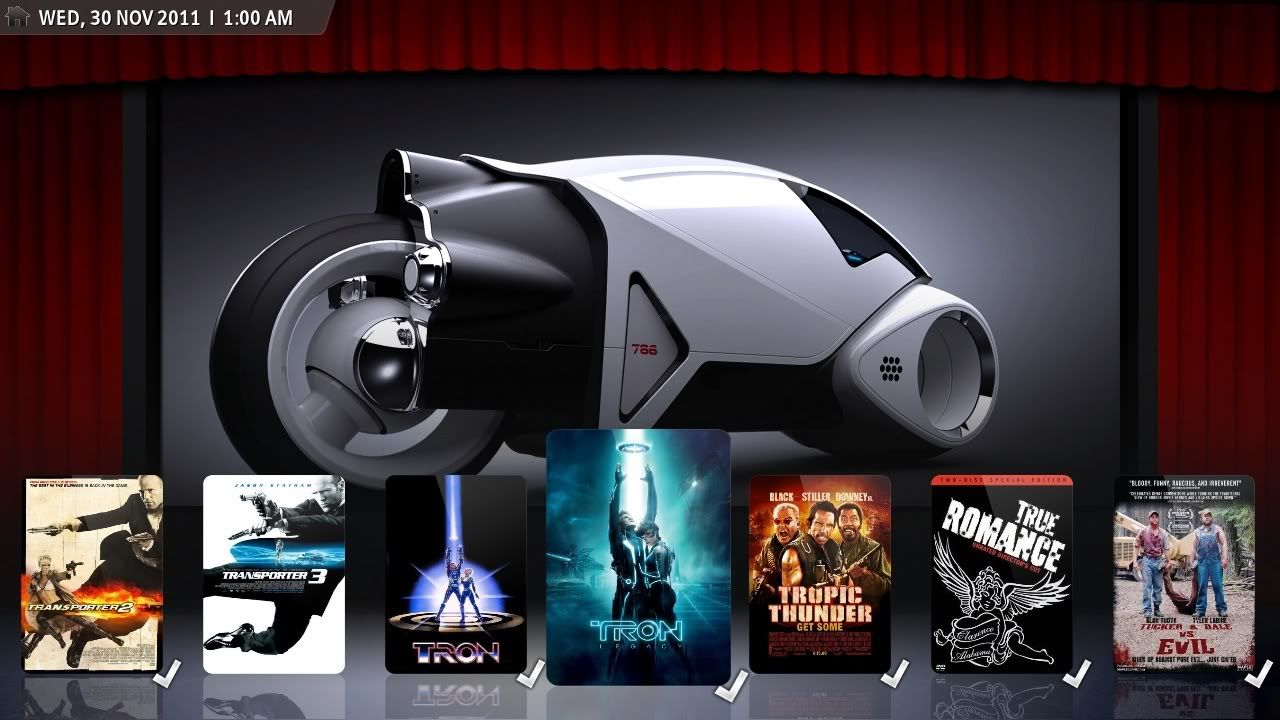
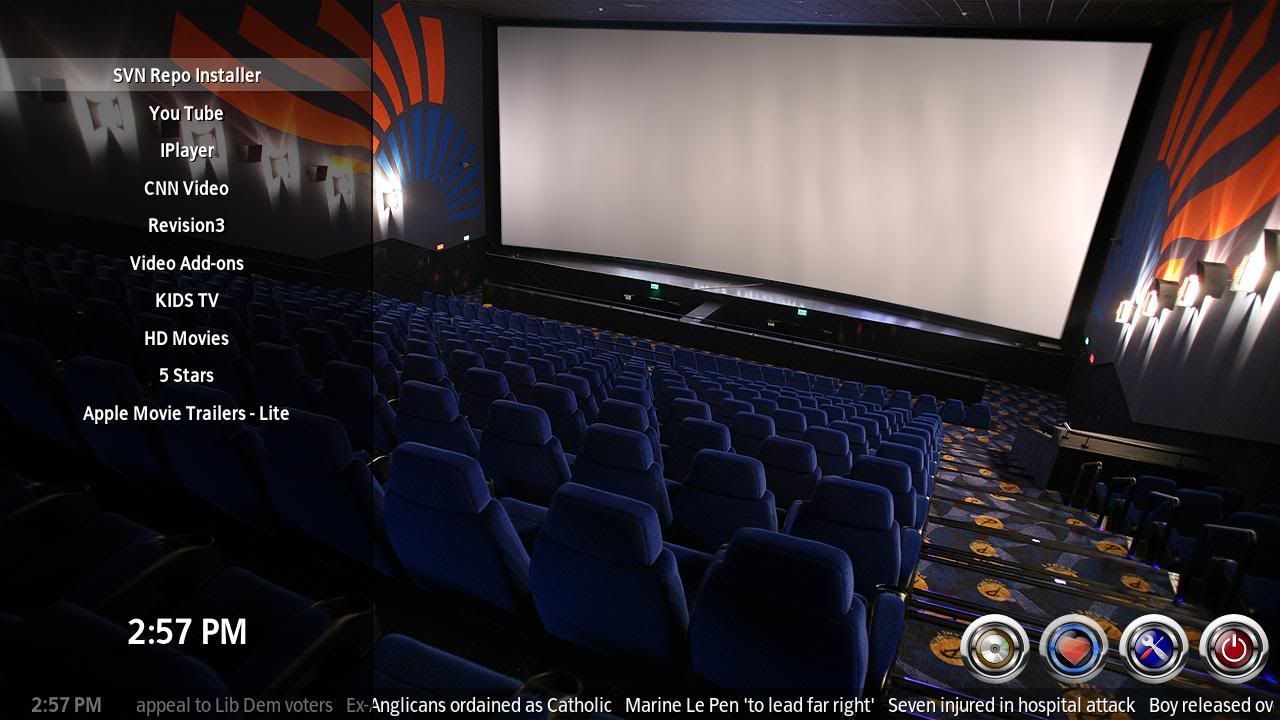
By the way this is an awsome skin, gives me the theatrical movie feeling when i open it that the others don't have
Thank you
oh question how can i reduce the background shading that appears in that wizard that pops up in the center of the screen cause it can get annoying with my mouse always hitting it?
Posts: 1,144
Joined: Jul 2006
Reputation:
17
Sharpe
Skilled Skinner
Posts: 1,144
You can by editing the relevant xmls ie:
MyMusicNav.xml
MyMusicPlaylist.xml
MyMusicSongs.xml
MyPics.xml
MyPrograms.xml
MyScripts.xml
MyVideo.xml
MyVideoNav.xml
You'd need to find <description>Button Background</description> and edit the color diffuse value.
eg: Change it from <colordiffuse>DDffffff</colordiffuse> to something like <colordiffuse>55ffffff</colordiffuse>
Posts: 186
Joined: Jun 2009
Before I try this beauty and fall in love with it...
I need to ask if BackRow provides alternative font sizes (standard, bigger, massive)
'cause those screenshots are smokin' sexy, but I already know that font size will be too small on my tv set.
If not, would you consider to add at least a bigger set ?
(I know I can manually change the xml file and all, but I hate it. Besides, it's a very convenient functionality to have officially)
Thanks a lot
and... OMG, GREAT WORK...
Posts: 51
Joined: Nov 2007
Reputation:
0
Hey Thanks sharpe for the .xml editing tips, I found a bit of a bug thow when i drop my mouse curser down to the shutdown button I get the main shutoff menu but it won't shut down right away and when I run my mouse across the selections I can't seem to choose shutdown or exit, it only wants to give me a timer shutdown
am I missing something
Oh and if your ever thinking of changing stuff around i'd like to suggest maybe making that myvideos.nav.xml a menu bar thats maybe floating so it doesn't interfere with the searching, this is probably not an issue with a regular remote I assume for you.
Other than that this is an awsome theme/skin, I liked rapier when it was simple and neat but now it has become over bloated I think and to many hidden things like that home button thing at the top.
All for simplicity