Thanks man..but what build of xbmx will work with it? I'm using build
XBMC_XBOXT_30837
SoulSoulero
Junior Member Posts: 2 Joined: Sep 2011 Reputation: 0 |
|
| find quote |
Sharpe
Skilled Skinner Joined: Jul 2006 Reputation: 12 Location: North West England |
2011-09-25 18:20
Post: #692
No idea mate...I've not owned an xbox in years.
|
| find quote |
Jezz_X
Team-XBMC Skinner Joined: Jun 2006 Reputation: 55 Location: Earth |
2011-10-11 06:57
Post: #693
Jezz_X Wrote:Thought you might like to know a .AU computer magazine had a bit about XBMC in it this month and used backrow for the screenshot Sharpe Wrote:Really? - oh wow that's cool - cheers Jezz I know I posted this a while ago but I forgot I even had the photo on my phone still Quote:And on Oldy I forgot to post in the August edition of "PC and Tech Authority" magizine in a "40 Killer Downloads, Free programs you shouldn't be living without" Skins I have done.... ![]() And others in the past... Want to know what I'm working on currently? Check me out on Google+ |
| find quote |
Sharpe
Skilled Skinner Joined: Jul 2006 Reputation: 12 Location: North West England |
2011-10-11 07:52
Post: #694
That is very cool
![]() Cheers Jezz |
| find quote |
Sharpe
Skilled Skinner Joined: Jul 2006 Reputation: 12 Location: North West England |
2011-10-23 15:08
Post: #695
Just some info on a few recent updates in the SVN....
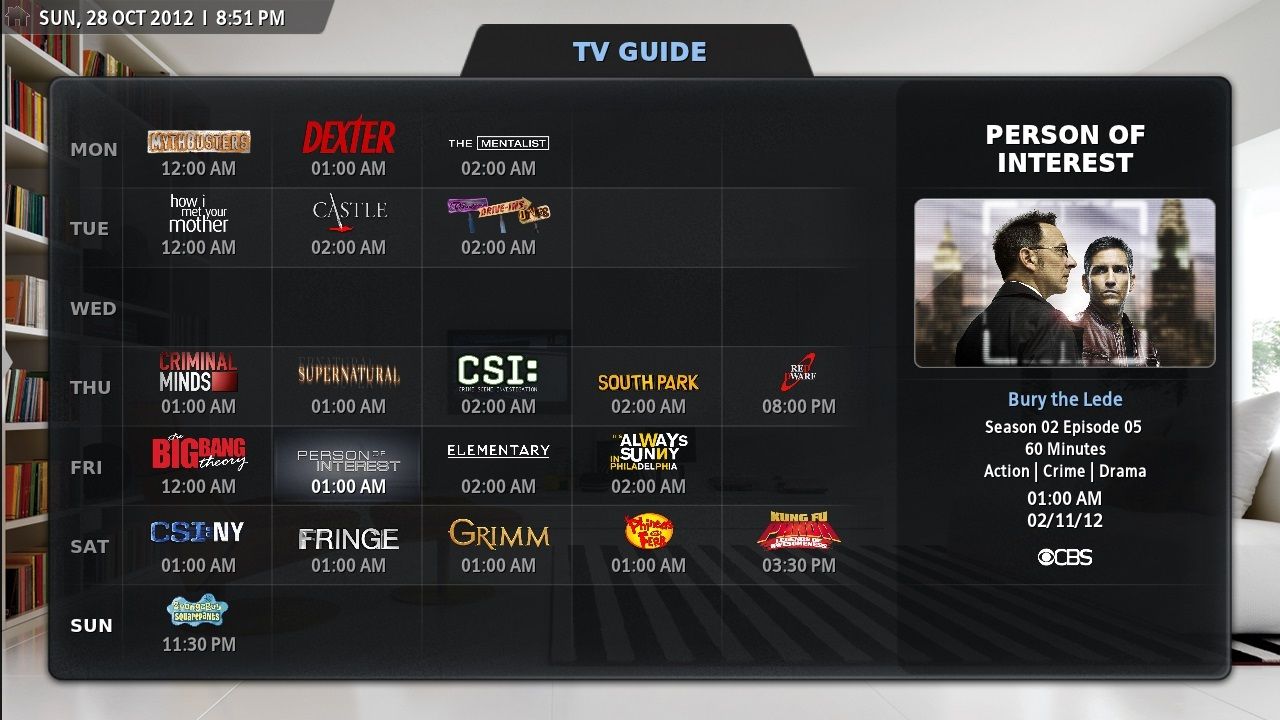
Version 3.4.5 - Altered the TV guide to work with the changes to next aired script - Added fanart background to the two main wide icon TV show views - Changed gold outline on OSD buttons to better match the progress bar colour As mentioned the main change is to the TV Guide. It makes better use of the cool developments to the next aired tv script that ronie and Black have been making. Check out the Skin Development forum for more details.
|
| find quote |
kiboy6
Fan Posts: 607 Joined: Mar 2009 Reputation: 0 |
2011-10-30 16:32
Post: #696
Hi Sharpe,
Been away for a while - nice to see my favourite skin continuing to get better and better. Just a few things: (I'm running latest Backrow SVN and 29.10.11 XBMC nightly) 1) Has there been a change to the list3 movie view? It seems to me as though less of the screen is now taken up with the fanart, and also that the boxes for the list and movie info are a lot less transparent. I used to love the way this view kept fanart occupying maximum real estate, and these two changes undo this a little bit IMO. Let me know if you'd like a screenshot to explain exactly what I mean. 2.) At the moment the Cinema Experience button brings up some actor info search dialogue for me instead of launching the CE script. Any ideas about this? 3.) I know you don't want to over-do the amount of user options, but for me the fanart background makes little sense in wide icons TV view (looks cluttered). However if I disable fanart there, then I lose it for all views, which I definitley don't want. Thanks a lot! |
| find quote |
Sharpe
Skilled Skinner Joined: Jul 2006 Reputation: 12 Location: North West England |
2011-10-30 23:57
Post: #697
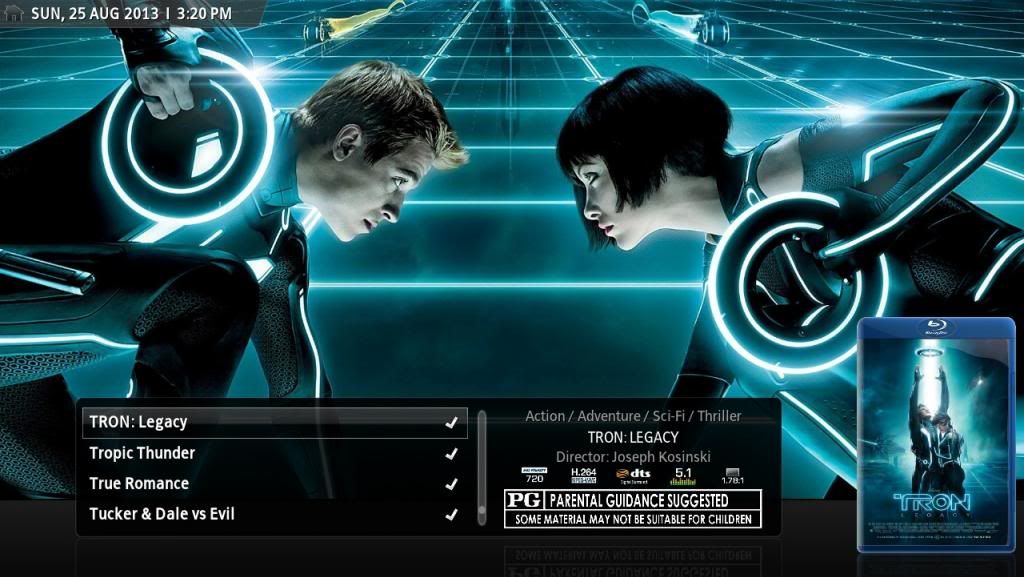
kiboy6 Wrote:Hi Sharpe, Hi mate (1) - Yep it's changed a bit looks like this now: ![]() The boxes are less transparent to work better with the floor shelf that I added. I dunno I still think there's a lot of fanart visible and to be honest I really like the look personally - it works well with the list 4 view now seems more connected imo. (2) Oh right I've not used it for ages - thanks I'll fix that. (3) I just think this way everything looks consistent so won't be changing it - however I'll see if an option might be on the cards. Cheers |
| find quote |
kiboy6
Fan Posts: 607 Joined: Mar 2009 Reputation: 0 |
2011-10-31 07:15
Post: #698
Sharpe Wrote:Hi mate OK, cool. It is very pretty. It just seems to me that the two text boxes now seem a little more isolated than they did before... but no big deal at all of course ![]() Quote:(2) Oh right I've not used it for ages - thanks I'll fix that. Great...can't wait to have CE back Will you notify us here when it makes it into the skin SVN?Quote:(3) I just think this way everything looks consistent so won't be changing it - however I'll see if an option might be on the cards. No worries - It's just that that particular view covers up virtually the entirely fanart, so the effective change of background colour can be a bit distracting. One other thing FYI - the system/input devices/peripherals settings dialogue isn't working in BackRow - not a big deal as it isn't something one needs to change often so I can just duck in and out of Confluence, but thought you'd like to know. Thanks as always for keeping BackRow the most amazing skin! Cheers
(This post was last modified: 2011-10-31 07:21 by kiboy6.)
|
| find quote |
Timreh
Member Posts: 70 Joined: Jul 2011 Reputation: 0 |
2011-11-20 22:34
Post: #699
Is it possible to use logo.png instead of poster or banner in fanart view? Maybe by changing an xml-File or something?
Great skin btw
|
| find quote |
Sharpe
Skilled Skinner Joined: Jul 2006 Reputation: 12 Location: North West England |
2011-11-21 13:19
Post: #700
Cheers - yeah I suppose so. I'll see what it looks like.
|
| find quote |


![[Image: img20110710001001.th.jpg]](http://img62.imageshack.us/img62/5852/img20110710001001.th.jpg)
![[Image: img20110710001012.th.jpg]](http://img11.imageshack.us/img11/9742/img20110710001012.th.jpg)
![[Image: skinsq.png]](http://img854.imageshack.us/img854/931/skinsq.png)

![[Image: MoviesList2.jpg]](http://img.photobucket.com/albums/0903/Sharpe/front%20row/MoviesList2.jpg)
Search
Help