Post your setup pictures

  Thread Rating:
  • 7 Votes - 4.43 Average
  • 1
  • 2
  • 3
  • 4
  • 5
Thread Closed
dekilo Offline
Junior Member
Posts: 1
Joined: Feb 2011
Reputation: 0
Post: #271
Hi guys,

Greetings from Holland.
I am an new to this forum.
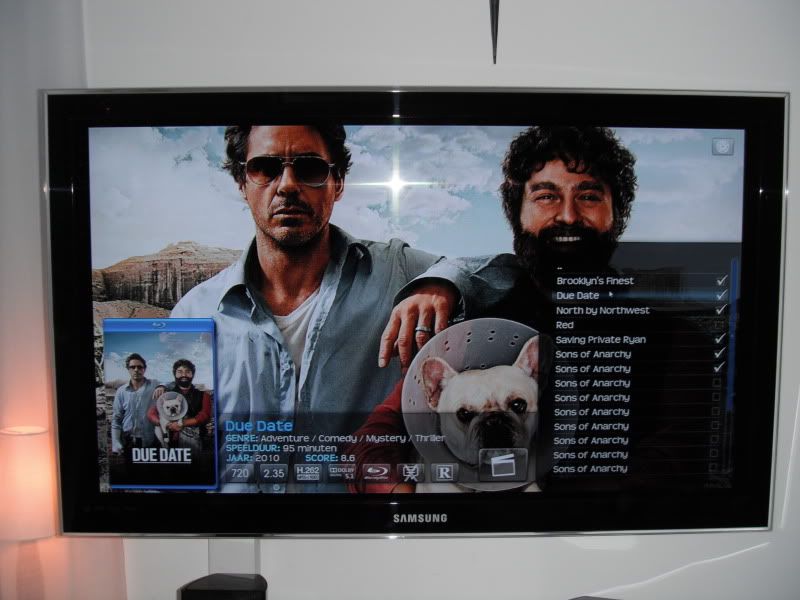
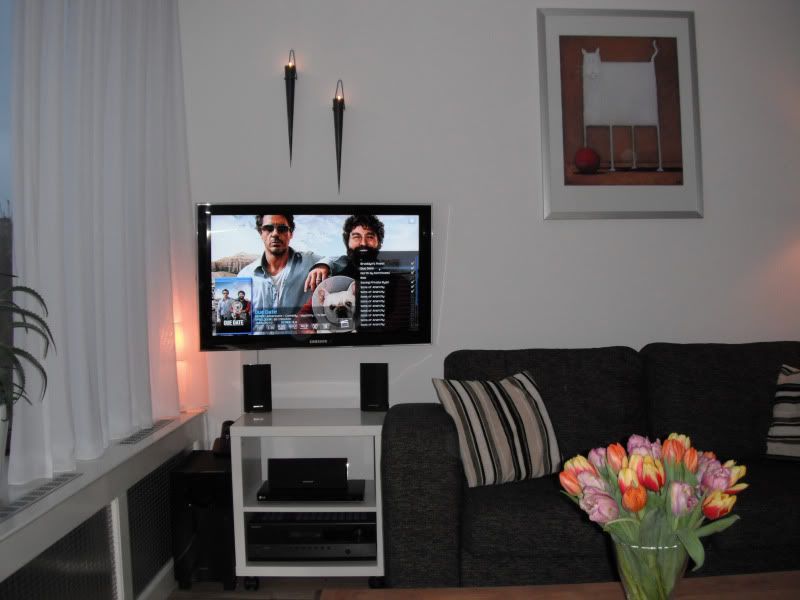
Here is my low budget setup
Details:
UE37C6000 Samsung LED tv.
Onkyo av 380 5.1receiver.
HD HTPC.
LG dvd player.

[Image: DSCF14641.jpg]

[Image: DSCF14651.jpg]

Please forgive me for having my library not fully implemented correctly.
find
Superorb Offline
Fan
Posts: 458
Joined: Jun 2009
Reputation: 0
Post: #272
dekilo Wrote:[Image: DSCF14651.jpg]

What skin is this?
find
htpc guy Offline
Posting Freak
Posts: 1,213
Joined: Oct 2010
Reputation: 7
Location: Near St. Louis Mo
Post: #273
@superrob
That is Transparency

How to use Git
| AMD Athlon II X3 Triple Core Processor 2.9 GHz |GIGABYTE GA-MA785GM-US2H Mobo 2GB DDR2 Ram | MSI N430GT |
| Logitec Harmony One Remote| 52" Sharp Aquos LED TV | Onkyo TX-NR509 |
find
Superorb Offline
Fan
Posts: 458
Joined: Jun 2009
Reputation: 0
Post: #274
htpc guy Wrote:@superrob
That is Transparency
Thanks.
find
quincer Offline
Junior Member
Posts: 6
Joined: Dec 2010
Reputation: 0
Post: #275
I didn't want to upgrade my TV quite yet, so I went and configured an old ancient ice cube looking pc for the living room.
My TV is pretty old and only takes component for HD and only takes 480p/1080i
XBMC running on a P4 3.0 2GB RAM 8400GS pci.

[Image: CIMG0049.jpg]
find
poofyhairguy Offline
Resident Hardware Guru
Posts: 2,954
Joined: Apr 2010
Reputation: 49
Post: #276
For as much as I recommend hardware, I have never shown mine on the forum. Until now that is.

First of all my entertainment center:

[Image: 48723775.jpg]

Samsung PN50C680 3D Plasma TV
Polk RTi 6s and 4s with a CSi3 center channel for surround
PSW 110 Sub
Onkyo TX-SR607 AV Receiver
Samsung c5500 Blu Ray player
Modded "Black Night" Xbox 360 and Wii
Harmony 600
And a custom XBMC Live tower:

[Image: img1821t.jpg]

Pentium Dual-Core E6500 Wolfdale 2.93GHz
GIGABYTE GA-G41M-ES2L
2 x 1GB Kingson DDR2
Black SilenX Luxurae Series 400W Fanless PSU
Scythe Ninja HSF
30 GB OCZ Vertex 1 SSD
Some old DVD drive
Scythe 120mm fan at 5V
NETGEAR GA311 (Need them Jumbo frames)
Thermaltake - Soprano Mid-Tower Case (Windowless)
HP USB IR Receiver
Currently eVGA 210 GT GPU
but normally 430 GT Fanless Zotac GPU:

[Image: img1822i.jpg]

What I love about this rig:

I love the piano finish on the case, and I love the lack of noise. Only ONE fan at 5v (when the GT430 is in) so this thing is really quiet. I use the Zalman ZM-Mc1 to pull that trick off. In a cooler climate I bet it can be fanless. Yet despite the lack of fans, I have multitudes more power than an ION system to test whatever I need to test.

Next is my bedroom XBMC Live system:

[Image: img1823v.jpg]

Core 2 Quad Q6600
GIGABYTE GA-G31M-ES2L
3 GB DDR2
COOLER MASTER GeminII HSF
PNY 9500GT 512mb
32GB OCZ Onyx SSD
250GB single platter WD download drive
NETGEAR GA311
Antec Earthwatts 380w PSU
COOLER MASTER Elite 341 case

What I like about this build:

It does mostly everything for me. Sick, Sab, Potato, MySQL. Its quiet enough, and by using a custom Xorg I "hacked" my bedroom Olevia 42inch 720p LCD to display 1080p. Cool stuff.

Final main components of my system are my two mediaservers, which are detailed here:

http://lime-technology.com/forum/index.p...c=2031.480

I connect to each server by SMB for my library, and I connect via NFS for downloading on my bedroom system.

Finally, my current experimental system. I actually used it as a primary HTPC for a few months:

[Image: img1772c.jpg]

It is a dual core Zotac ION Atom system with 1GB DDR2 RAM. I have it with a 2TB WD Green HD in it because I am experimenting with the heat profile of the Mini ITX form factor. Honestly its doing so well the system will probably end up as a present for family.

Here is my portable XBMc system, an ION HP Mini 311:

[Image: img1827xw.jpg]

Overclocked 2.2GHZ Atom CPU (single core)
3GB of RAM
30GB OCZ Vertex 1 SSD
ION1 GPU
11.6 Inch screen
Running Ubuntu 10.10

All I do is add an external HD, and this Netbook works as a perfect XBMC media player on the go. I often hook the HDMI port up to hotel TVs...

Mini/Micro ITX Frontend (with SSD) + Mediaserver/NAS + Logitech Harmony + LCD/LED/Plasma TV + Nice AV Receiver + XBMC + USENET + sabnzbd + sickbeard +couchpotato

My Setup--HTPC Building Guide- Start Here--Advice on Hard Drives and SSDs--Mediaserver Guide--Harmony Guide
(This post was last modified: 2011-02-15 10:11 by poofyhairguy.)
find
eskro Offline
Posting Freak
Posts: 8,234
Joined: Nov 2010
Reputation: 156
Post: #277
Magnificent O.O

Smile
find
bmcclure937 Offline
Fan
Posts: 659
Joined: Dec 2010
Reputation: 5
Location: Ohio
Post: #278
poofyhairguy Wrote:For as much as I recommend hardware, I have never shown mine on the forum. Until now that is.

Nice setup Poofy!! Wink
find
Superorb Offline
Fan
Posts: 458
Joined: Jun 2009
Reputation: 0
Post: #279
poofyhairguy Wrote:Final main components of my system are my two mediaservers, which are detailed here:

http://lime-technology.com/forum/index.p...c=2031.480

I connect to each server by SMB for my library, and I connect via NFS for downloading on my bedroom system.

So I was curious, if the parity drive dies with unRaid, do you lose all data on the data drives? I'm amassing a media library, and I'm getting tired of sticking things on different drives on my main PC that hosts all media. I'm gonna need some sort of server soon.
find
poofyhairguy Offline
Resident Hardware Guru
Posts: 2,954
Joined: Apr 2010
Reputation: 49
Post: #280
Superorb Wrote:So I was curious, if the parity drive dies with unRaid, do you lose all data on the data drives?

Nope. That is the magic of Unraid. Unlike regular RAID, the disks aren't dependent on each other.

So if you lose your parity drive, no data is lost. Just replace the drive. If you lose a single hard drive no data is lost, you just have to replace the hard drive. If more than one drive is lost, you just lose the data on those drives.

This last point is (part of the reason) my newest Unraid server has a different kind of HD in each of its slots. That way I can never be harmed by a bad batch of drives, or a single bad drive model.

Mini/Micro ITX Frontend (with SSD) + Mediaserver/NAS + Logitech Harmony + LCD/LED/Plasma TV + Nice AV Receiver + XBMC + USENET + sabnzbd + sickbeard +couchpotato

My Setup--HTPC Building Guide- Start Here--Advice on Hard Drives and SSDs--Mediaserver Guide--Harmony Guide
find
Thread Closed