[RELEASE] iPhoto Plugin Addon for XBMC

  Thread Rating:
  • 1 Votes - 5 Average
  • 1
  • 2
  • 3
  • 4
  • 5
Post Reply
jingai Offline
Skilled Skinner
Posts: 871
Joined: Mar 2010
Reputation: 6
Thumbs Up  [RELEASE] iPhoto Plugin Addon for XBMC Post: #1
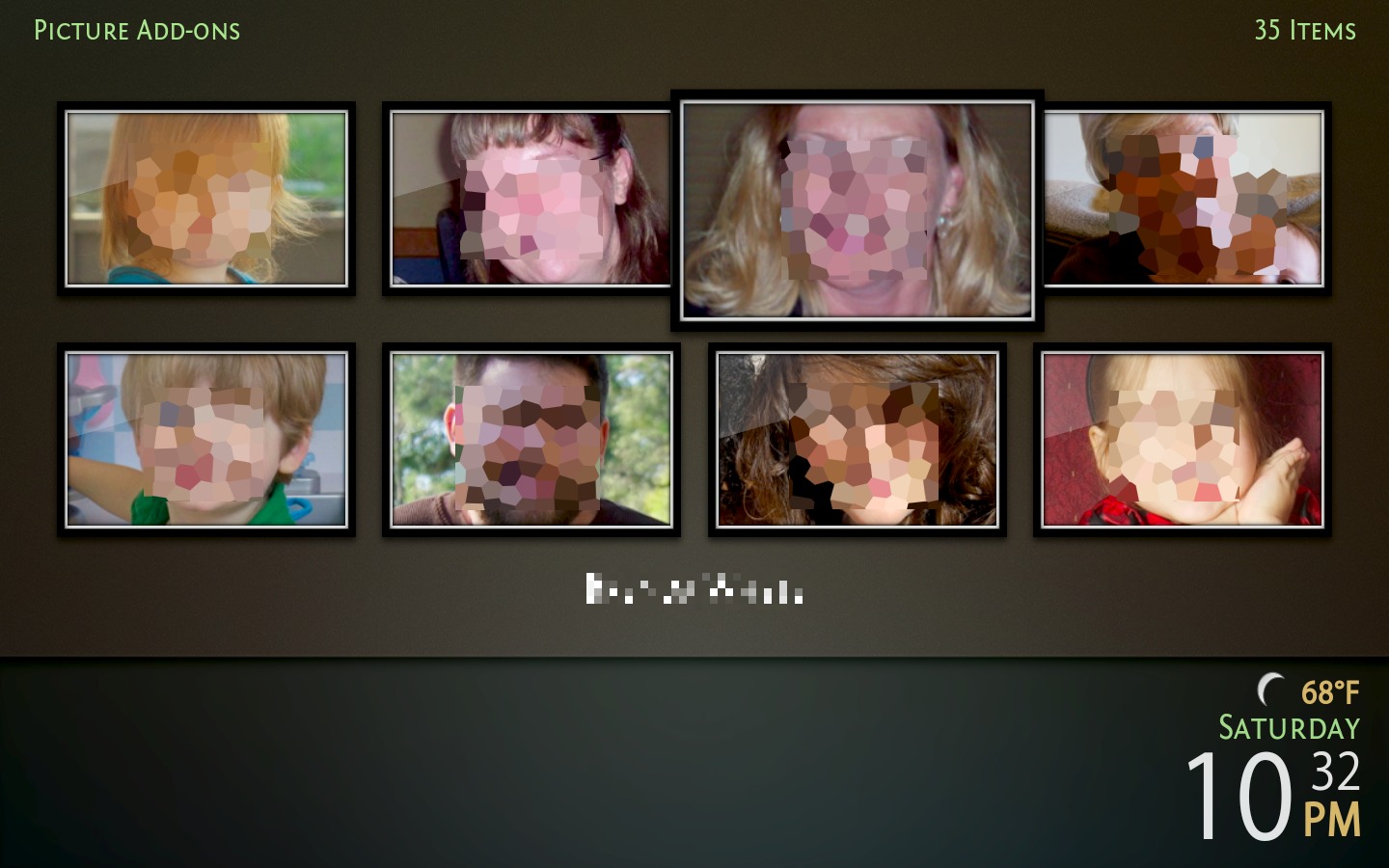
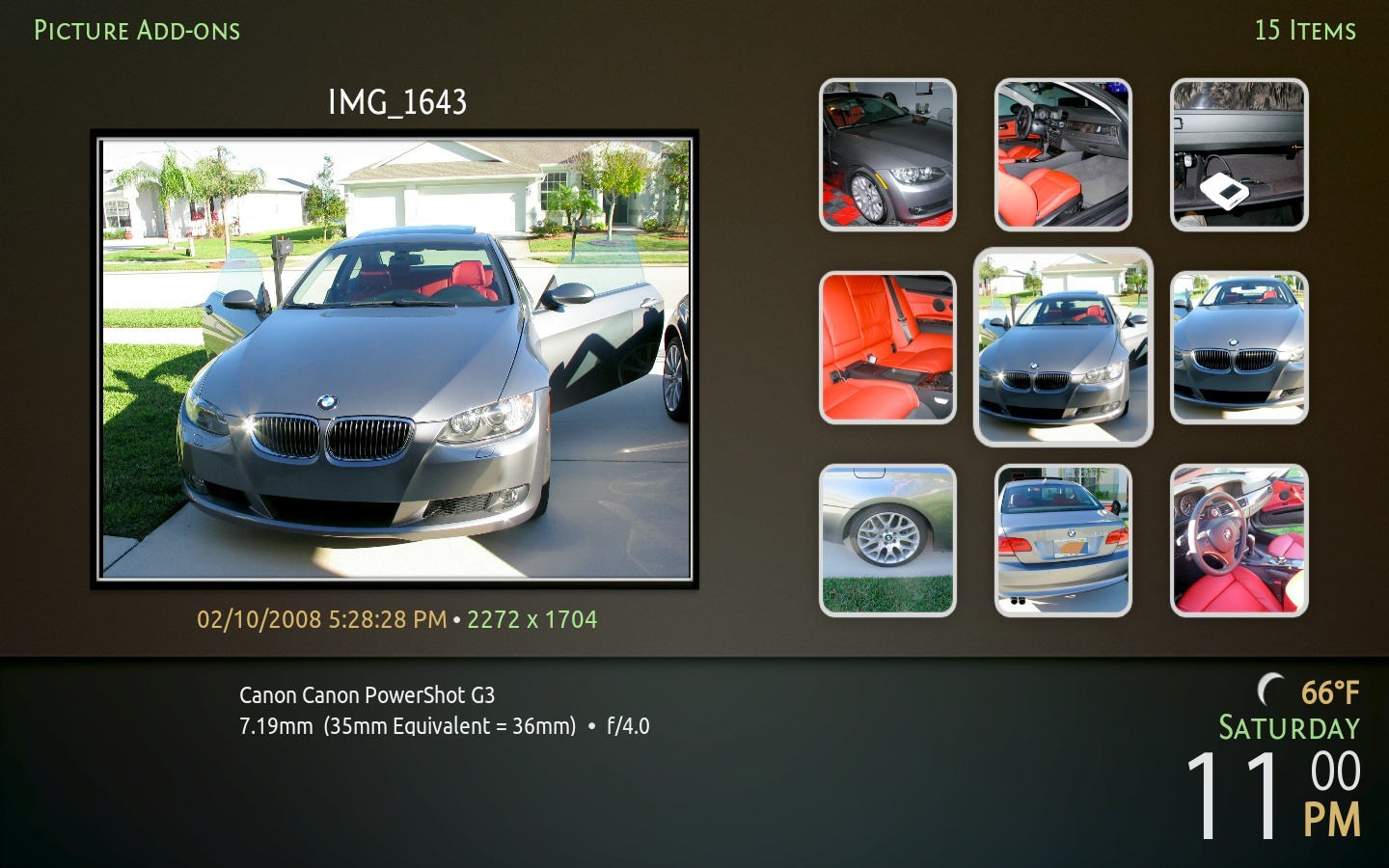
This add-on allows you to view your iPhoto library from within XBMC. It supports all of the usual categories in iPhoto such as Events, Albums, Faces, Places, etc. You can point it at a local library (on the same machine on which you run XBMC) or a remote network share. It also supports unmanaged libraries when properly configured.

The latest release is available in the official XBMC add-on repository. If you would like to help with the add-on or provide translations for it (please!), the source code is available here.

Documentation for the add-on is available within the add-on or from here.

Beta Versions: If a beta is available, it will be available here. Install it using the "Install from ZIP file" option in XBMC. If you encounter any issues with a beta, please post here noting that you're using the beta version. I will almost always need to see your xbmc.log file to troubleshoot your issue, so remember to include a link to it in your post.
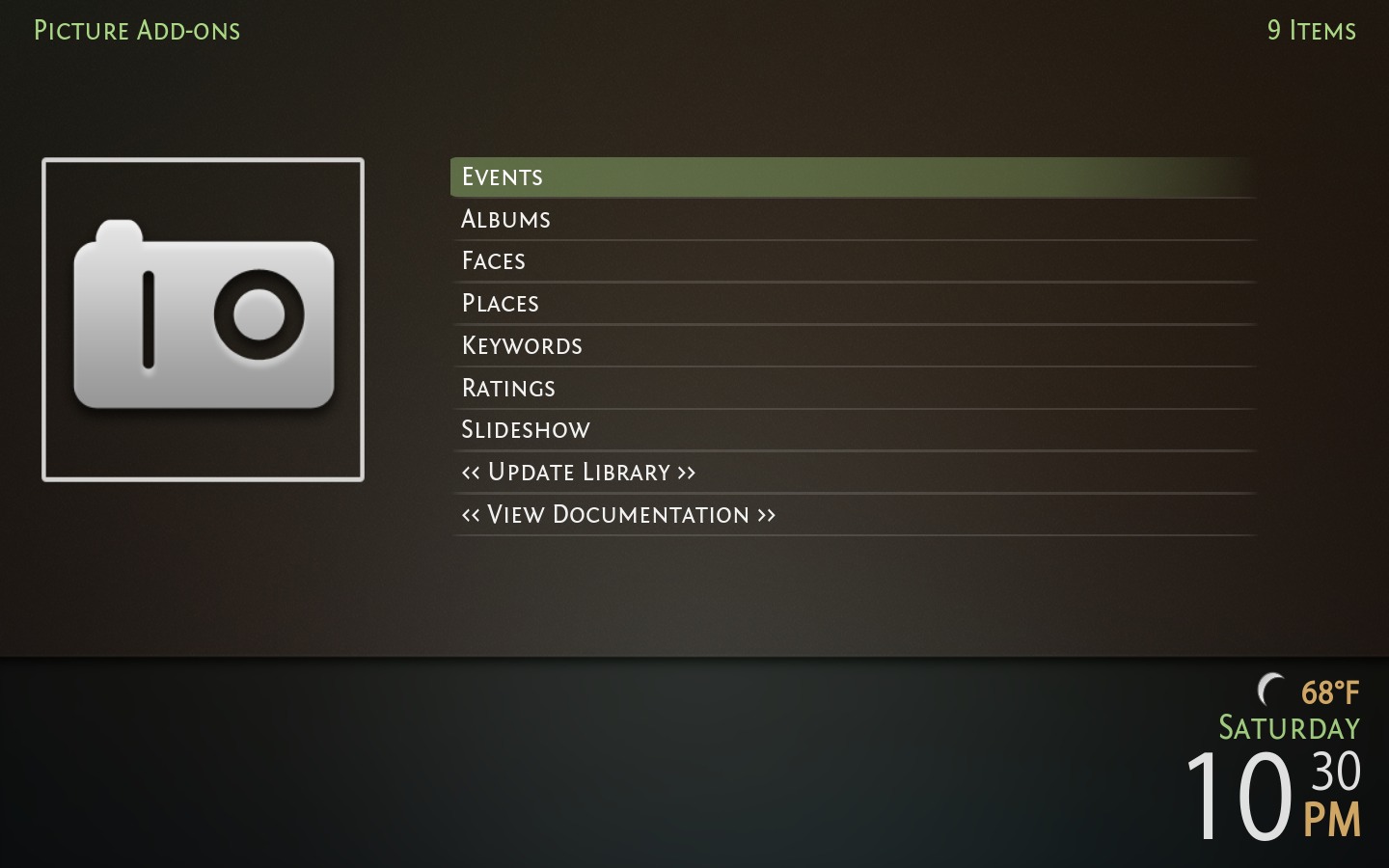
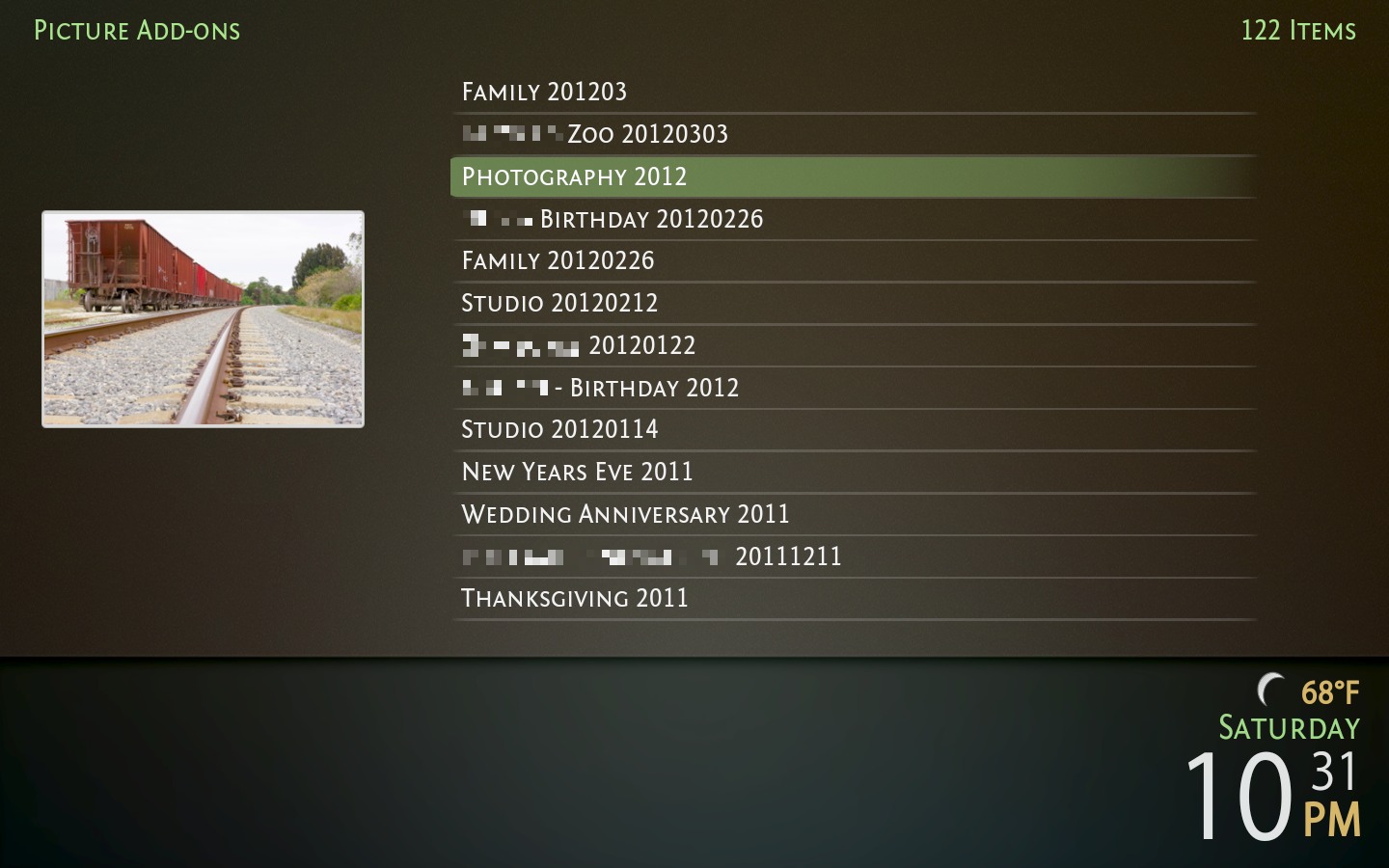
If you need more assistance, please post here, PM me, or email me.

[Image: iphoto01.jpeg]

[Image: iphoto02.jpeg]

[Image: iphoto03.jpeg]

[Image: iphoto04.jpeg]

[Image: iphoto05.jpeg]

[Image: iphoto06.jpeg]
(This post was last modified: 2012-10-30 18:44 by jingai.)
find quote
jingai Offline
Skilled Skinner
Posts: 871
Joined: Mar 2010
Reputation: 6
Post: #2
Tested on Debian unstable with XBMC SVN r32042. Works fine Smile

Just make sure your exported iPhoto library path is the same as it is on your Mac. Same is true for Windows, assuming it works at all.

I might just make the base pathname configurable or something and rewrite the paths when importing from AlbumData.xml. Not sure yet.

-Jonathan
find quote
jmarshall Offline
Team-XBMC Developer
Posts: 24,523
Joined: Oct 2003
Reputation: 138
Post: #3
For the import thing, you might be able to get away with returning the root listing, with the replaceListing parameter set.

Cheers,
Jonathan

Always read the XBMC online-manual, FAQ and search the forum before posting.
Do not e-mail XBMC-Team members directly asking for support. Read/follow the forum rules.
For troubleshooting and bug reporting please make sure you read this first.


[Image: badge.gif]
find quote
jingai Offline
Skilled Skinner
Posts: 871
Joined: Mar 2010
Reputation: 6
Post: #4
jmarshall Wrote:For the import thing, you might be able to get away with returning the root listing, with the replaceListing parameter set.

Sorry, I'm still a bit new at this.. I'm not sure what you mean? I've already solved the issue (see git://github.com/jingai/plugin.image.iphoto.git commit 811fe1948dc5a6750c90fe76244cac3e342d96e7) and I was going to push it out soon, but if there is a better way to do what I did, I'd like to hear it.

As an aside, the setting for the AlbumData.xml path in my settings.xml is currently:

Code:
<setting id="albumdata_xml_path" type="file" label="30000" default=""/>

I'd like to make the default "~/Pictures/iPhoto Library/AlbumData.xml". I currently do this in code on first run, but if the user hits the config page first, they'll have to fill it out by hand. Is there a way to get the home directory directly from settings.xml?

Thanks,
Jonathan
(This post was last modified: 2010-07-22 05:12 by jingai.)
find quote
jingai Offline
Skilled Skinner
Posts: 871
Joined: Mar 2010
Reputation: 6
Post: #5
jingai Wrote:Just make sure your exported iPhoto library path is the same as it is on your Mac. Same is true for Windows, assuming it works at all.

I might just make the base pathname configurable or something and rewrite the paths when importing from AlbumData.xml. Not sure yet.

v0.9.3 fixes this. It should be available soon.

-Jonathan
find quote
jingai Offline
Skilled Skinner
Posts: 871
Joined: Mar 2010
Reputation: 6
Post: #6
jmarshall Wrote:For the import thing, you might be able to get away with returning the root listing, with the replaceListing parameter set.

Oh oh.. I know what you mean now. Sorry, when I read that the other night, I was working on something else related to importing photos and my mind just assumed you were talking about that and it made no sense lol.

I'll look into doing it like this.

-j
find quote
jingai Offline
Skilled Skinner
Posts: 871
Joined: Mar 2010
Reputation: 6
Post: #7
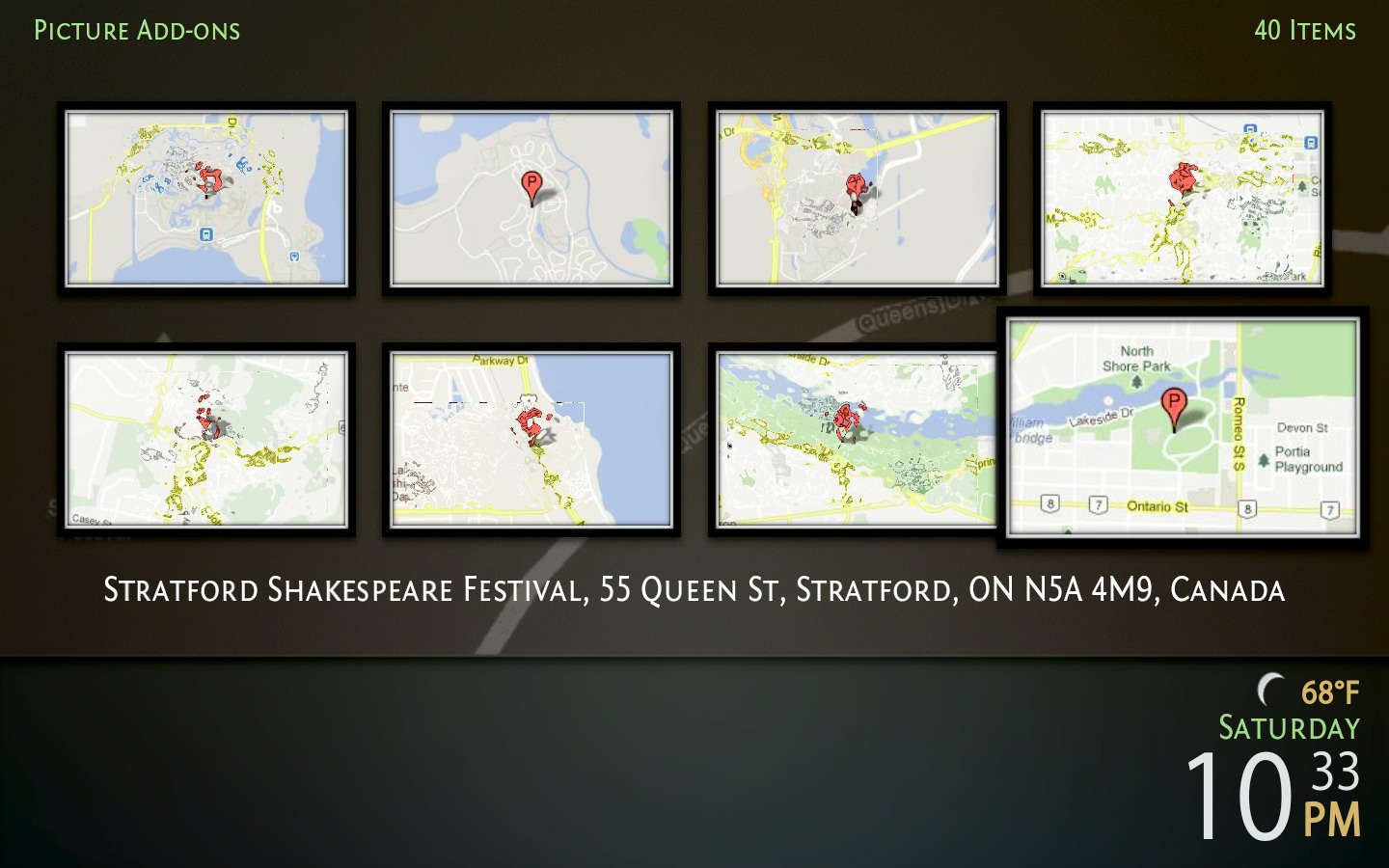
Just thought I'd mention here that I've finally added Places support to the plugin in version 1.4.2. I've tested it pretty extensively against my own library on Linux and MacOS X, but I'd still appreciate any feedback from other users, especially international (non-US) users.

Places support will by default reverse geocode the latitude/longitude pairs in the iPhoto database to human-readable addresses. It will also download a large map image (640 pixels wide and a height that matches the aspect ratio of your screen) for fanart and a smaller (256x256) image for the thumbnail. These operations take some time, so if you find the library import speed unacceptable, you can disable these features in the plugin settings.

Note though that the map images are cached to disk, so if it's really slow the first time, try again and see if it's acceptable. It won't download the map images again unless you either clear the caches or change your screen resolution.

-j
find quote
jabba_29 Offline
Member+
Posts: 278
Joined: Oct 2009
Reputation: 2
Location: Finland
Post: #8
Is there any way to add the source of the album data from my Mac Mini so I can stream to ATV without uploading everything first?

Thanks in advance.

--
XBMC HUB - THE NEW HOME FOR ADD-ONS and PLUGINS
Read how my ATV2 installation went
ATV2 one week on ... it's getting better all the time
XBMC/ATV2 - Feeling the love
--
XBMC:
Platform - Darwin iOS (11.0.0 AppleTV2,1, Version 4.3 (Build 8F305)).
11.0-RC2 - Built on Mar 1 2012 (Git:20120229-f38655f)
Platform - Darwin OSX (8.8.2 i386, Version 10.4.7 (Build 8N6014)).
11.0-RC2 - Built on Mar 1 2012 (Git:20120229-f38655f)
find quote
jingai Offline
Skilled Skinner
Posts: 871
Joined: Mar 2010
Reputation: 6
Post: #9
jabba_29 Wrote:Is there any way to add the source of the album data from my Mac Mini so I can stream to ATV without uploading everything first?

Thanks in advance.

I don't personally own an ATV (1 or 2, since you didn't say which), but it's my understanding that you have two options:

1) Mount the network share that contains your iPhoto Library using the host OS on your ATV, or
2) Add a Video source using an smb:// style path. Tell XBMC not to scrape the source. Then, in the plugin configuration, you should be able to select the iPhoto Library path via the source you added.

Method 1 is probably the fastest in terms of performance, but is more difficult to do if you're unfamiliar with command line stuff.

You definitely don't need to upload your entire iPhoto Library for it to work, though.

-jingai
find quote
jabba_29 Offline
Member+
Posts: 278
Joined: Oct 2009
Reputation: 2
Location: Finland
Post: #10
Thanks for the quick response. It is a ATV 1, and I am completely at a loss with the first suggestion - I will have a google and play around though. At least I know that something like this is possible.

--
XBMC HUB - THE NEW HOME FOR ADD-ONS and PLUGINS
Read how my ATV2 installation went
ATV2 one week on ... it's getting better all the time
XBMC/ATV2 - Feeling the love
--
XBMC:
Platform - Darwin iOS (11.0.0 AppleTV2,1, Version 4.3 (Build 8F305)).
11.0-RC2 - Built on Mar 1 2012 (Git:20120229-f38655f)
Platform - Darwin OSX (8.8.2 i386, Version 10.4.7 (Build 8N6014)).
11.0-RC2 - Built on Mar 1 2012 (Git:20120229-f38655f)
find quote
Post Reply