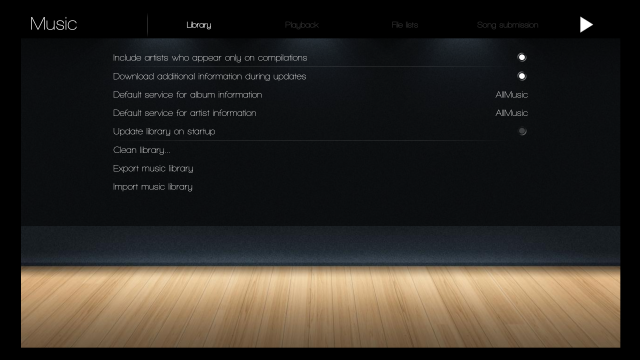
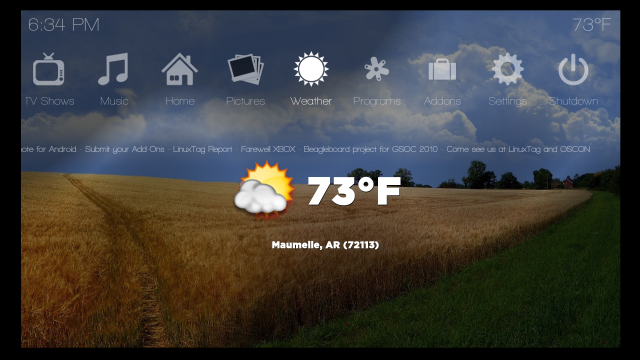
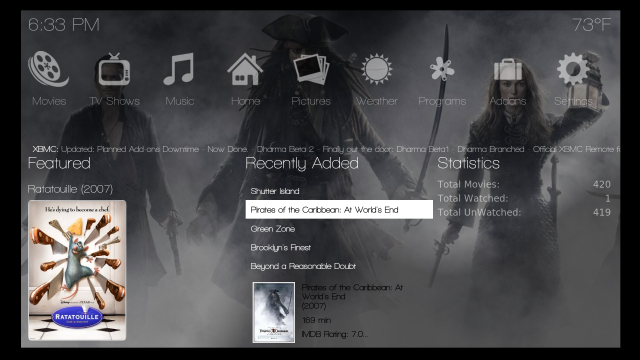
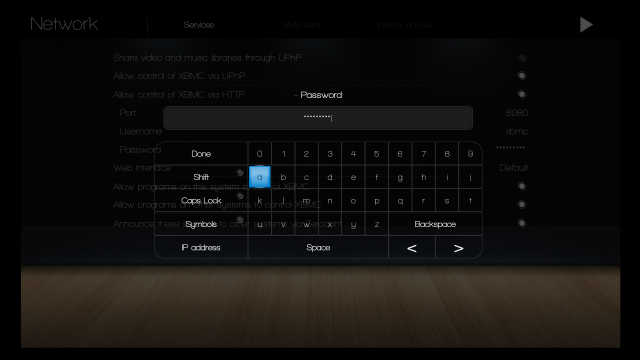
[NEW UPLOAD] 1.1.1 is on the repo! Go test it out!

  Thread Rating:
  • 0 Votes - 0 Average
  • 1
  • 2
  • 3
  • 4
  • 5
Post Reply
hogfan Offline
Fan
Posts: 380
Joined: Nov 2009
Reputation: 0
Post: #11
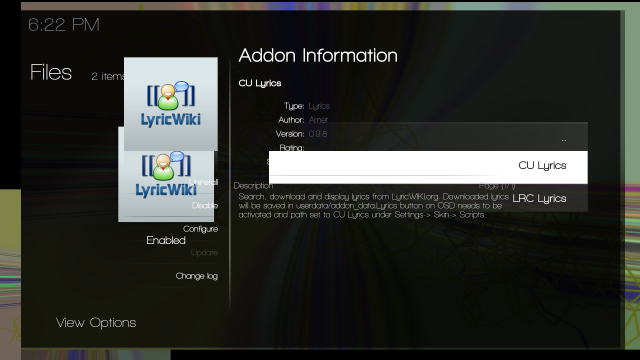
4.) When trying to install addons, still seeing missing images.

[Image: missingAddon.png]

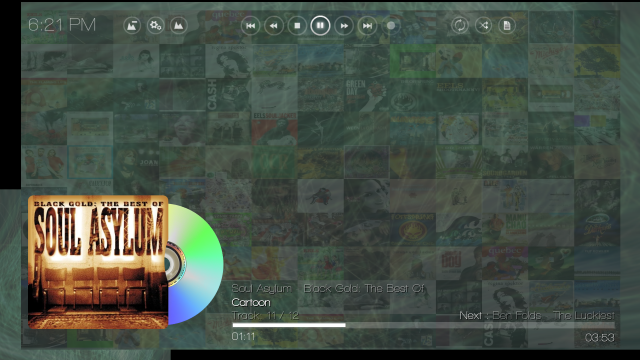
5.) On the music playing screen, looks like the top glass overlay for the controls is missing, as well as the overlay for the song playing info (unless you removed this in the update).

[Image: noMusicOverlay.png]

[Image: screenshot003.png]

6.) Shouldn't there be a white arrow next to View Options? or has there never been one there?

[Image: missingarrow.png]

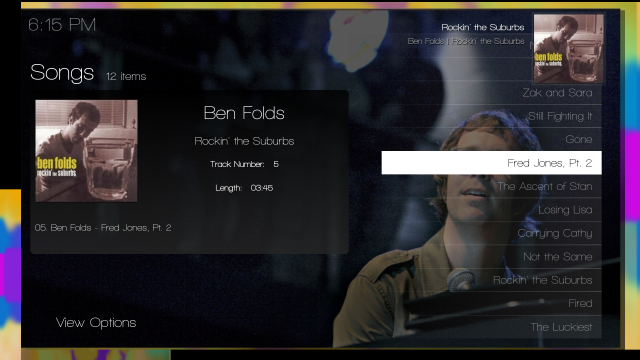
7.) After playing a song and going to the playing screen (the one with spinning cd) and exiting back to the album, should the now playing image be in the top right corner on this screen?

[Image: topplaying.png]

-hogfan
find quote
igotdvds Offline
Skilled Skinner
Posts: 1,616
Joined: Jul 2009
Reputation: 11
Post: #12
hogfan Wrote:4.) When trying to install addons, still seeing missing images.

[Image: missingAddon.png]

5.) On the music playing screen, looks like the top glass overlay for the controls is missing, as well as the overlay for the song playing info (unless you removed this in the update).

[Image: noMusicOverlay.png]

[Image: screenshot003.png]

6.) Shouldn't there be a white arrow next to View Options? or has there never been one there?

[Image: missingarrow.png]

7.) After playing a song and going to the playing screen (the one with spinning cd) and exiting back to the album, should the now playing image be in the top right corner on this screen?

[Image: topplaying.png]

-hogfan

Wow, LINUX BLOWS!!!

None of your changes were done for this update. I will have to manually make the same changes you did since I have changed so many files for this update.

No it shouldnt look like any of the screenshots you posted. Damn case sensitivity!!
find quote
hogfan Offline
Fan
Posts: 380
Joined: Nov 2009
Reputation: 0
Post: #13
It's the damn file system that is case sensitive, all of the EXT2,3,4 files systems are. I use Windows and MacOS for my everyday needs and don't have to deal with the case sensitivity usually. Unfortunately, XBMCLive / Linux install gives VDPAU decoding support for iON and when configured properly basically allows you XBMC to run almost like a standalone appliance, and that is why many people like myself run this setup on small inexpensive boxes like the Acer Revo.

The same issue we are seeing here is the same thing that happens on linux-based webservers like apache. I wish there was a better way of cleaning up the case sensitivity issues in the skin. Maybe one of the XBMC team members has an idea of how to tackle this other than manually checking all the image names.

-hogfan
find quote
theuni Offline
Team-XBMC Communication Manager
Posts: 1,089
Joined: Oct 2007
Reputation: 2
Location: Atlanta, Ga, USA
Post: #14
Just spent a min trying to come up with a decent approach, here's a start. Probably some false-positives, but all the ones I looked at were indeed wrong somewhere. And I'm sure there are plenty more as well, this was just a quick regex. Have fun with this, looks nasty.

Quote:$ cat ../720p/*.xml | grep -Eio '[a-zA-Z0-9 _\-\/]+\.(jpg|bmp|gif|png)' | sort -u | while read filename; do if [ "`find -iwholename "./${filename}" | wc -l `" != "`find -wholename "./${filename}" | wc -l `" ]; then echo "$filename"; fi; done

Results here.

TheUni
(This post was last modified: 2010-10-14 09:12 by theuni.)
find quote
theuni Offline
Team-XBMC Communication Manager
Posts: 1,089
Joined: Oct 2007
Reputation: 2
Location: Atlanta, Ga, USA
Post: #15
More informative script, same disclaimer applies:

Quote:#!/bin/bash
cat ../720p/*.xml | grep -Eio '[a-zA-Z0-9 _\-\/]+\.(jpg|bmp|gif|png)' | sort -u | while read filename; do
if [ "$(find -iwholename "./${filename}" | wc -l )" != "$(find -wholename "./${filename}" | wc -l )" ]; then
realfile=$(find -iwholename "./${filename}" | sed 's/^\.\///')
echo "Real Filename: ${realfile}"
git grep -I -v "${realfile}" ../720p | grep -i "${realfile}" | sed 's/./ &/'
echo
fi
done

Results here.

TheUni
find quote
igotdvds Offline
Skilled Skinner
Posts: 1,616
Joined: Jul 2009
Reputation: 11
Post: #16
theuni Wrote:More informative script, same disclaimer applies:


Results here.

TheUni

Thanks Uni. This should help me fix this issue.

Question: If I change my filename in the xmls to match the image name, does it HAVE to be lowercase or does it just need to match exactly?
find quote
hogfan Offline
Fan
Posts: 380
Joined: Nov 2009
Reputation: 0
Post: #17
Very Nice!

-hogfan
find quote
hogfan Offline
Fan
Posts: 380
Joined: Nov 2009
Reputation: 0
Post: #18
@igotdvds


It just needs to match exactly, whatever case you want to use is fine. I just used lowercase before for consistency. As long as the filename exactly matches the reference to it in the .xml files you are golden.

-hogfan
find quote
igotdvds Offline
Skilled Skinner
Posts: 1,616
Joined: Jul 2009
Reputation: 11
Post: #19
hogfan Wrote:@igotdvds


It just needs to match exactly, whatever case you want to use is fine. I just used lowercase before for consistency. As long as the filename exactly matches the reference to it in the .xml files you are golden.

-hogfan

Ok, I will take this report and fix the inconsistencies. After that I will upload the files nad moving forward, I will be very cautious in making sure the names are consistent.
find quote
MarioSpeedwagon Offline
Junior Member
Posts: 33
Joined: Aug 2010
Reputation: 0
Post: #20
Great work yet again. One question, maybe two...
Is it possible to add the ability to see the Info for the newly added items on the bookshelf? Also, i am only seeing the 4 most recent instead of the 10 spaces that are available. I know its me, so what information do you need to tell me what I am doing wrong?
Question 2. What do i need to do in order to set up the What's On TV Tonight? Is this for live tv, or plugin internet tv, or tv shows we have downloaded? Thanks again.
Jason
find quote
Post Reply