2011-03-05, 22:22
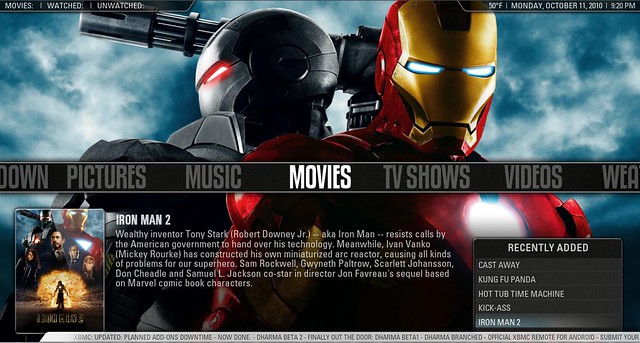
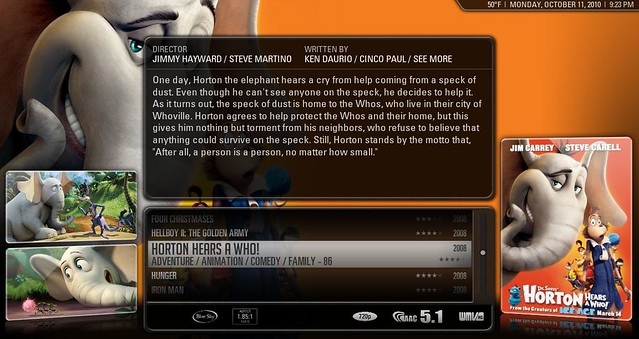
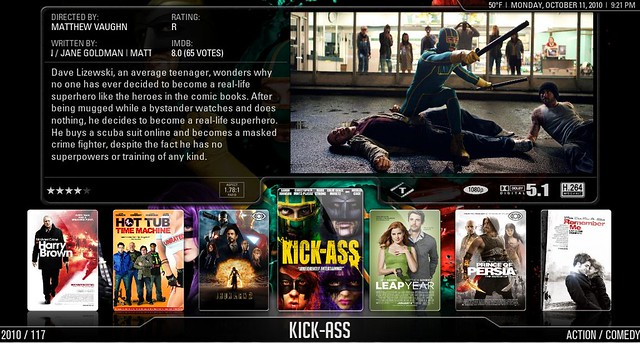
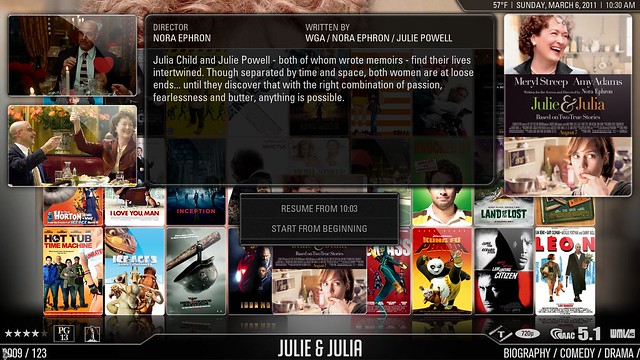
WELCOME TO AEON SHOWMIX!
AEON Showmix 3.0 (Dharma) 07/26/2011 latest showmix build
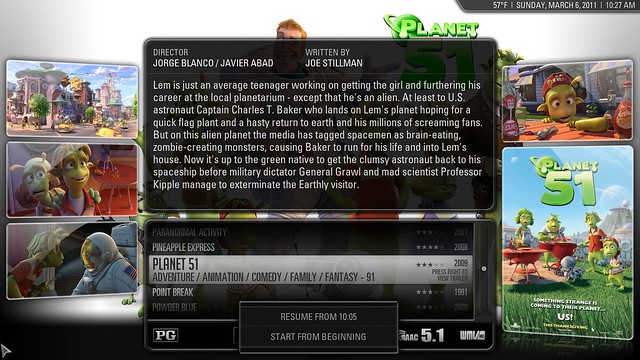
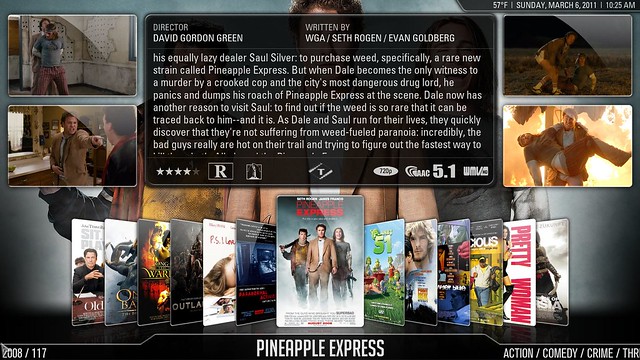
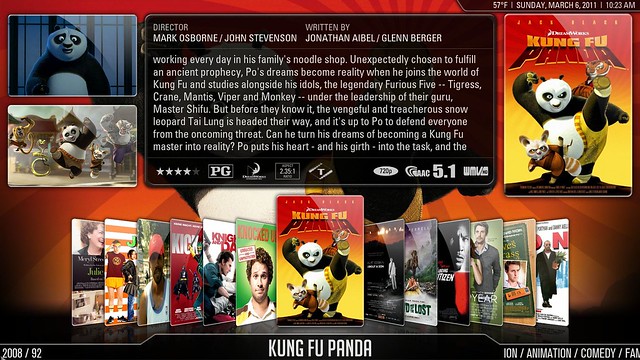
AEON Showmix is a collaboration between many people across the globe its a modification of the awesome AEON skin originally created by Duncan Harris
Your help is needed!
Please report any bugs/feature requests here no matter how big or small they may be.
Bug list can be found here!
http://www.mediafire.com/?w4tufacvl4svsad
The link above is the current stable dharma release of AEON Showmix enjoy!
Changelog
As of 10/27/2011
3.1.0
Showmix pre-eden (next release)
- Clean up of settings options
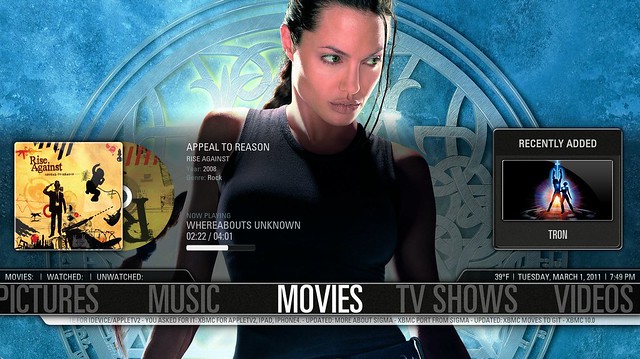
- Added CD case to music widget
- New option to switch between themes (Switch between the current Showmix look and the old classic look more themes to come)
- Added welcome screen into Showmix
- Changed default backdrops
- Fixed broken trailer windows
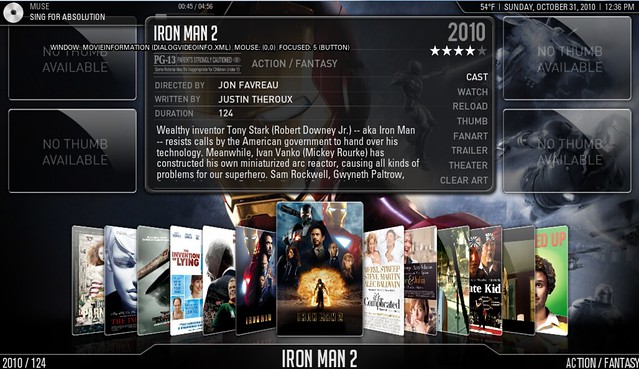
- Clean up of video info navigation
- New extrafanart button in video info screen (New support for extrafanart script by Paddycarey/Machine-Sanctum)
- Added Extrafanart support in all views
- Extrafanart bulk download buttons in settings for movies and tv shows
- Added new view Halfwall
- Added new view Banner
- Added new view big Showcase
- New random items on home
- Added new slimline volume bar
- relocated volume bar to bottom of screen
- Added new option to toggle between small boxed video window and fullscreen visualization on home screen
- Lots of other little changes
3.0.0
Showmix dharma (latest release)
- New Aeon Showmix classic views (bit buggy until next release)
- Added toggle between classic and current video info screen
- New home menu animations
- Reworked home menu (new Textures adjustments)
- New recently added music (toggle between albums/songs)
- Added 20 items to recently added music
- Home menu cleanup
- Texture cleanup
- Bulk cleanup of old code
- Fixed trailers
- Fixed side menu
- Toggle between classic video info screen and current Showmix video info
- Added all old Multiplex views from showmix 2.1
- Extra fanart support added for movies and tv shows
- Reworked Home menu animations
- New look home menu leather bar
- New Animated dream scene background in home menu (currently disabled until 3.1)
- New bug fixes
- New video OSD info screen
- added cover and plot to new video OSD
- Fixed alignment issues in cdwall osd
- New Home menu backdrop
- updated tv tunes
- Fixed trailer problem in all views
- Started working on switching fonts to opensource ones
- Upgraded some of the current graphics
- Deleted hundreds and hundreds of lines of old code
- Sorted Textures got rid of duplicates.
- Updated logo downloader
- Fixed recently added
- Fixed totals in movies/music/tvshows on home screen
- Studio flags problem in multiplex when info is off
- Media flags playing up in multiplex
- Fix spinning cd on off conflict
- Music recently added not showing title
- When cdwall enabled slideshow osd wont display (fix in next release)
- views sidebar not navigating as it should
- CDWALL grid offset x axis
Fixes/Features for future releases
*Random item scripts
*Global search
*pvr support
*re worked paused/osd menus
*Extra fanart (implemented but disabled for current release)
*Tv show overhaul Banner support
*ironing out bugs for eden
*Artist Slideshow suport