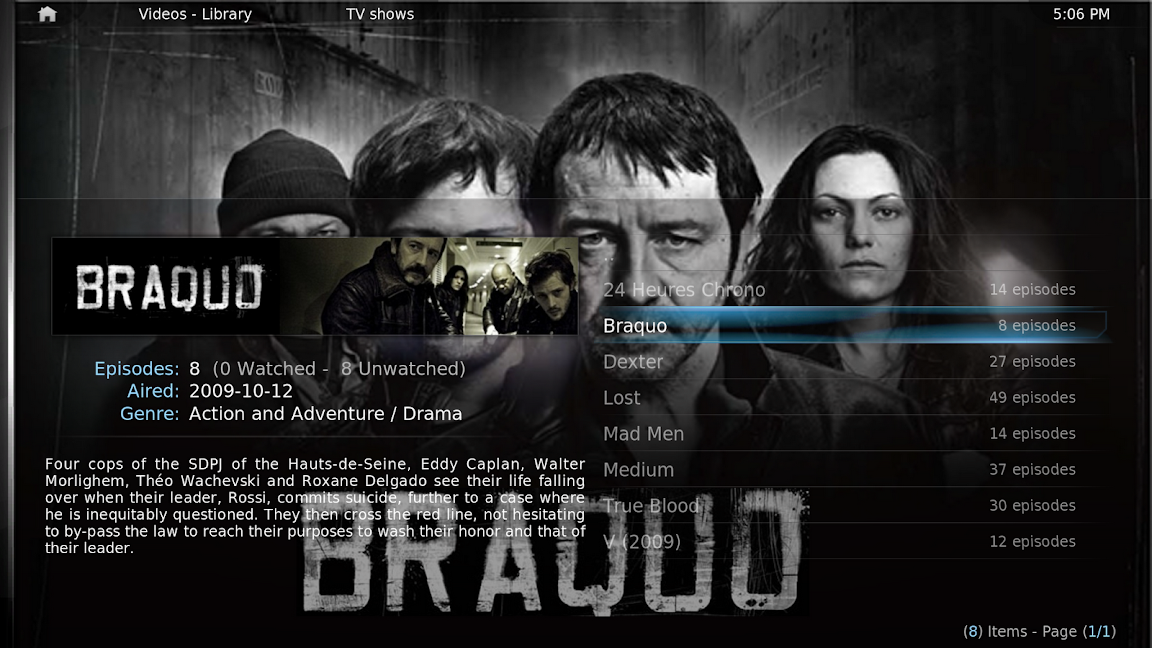
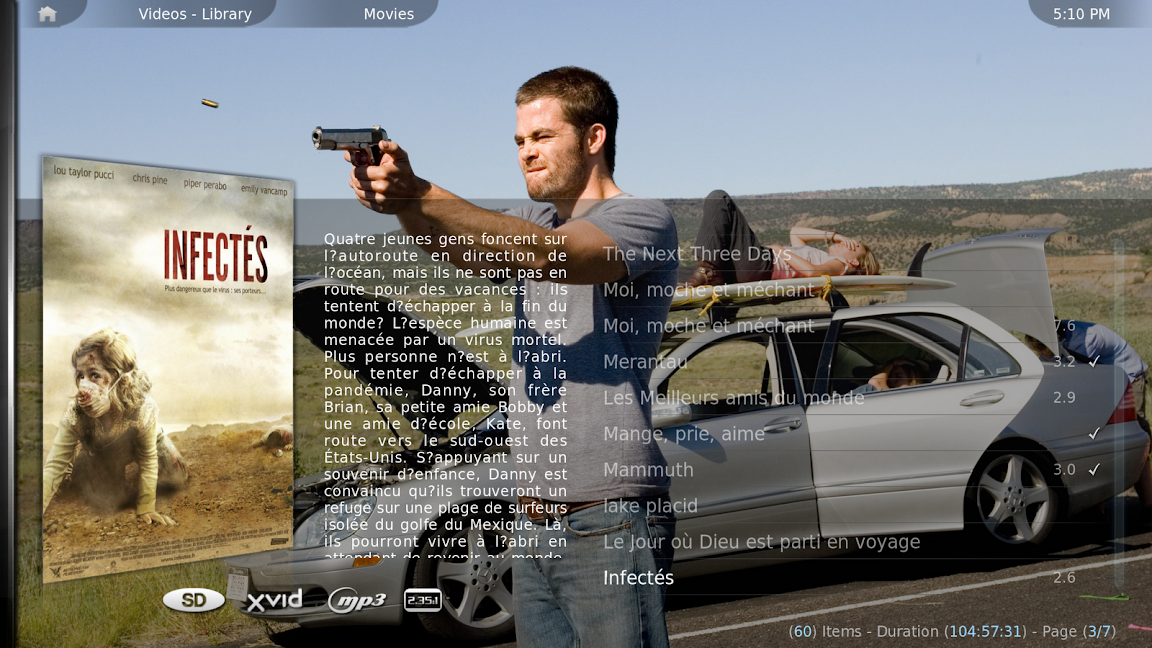
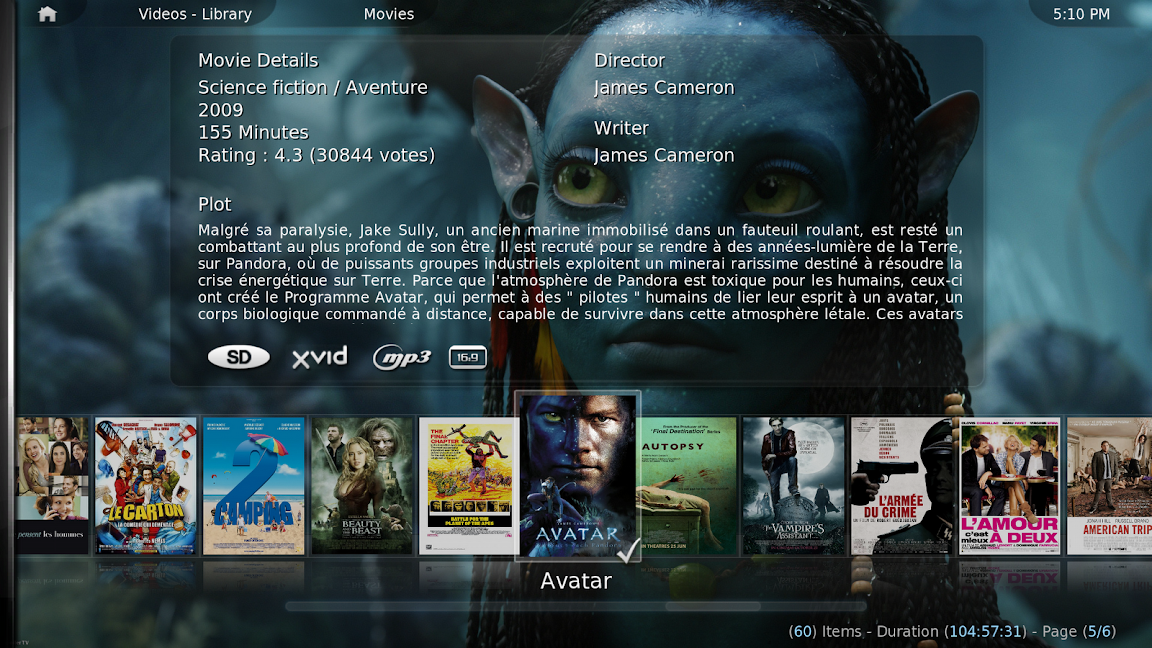
Which file/what would I edit to accomplish something like this?
![[Image: screenshot074.png]](http://lh4.ggpht.com/_5214feBjxMg/TQsjDvMOM1I/AAAAAAAAAtk/BcxznkrMLKs/s1152/screenshot074.png)
![[Image: screenshot070.png]](http://lh6.ggpht.com/_5214feBjxMg/TQsipQzJtXI/AAAAAAAAAtQ/OQqq7EuBhi4/s1152/screenshot070.png)
![[Image: screenshot076.png]](http://lh5.ggpht.com/_5214feBjxMg/TQsjM8mKXoI/AAAAAAAAAtw/7O7fEwmlLeQ/s1152/screenshot076.png)
Any link to some tutorial would be good too!
thanks
nfusion2011
Member Posts: 95 Joined: Mar 2011 Reputation: 0 |
2011-04-11 02:59
Post: #1
I'd like to modify the views in confluence via the XMLs to increase the transparency in the black media info box.
Which file/what would I edit to accomplish something like this? ![]() ![]() ![]() Any link to some tutorial would be good too! thanks |
| find quote |
nfusion2011
Member Posts: 95 Joined: Mar 2011 Reputation: 0 |
2011-04-11 03:42
Post: #2
Hrmm..
did a search and fidled around a little... Quote: <control type="group"> Based on info found at: http://forum.xbmc.org/showthread.php?tid...ansparency So that was line 448, I extrapolated and got to like 771 and 1331, and added the same diffuse line, hoping it would carry over to the MediaInfo1 and mediainfo2 views for movies and TV shows. Unfortunately no luck. So i got the FANART view working, how do I get the other 2 working with increased transparency? Thanks |
| find quote |
Utterstrom
Junior Member Posts: 17 Joined: Mar 2008 Reputation: 0 |
2011-04-11 12:55
Post: #3
I made changes to my View 'Rightlist'.. it was in a seperate file 'Viewtype_RightList' perhaps it's the same with media_info?
I found it hard to make the correct changes, there was a lot of trial and error!
(This post was last modified: 2011-04-11 12:56 by Utterstrom.)
|
| find quote |
stoli
Skilled Skinner Joined: Nov 2008 Reputation: 30 Location: Florida |
2011-04-11 13:56
Post: #4
You can also achieve this with an animation type="fade" effect. That allows for transparency of 0-100, with 100 being completely opaque. Check the wiki for the proper syntax.
|
| find quote |
nfusion2011
Member Posts: 95 Joined: Mar 2011 Reputation: 0 |
2011-04-22 15:07
Post: #5
Utterstrom Wrote:I made changes to my View 'Rightlist'.. it was in a seperate file 'Viewtype_RightList' perhaps it's the same with media_info? In confluence skin, there's only 1 viewtype file, and all the views are in it as far as I know. I'm having trouble finding the lines for the other views ![]() stoli Wrote:You can also achieve this with an animation type="fade" effect. That allows for transparency of 0-100, with 100 being completely opaque. Check the wiki for the proper syntax. I'm barely fumbling around in XML to change 1 thing, I dont really want to take it up a notch and change animations. Like I mentioned above, all the views are in the 1 file, but for some reason I can only manage to properly edit one of them. I don't know whats wrong. |
| find quote |
nfusion2011
Member Posts: 95 Joined: Mar 2011 Reputation: 0 |
2011-05-15 15:10
Post: #6
Bump...
still looking to get this done. Is this skin able to do it for tv shows or not, i've only had sucess with ONE view in movies so far. |
| find quote |
nfusion2011
Member Posts: 95 Joined: Mar 2011 Reputation: 0 |
2011-05-22 19:56
Post: #7
help?
|
| find quote |