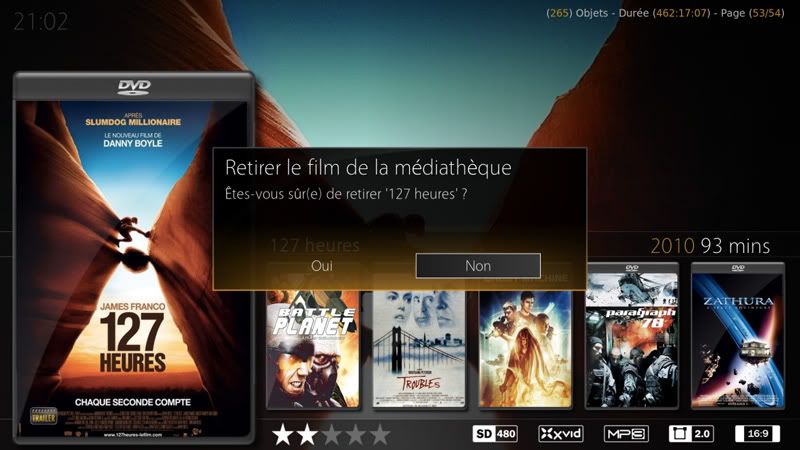
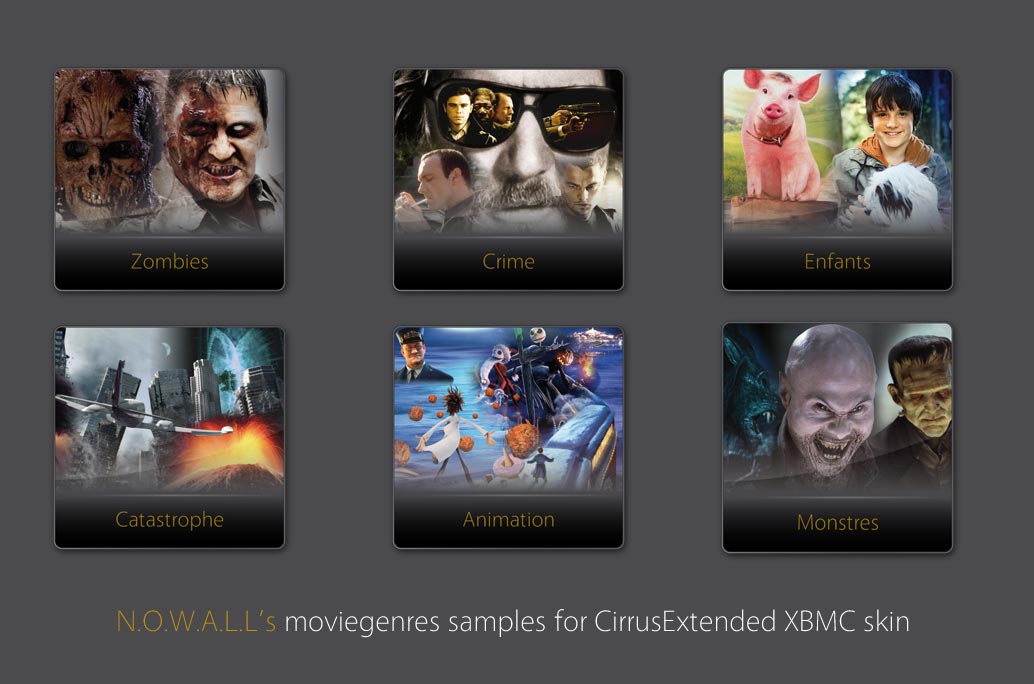
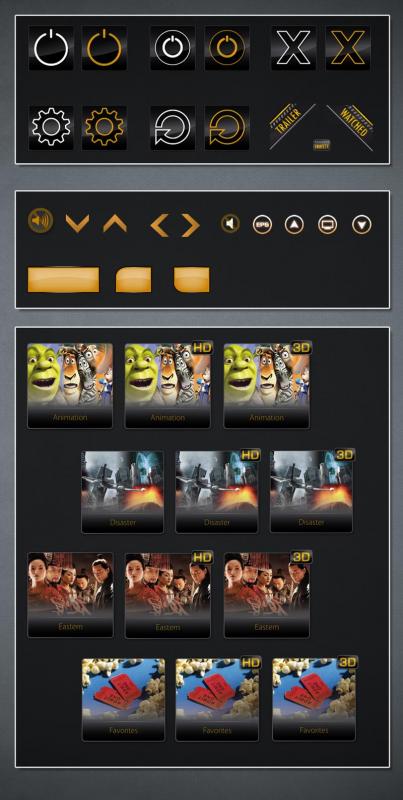
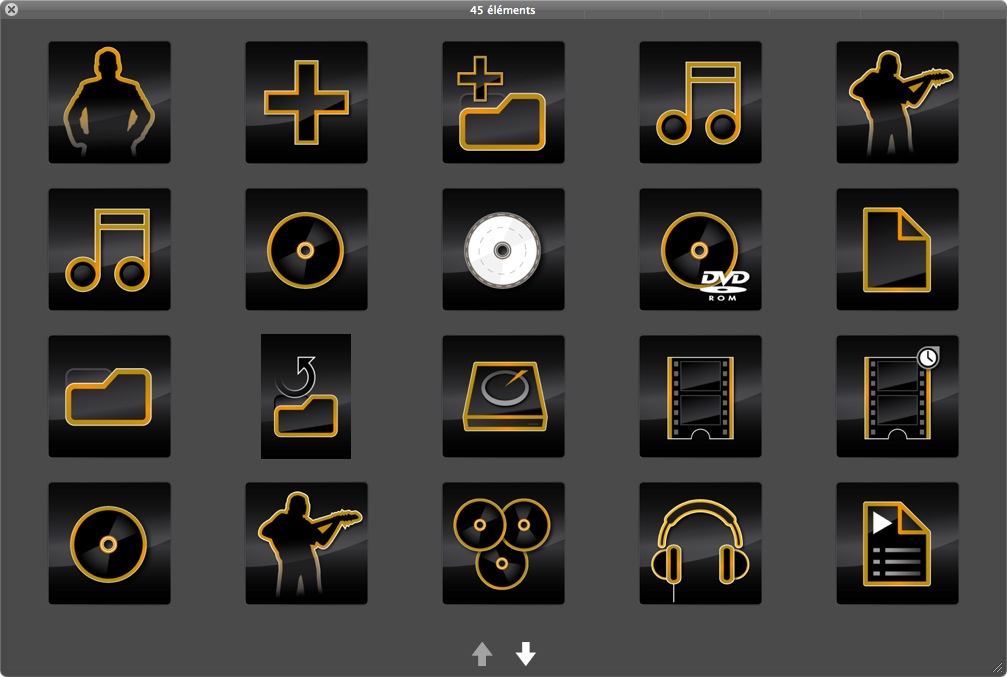
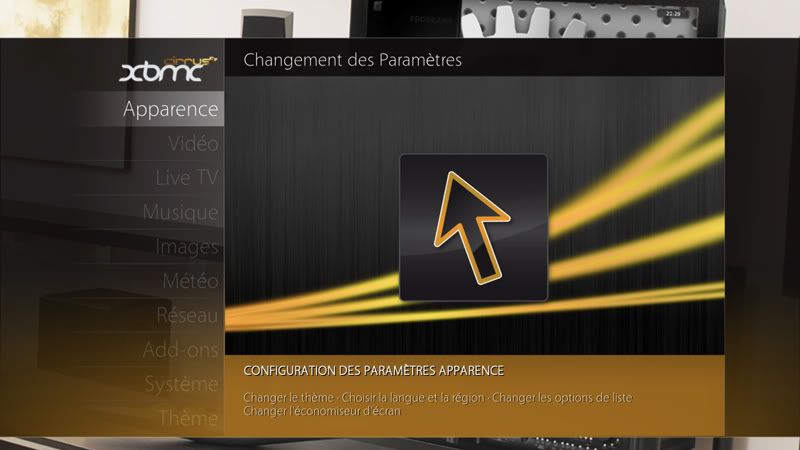
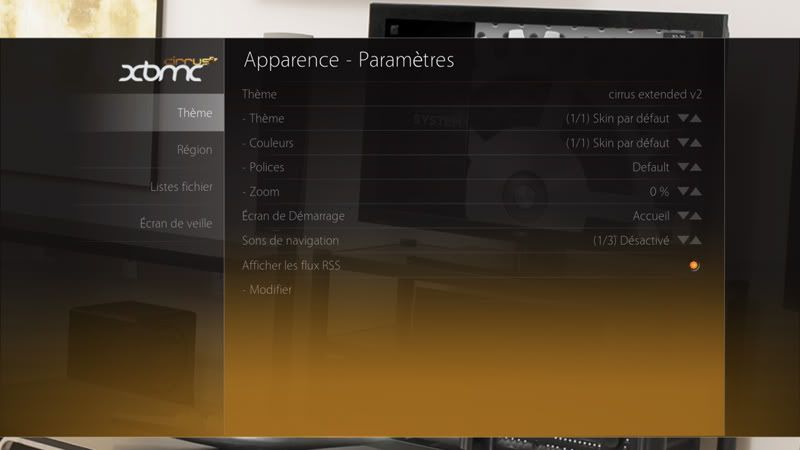
Moviegenres specially for CirrusExtended

  Thread Rating:
  • 1 Votes - 5 Average
  • 1
  • 2
  • 3
  • 4
  • 5
Post Reply
PatrickBateman Offline
Posting Freak
Posts: 1,656
Joined: Mar 2011
Reputation: 15
Location: Another Earth
Post: #11
Hey,

Cheers for these edits Smile at least now they are all documented in one easy thread as I was worrying what I'd lose (because i couldnt remember all the edits etc that i had made) when I do the next upgrade Nod

Much appreciated and love the icons and work that you have contributed to this skin.

Keep up the good work and I'll keep an eye on this thread as I love what you've done so far Smile
find quote
N.O.W.A.L.L Offline
Fan
Posts: 382
Joined: Feb 2011
Reputation: 20
Location: Lausanne Switzerland
Post: #12
Just a reminder for myself:

to activate debugging you have to edit addons.xml and set debugging from false to true (©Butchabay)

[Image: logo_apple_ok.png] Mini 2.66 Intel Core 2 Duo / Silver Apple Remote / Philips 32PFL9606
My complete GFX contributions to CirrusExtended 2
My complete set of backgrounds and complete set of moviegenre fanarts
Check them out!
… and btw my name's Julien
find quote
N.O.W.A.L.L Offline
Fan
Posts: 382
Joined: Feb 2011
Reputation: 20
Location: Lausanne Switzerland
Post: #13
to make the recently added movies section showing a higher number of items than by default:

Create - in the userdata directory - a blank file named advancedsettings.xml

in this file, paste this code (editing the 500 by the number you want):

Code:
<advancedsettings>
<videolibrary>
    <recentlyaddeditems>500</recentlyaddeditems>
</videolibrary>
</advancedsettings>

This file is independant from XBMC and skins. That means you can change skin and normally even update XBMC, as long as you keep this files in userdata its settings will prevail

[Image: logo_apple_ok.png] Mini 2.66 Intel Core 2 Duo / Silver Apple Remote / Philips 32PFL9606
My complete GFX contributions to CirrusExtended 2
My complete set of backgrounds and complete set of moviegenre fanarts
Check them out!
… and btw my name's Julien
(This post was last modified: 2011-08-23 14:05 by N.O.W.A.L.L.)
find quote
N.O.W.A.L.L Offline
Fan
Posts: 382
Joined: Feb 2011
Reputation: 20
Location: Lausanne Switzerland
Post: #14
EDIT 19/01/12: compressed orange theme is now included in official 2.0.x releases


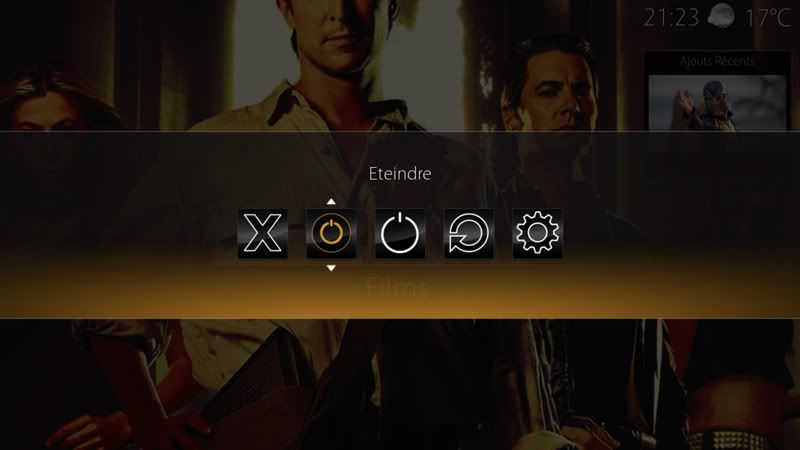
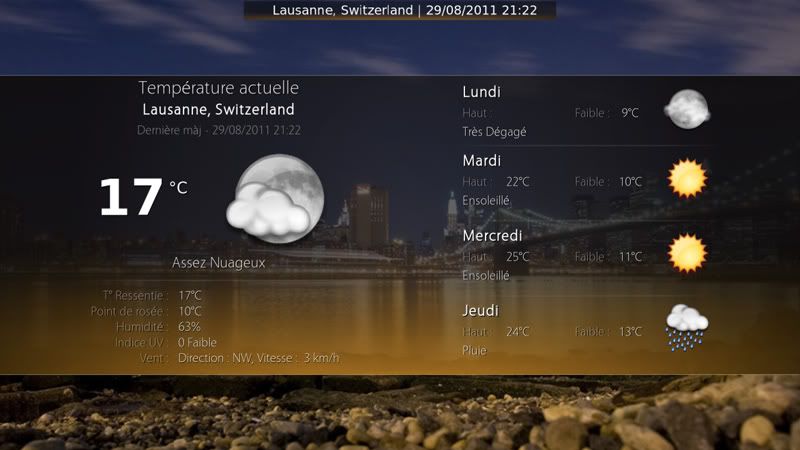
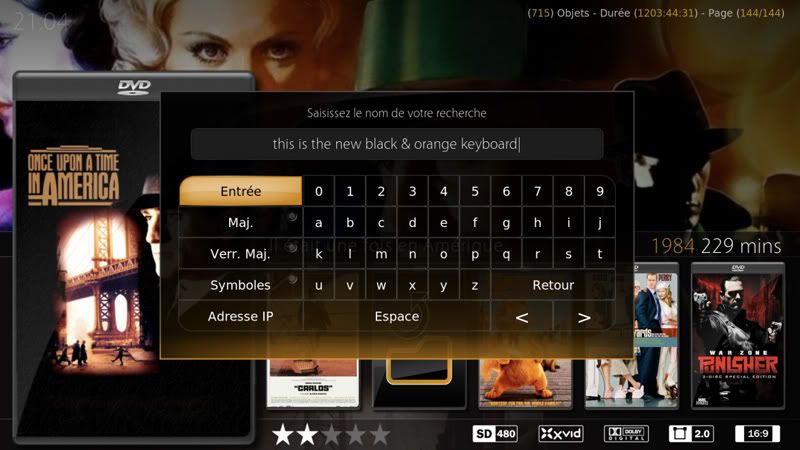
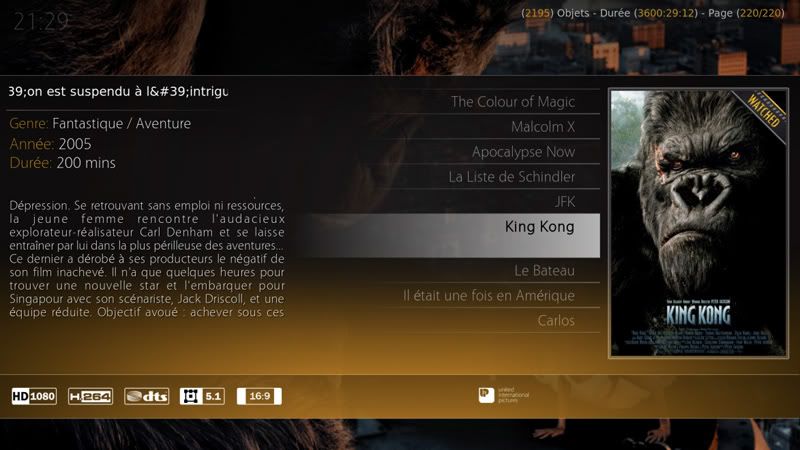
Here is the final black&orange theme.

Download Backgrounds and XML files UPDATED 31/08/11

Download a changelog to see what I have changed in XML files

PNG files must be copied in the CE2's media folder, XML files in the 720p folder (please make safe copies of original files first, in case you want to go back to default theme)
EDIT: Butcha seems to have found a way to release it as XBT (XBMC Theme) However, I'm not sure it can handles XML…
"Light Theme" must be disabled in order to have the black & orange home menu visible.

For now this is the manual way, maybe Butcha will include this in a separate theme in future release, maybe playing a bit with the files.
I am not skilled in code. some movies views don't have background, same for some dialog prompts. Maybe Butcha when he'll have more time can add here and there some of these backgrounds to make the whole consistent
I use XBMC only for movies and TV Shows, so I don't have any idea about how my theme looks with music, pictures, games etc

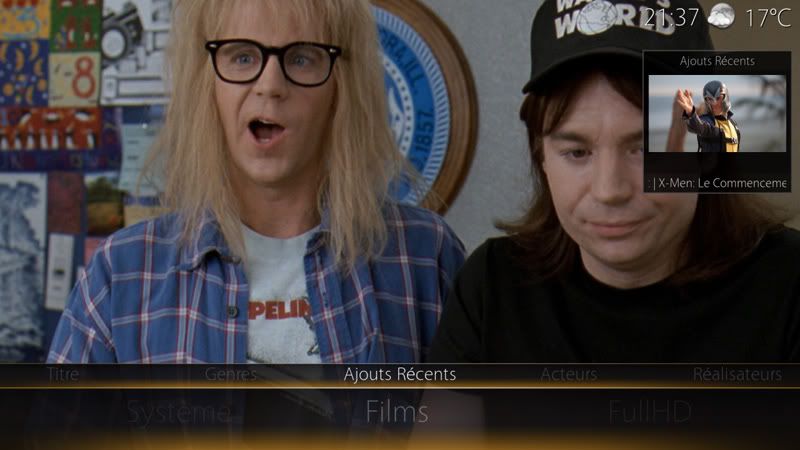
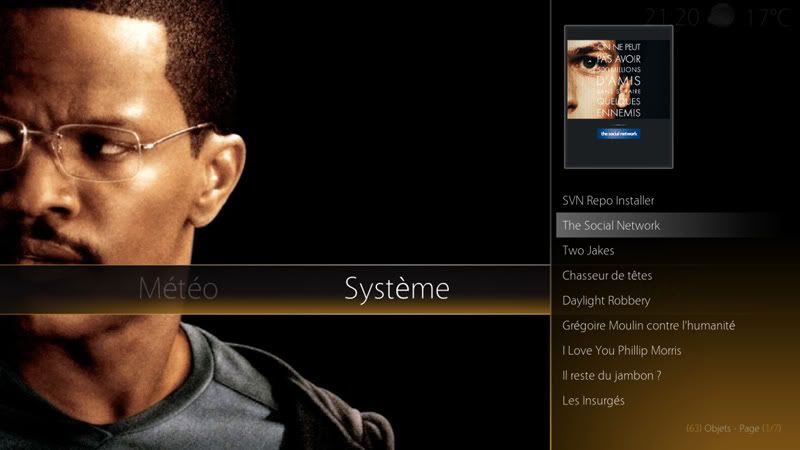
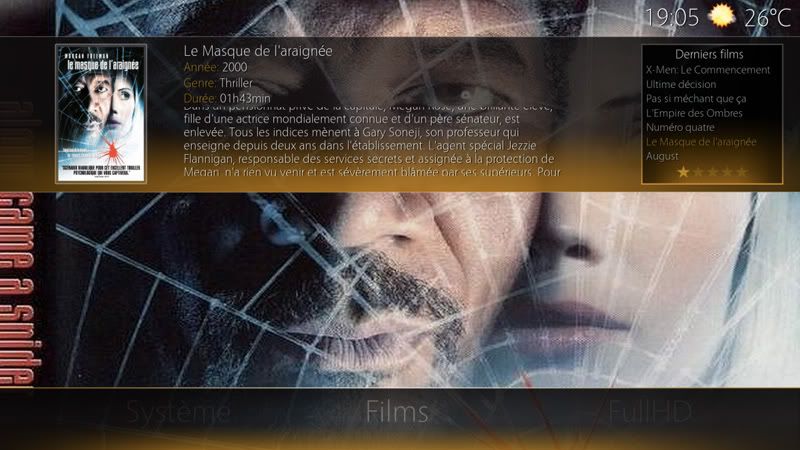
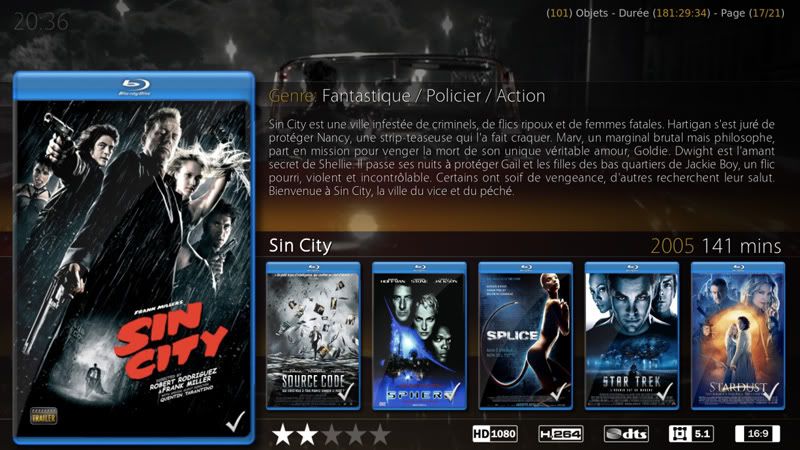
Finally, here are some screenshots:
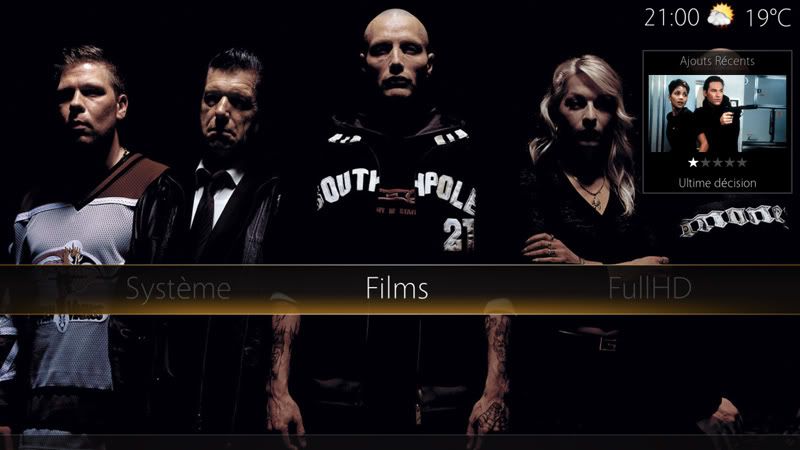
[Image: 01.jpg]

[Image: 02.jpg]

[Image: 03.jpg]

[Image: 18.jpg]

[Image: 19.jpg]

[Image: 06.jpg]


Cheers

[Image: logo_apple_ok.png] Mini 2.66 Intel Core 2 Duo / Silver Apple Remote / Philips 32PFL9606
My complete GFX contributions to CirrusExtended 2
My complete set of backgrounds and complete set of moviegenre fanarts
Check them out!
… and btw my name's Julien
(This post was last modified: 2012-07-11 16:07 by N.O.W.A.L.L.)
find quote
N.O.W.A.L.L Offline
Fan
Posts: 382
Joined: Feb 2011
Reputation: 20
Location: Lausanne Switzerland
Post: #15
next...
[Image: 07.jpg]

[Image: 08.jpg]

[Image: 09.jpg]

[Image: 10.jpg]

[Image: 11.jpg]

[Image: 12.jpg]

[Image: logo_apple_ok.png] Mini 2.66 Intel Core 2 Duo / Silver Apple Remote / Philips 32PFL9606
My complete GFX contributions to CirrusExtended 2
My complete set of backgrounds and complete set of moviegenre fanarts
Check them out!
… and btw my name's Julien
(This post was last modified: 2012-07-11 16:08 by N.O.W.A.L.L.)
find quote
N.O.W.A.L.L Offline
Fan
Posts: 382
Joined: Feb 2011
Reputation: 20
Location: Lausanne Switzerland
Post: #16
[Image: 13.jpg]

[Image: 14.jpg]

[Image: 15.jpg]

[Image: 16.jpg]

As for textured theme, for now I give up. Above I give you anyway 2 textured home menus that you can use, by downloading and copying the one you want in the "media" folder of CE2
Please backup the original horzmenuback.png before overwriting it!

First one:
[Image: horzmenuback.png]

Second one:
[Image: horzmenuback-1.png]
I give you here my work (whole set) on the brushed aluminum where I stopped it. I'm not very convinced by this, but you are free to play with this. Have fun! http://www.mediafire.com/?ghiqqbwoaidss2k

[Image: logo_apple_ok.png] Mini 2.66 Intel Core 2 Duo / Silver Apple Remote / Philips 32PFL9606
My complete GFX contributions to CirrusExtended 2
My complete set of backgrounds and complete set of moviegenre fanarts
Check them out!
… and btw my name's Julien
(This post was last modified: 2012-07-11 16:11 by N.O.W.A.L.L.)
find quote
N.O.W.A.L.L Offline
Fan
Posts: 382
Joined: Feb 2011
Reputation: 20
Location: Lausanne Switzerland
Post: #17
EDIT 19/01/12: Version 2 of the buttons was integrated to 2.0.6 release


Here are 2 versions of Global Search Buttons for Home horizontal Menu

http://www.mediafire.com/?sto6h4txdxi5m53

[Image: logo_apple_ok.png] Mini 2.66 Intel Core 2 Duo / Silver Apple Remote / Philips 32PFL9606
My complete GFX contributions to CirrusExtended 2
My complete set of backgrounds and complete set of moviegenre fanarts
Check them out!
… and btw my name's Julien
(This post was last modified: 2012-01-19 23:30 by N.O.W.A.L.L.)
find quote
N.O.W.A.L.L Offline
Fan
Posts: 382
Joined: Feb 2011
Reputation: 20
Location: Lausanne Switzerland
Post: #18
EDIT 19/01/12: These 2 themes are now included compressed in official 2.0.x releases


Here is a "new" theme.

Basically it the same as black & orange, but in black & gray

you can download it uncompressed here:
http://www.mediafire.com/?x2atsdgqujfqj2v

Compressed .xbt files:
butchabay Wrote:Download and extract the 2 Files:

Orange.xbt and Silver.xbt to the skin.cirrus extended v2 Media Folder

http://www.mediafire.com/file/ie7p2tznv6...Themes.zip

[Image: logo_apple_ok.png] Mini 2.66 Intel Core 2 Duo / Silver Apple Remote / Philips 32PFL9606
My complete GFX contributions to CirrusExtended 2
My complete set of backgrounds and complete set of moviegenre fanarts
Check them out!
… and btw my name's Julien
(This post was last modified: 2012-01-19 23:34 by N.O.W.A.L.L.)
find quote
N.O.W.A.L.L Offline
Fan
Posts: 382
Joined: Feb 2011
Reputation: 20
Location: Lausanne Switzerland
Post: #19
Since 2.0.6 brought back function of default backdrop image when no fanart was found instead of plain black (hurrah!), I decided to share mine with you.

I did not make it, I just found it on the net and changed the hue of the background from red to Cirrus-orange.
It really looks cool on every view (and particularly with right list stuff).

[Image: ows9i1l17mmxinb5g.jpg]

The full resolution image can be downloaded here:

http://www.mediafire.com/?ckmty3yuxmblnga

[Image: logo_apple_ok.png] Mini 2.66 Intel Core 2 Duo / Silver Apple Remote / Philips 32PFL9606
My complete GFX contributions to CirrusExtended 2
My complete set of backgrounds and complete set of moviegenre fanarts
Check them out!
… and btw my name's Julien
(This post was last modified: 2012-06-04 14:45 by N.O.W.A.L.L.)
find quote
ltrover Offline
Junior Member
Posts: 11
Joined: Jul 2011
Reputation: 0
Post: #20
First of all, thanks for all the contributions you make to this awesome skin.

I have updated to 2.06 and enabled the moviegenres made by yourself.
My questions are, how can I link a genre to one of your genre icons?
And also how do I link a fanart picture to the genre icon?

IE
To all my general movie nfo's I add "All" as genre, to all my ahem!, Adult movies I add "XXX" to the nfo as a genre, this lets me select All as the genre to see just general movies without the adult movies included.
I see in your pack you have included "porn" and "XXX" icons, I just cant get them to show in the genre list.
I manged to do it on 2.05, but dont seem to be able to do it on this update.

I appreciate any help you could offer

Cheers
LT
find quote